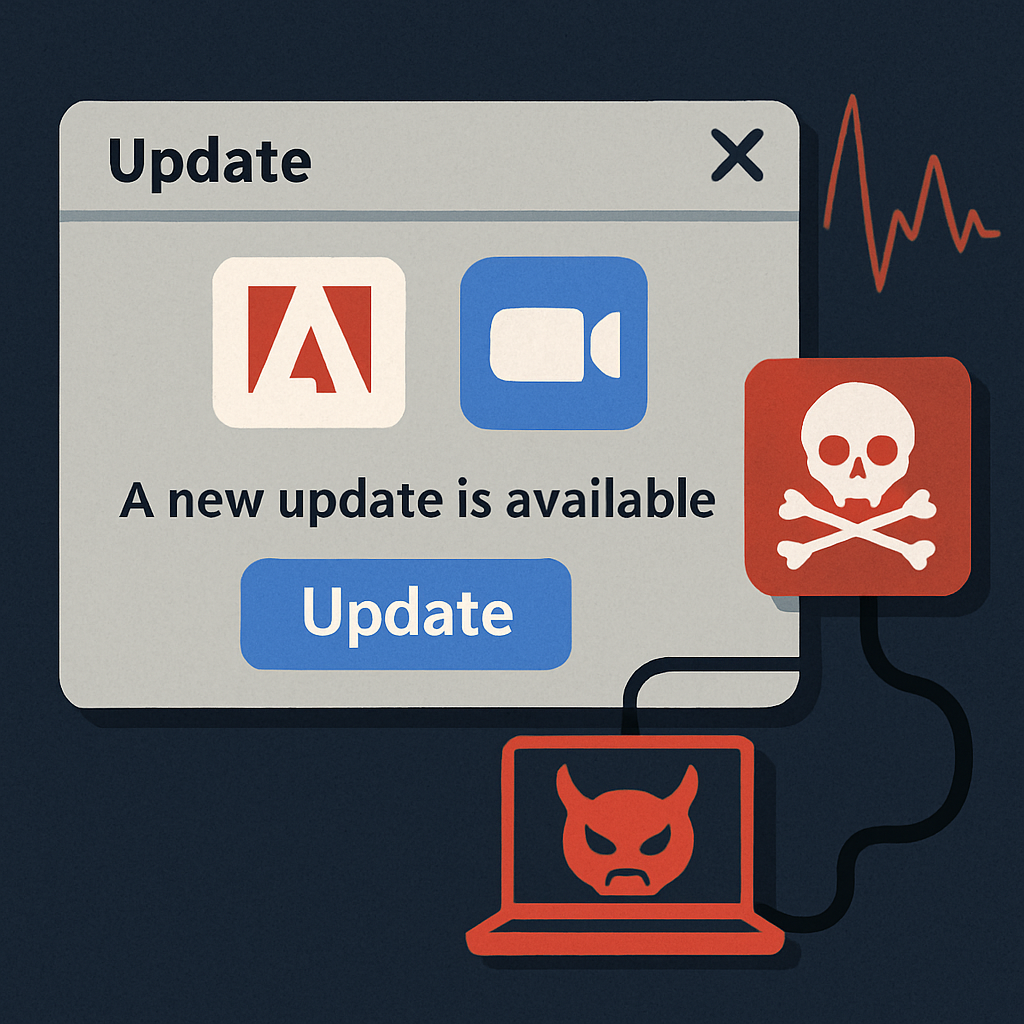
Cybersecurity researchers have identified an ongoing campaign that uses deceptive Adobe and Zoom software update prompts, as well as business document reviews and system maintenance utilities, to covertly install Remote Monitoring and Management (RMM) tools like ConnectWise ScreenConnect. This operation, dubbed SMOKE#SCREEN by Securonix Threat Research, employs a series of VBScript droppers, batch file loaders, compiled .NET executables, and HTML phishing pages, all linked to a live WsgiDAV-based staging server at 207.174.0[.]143:8080.
Upon successful infiltration, the ScreenConnect agent establishes a connection to one of three attacker-controlled relay servers, granting persistent remote access to the compromised systems. The perpetrators behind this campaign remain unidentified.
Exploitation of Legitimate RMM Tools
This campaign highlights a growing trend where cybercriminals misuse legitimate RMM tools to evade security measures. By leveraging tools commonly used in enterprise environments, attackers can blend in seamlessly without deploying custom remote access trojans.
The investigation began when researchers discovered a live WsgiDAV server serving dual purposes: staging malicious payloads and maintaining command-and-control over infected machines through a ScreenConnect relay on port 8041. Analysis of the ScreenConnect relay configurations in the MSI and EXE payloads revealed three distinct command-and-control clusters, each associated with different decoy binaries, including software updates and document-related files.
Attack Methodology
The initial attack vector appears to be spear-phishing emails containing obfuscated Visual Basic Scripts (VBScript) that perform environment and anti-analysis checks before execution. These scripts terminate if they detect the presence of analysis tools such as Wireshark, Process Monitor, Oracle VM VirtualBox, Broadcom VMware Tools, Citrix XenServer, or Fiddler Classic.
If no analysis tools are detected, the script decrypts a PowerShell command to fetch and execute a C# payload from 207.189.11[.]170. In some instances, attackers use business-themed lures to trick recipients into running a VBScript that leads to the installation of ScreenConnect.
Another observed method involves delivering a compressed archive containing a batch script. This script disables Windows Antimalware Scan Interface (AMSI), escalates privileges via a User Account Control (UAC) prompt, turns off SmartScreen protections through Registry modifications, and removes the Zone.Identifier alternate data stream from the downloaded MSI file before executing it.
Attackers have also utilized trusted hosting services to deliver their payloads. For example, an early phishing page named ‘zoom-update.html’ distributed its payload via a Dropbox shared link, exploiting the platform’s allow-listed status in many corporate environments. Additionally, a compiled .NET loader referenced a Cloudflare Quick Tunnel, a service designed for temporary local server exposure, indicating the use of cloudflared.exe by the attackers.
The strategic use of legitimate RMM tools like ScreenConnect in this campaign underscores the evolving tactics of cybercriminals. By disguising malicious activities within authorized IT tools, attackers can maintain prolonged access to systems while evading detection. Organizations must remain vigilant, ensuring that software updates are obtained directly from official sources and that employees are educated about the risks of unsolicited update prompts and phishing attempts.