Cybercriminals Exploit Apple Account Alerts in Sophisticated Phishing Scheme
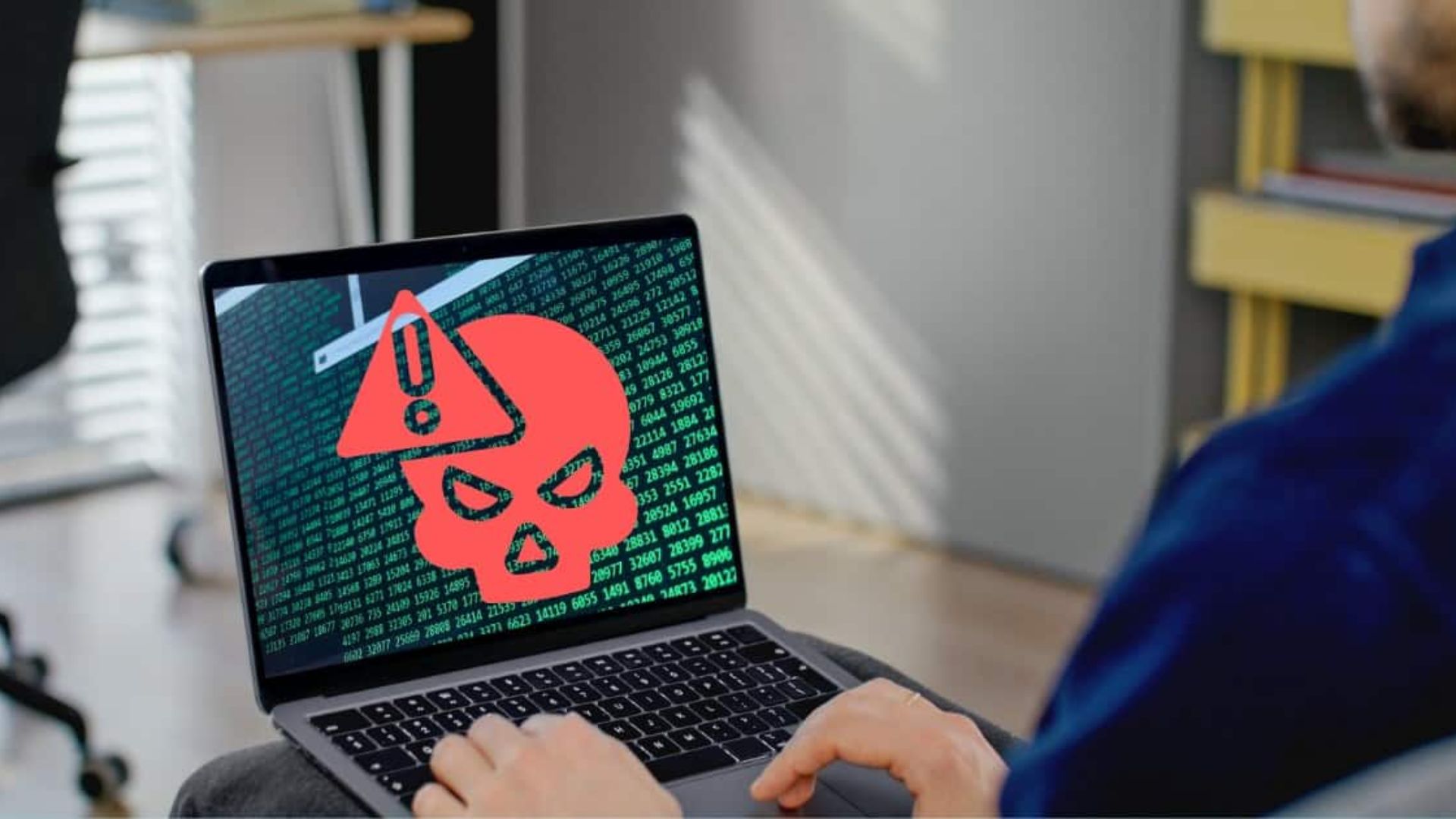
In a recent development, cybercriminals have devised a method to exploit Apple’s legitimate account alert system, enabling them to bypass traditional email security filters and deliver convincing phishing emails directly to users’ primary inboxes. This tactic involves manipulating the automated emails that Apple sends for routine profile updates, embedding fraudulent messages that prompt recipients to contact fake customer support numbers, ultimately leading to financial theft.
Mechanism of the Attack
The attackers initiate this scheme by creating an Apple account and inserting a deceptive message into the name or address fields. For instance, they might input a message stating that a high-value purchase has been made using the user’s account. Subsequently, the attacker makes a minor change to the account, such as updating the phone number or address, which triggers Apple’s system to send an automated email notifying the user of the change. This email, originating from Apple’s legitimate servers, includes the fraudulent message crafted by the attacker, making it appear as a genuine alert about an unauthorized transaction.
Bypassing Security Filters
This phishing method is particularly insidious because the emails are sent from Apple’s official infrastructure, lending them an air of authenticity. Traditional email security filters, which typically flag suspicious sender addresses or detect malicious links, are less effective against this tactic. Since the email comes from a trusted source and often lacks the usual red flags, such as unfamiliar sender addresses or embedded malicious links, it easily evades detection and lands in the recipient’s main inbox.
The Dangers of Callback Phishing
This form of attack is known as callback phishing. The fraudulent email urges the recipient to call a provided customer support number to address the supposed unauthorized transaction. Upon calling, the victim is connected to scammers posing as Apple support representatives. These impostors employ various tactics to extract sensitive information, such as credit card details, or to convince the victim to install remote access software, granting the attackers control over the victim’s device and personal data.
Protecting Yourself Against Such Scams
To safeguard against these sophisticated phishing attempts, consider the following measures:
1. Verify Suspicious Communications: If you receive an unexpected email claiming significant account changes or unauthorized purchases, do not use the contact information provided in the email. Instead, log in to your Apple account directly through the official website or app to verify any claims.
2. Be Cautious with Unsolicited Calls: Avoid calling phone numbers provided in unsolicited emails or messages. Scammers often use these numbers to impersonate legitimate support personnel.
3. Enable Two-Factor Authentication (2FA): Adding an extra layer of security to your Apple account can help prevent unauthorized access, even if your credentials are compromised.
4. Stay Informed: Regularly educate yourself about the latest phishing tactics and scams. Awareness is a crucial defense against cyber threats.
5. Report Suspicious Emails: Forward any suspicious emails to [email protected]. Reporting helps Apple track and mitigate phishing campaigns.
Conclusion
The exploitation of Apple’s account alert system by cybercriminals underscores the evolving nature of phishing attacks. By embedding fraudulent messages within legitimate emails, attackers can deceive even vigilant users. Maintaining a cautious approach to unsolicited communications, verifying claims through official channels, and staying informed about emerging threats are essential steps in protecting oneself from such sophisticated scams.