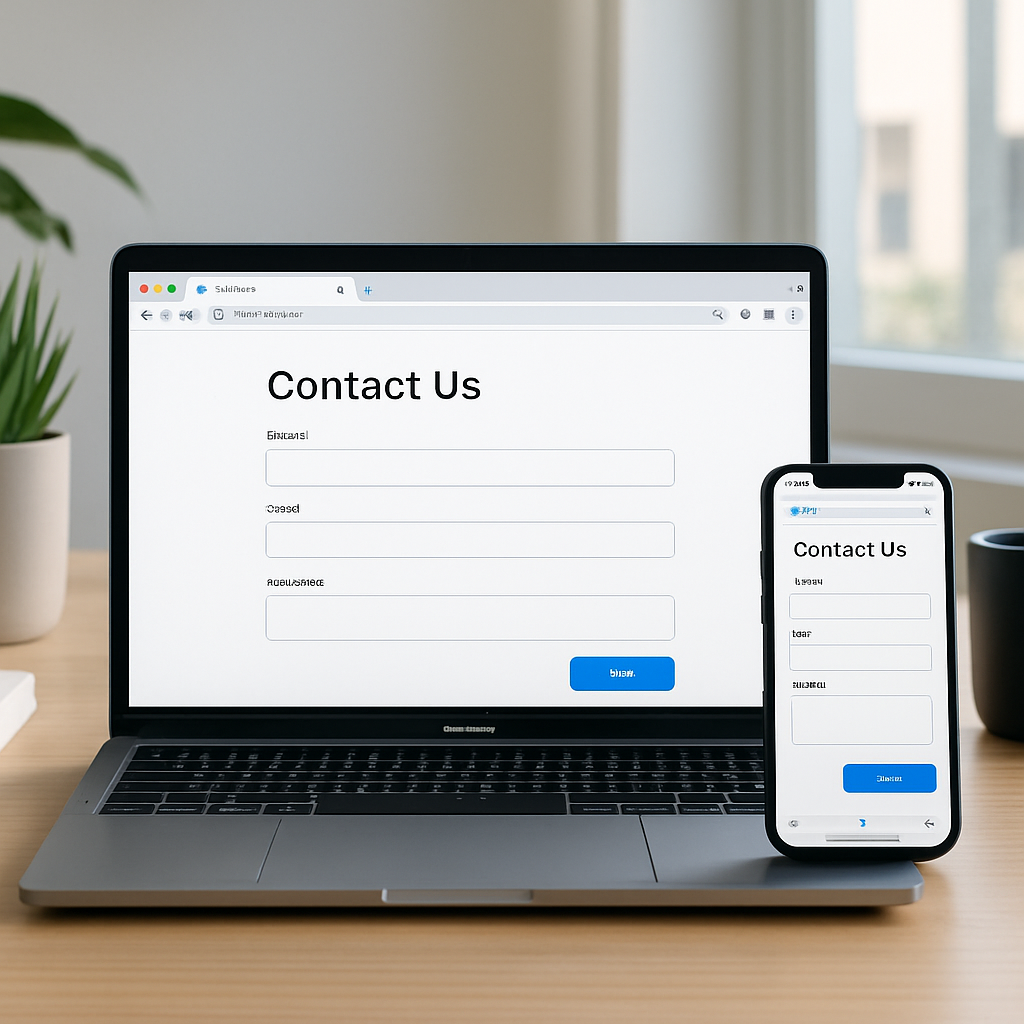
Chrome is rolling out a trio of enhancements aimed at making browsing across devices smoother—most notably by preserving your scroll position and any partially filled form data when you send a tab between devices. If you switch from mobile to laptop (or vice versa), the tab will now open exactly where you left off. This includes your place in the content and any partially completed forms. One example offered is working on a hefty research paper on your desktop, then seamlessly picking up mid-way through on your phone during a commute.
What’s new and how to use it
To send a tab from desktop to another device, you’ll go through Chrome’s three-dot overflow menu and navigate to the “Cast, Save, and Share > Send to Your Device” option. Want faster access? You can add that shortcut to your toolbar via “Customize Chrome” on the New Tab Page. On Android, look for the feature in the share menu when viewing the tab carousel.
Alongside that, Chrome is updating its AI assistant, Gemini, with fresh tools. For media like videos, podcasts, and other audio/video files that aren’t hosted on YouTube, the side panel can now answer questions. It helps you grasp key takeaways, find specific points, or clarify confusing moments in almost any file you’ve played.
Also new is an interactive quiz feature powered by Gemini. It pulls content from whatever you’re viewing—be it Google Docs, research papers, videos—and generates quizzes to reinforce your understanding. Initially launching in English for users in the US and India on desktop, quiz support will expand to additional regions and mobile devices in the coming months.
Many existing tools are being spotlighted alongside these features. Vertical and horizontal tabs, Split View, tab groups, immersive reading mode, and a read-aloud option are among the helpful utilities already present in Chrome.
Why this matters: this update eases the friction of cross-device workflows. Saving scroll position and partially filled forms removes the tedium of reloading or searching for where you left off. For students, researchers, or anyone toggling devices frequently, this could significantly improve productivity and browsing comfort. Keep an eye out as the new features reach more users globally, especially the quiz tool and Gemini’s expanded media support.