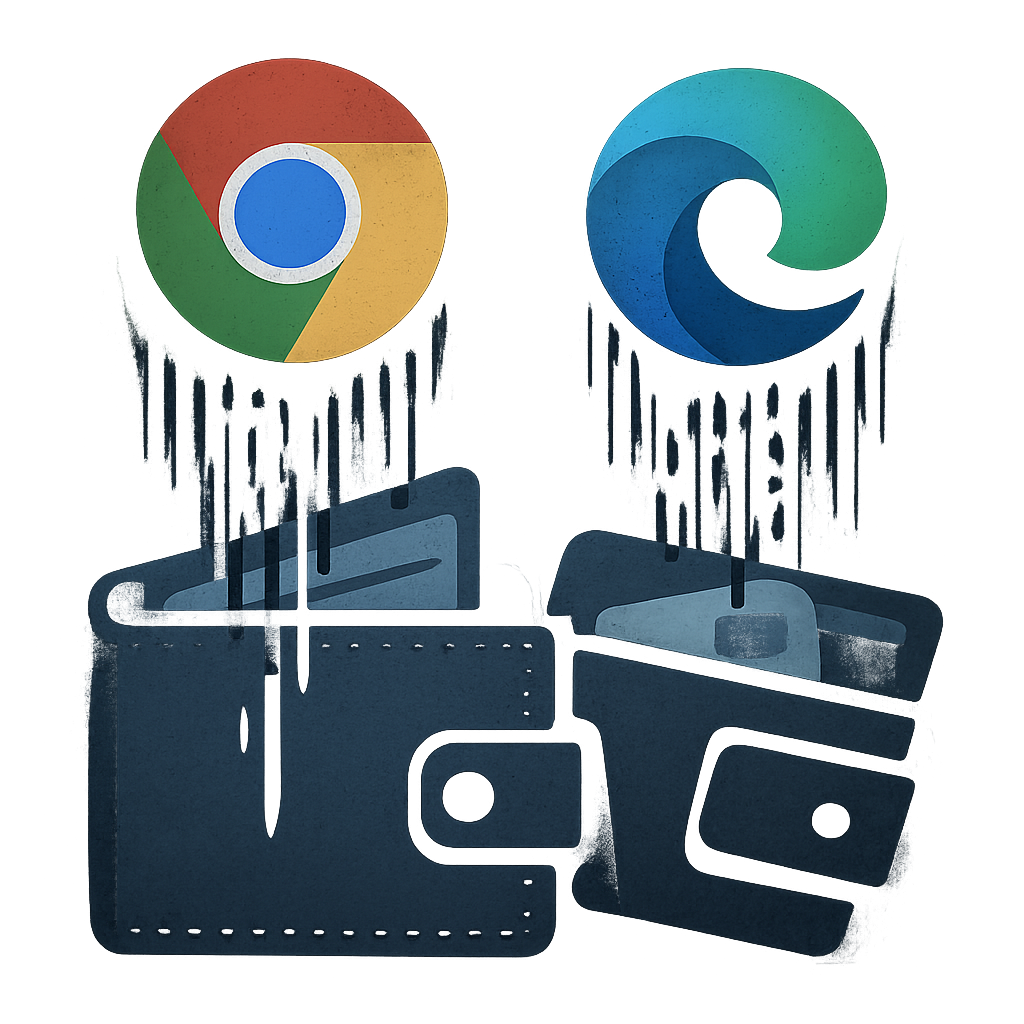
Security researchers have uncovered a broad campaign involving 19 browser extensions—18 for Google Chrome, and one for Microsoft Edge—that embed code designed to steal wallet secrets and drain cryptocurrency holdings. The fraudulent activity, flagged by Socket’s Karlo Zanki, shows the threat has been active since approximately February 2024. The group behind it goes by the name “Superior.”
How the Scheme Works
The attackers follow a two-step approach: first, they publish legitimate or clean extensions and let them accumulate downloads. Once established, they release updated versions that incorporate malicious functionality. Some extensions were originally developed by the threat actors themselves; others were acquired from third parties.
Of the 19 extensions, 14 were built by the attackers; five were purchased from prior owners. Among the acquired ones are “Enable Right Click & Copy – Smart Unlock + OCR,” “RapidLens – Google Lens for Screen Search & Images,” “QuickLens – Search Screen with Google Lens,” “Password Protect PDF,” and “Allow Copy – Select & Enable Right Click” (on Edge).
Malicious Capabilities and Risks
Once the extensions turn malicious, they contact command-and-control servers, receive instructions, and dynamically load harmful scripts. Key functions include harvesting hardware-wallet seed phrases, draining multi-chain crypto wallets, stealing credentials from exchanges, grabbing form data, and even siphoning browser history or social media account data.
One extension, “QuickLens – Search Screen with Google Lens,” had already been flagged earlier this year for pushing malware, enabling arbitrary code injection, and siphoning sensitive data. The malicious payloads are modular—sixteen distinct modules have been identified, covering everything from wallet draining to universal credential harvesting.
The targeting is stealthy. Extensions appear to work as advertised but use obfuscated code to remove Content Security Policy (CSP) headers and execute scripts behind the scenes. They can also rotate command-and-control (C2) endpoints and set up WebSocket connections, giving attackers flexibility and evading detection. Users are essentially auto-updating into an infected version.
Scale and Impact
The extension “Enable Right Click & Copy – Smart Unlock + OCR” alone has amassed around 80,000 users across Chrome and Edge. With auto-updates enabled by default in most browsers, the reach of these malicious updates becomes massive. Once installed, the corrupted versions can send out harmful instructions and exfiltrate user data, often without notice.
Though investigators haven’t identified the individuals behind this Superior campaign, its longevity—running for over two years—suggests a well-resourced and technically capable actor. The operational maturity, including domain mimicry, module-based adaptation, and C2 infrastructure rotation, underscores the threat’s sophistication.
Users are urged to audit installed extensions and remove anything that feels off, especially tools requesting unusual permissions. Developers ought to ensure updates are secure, review permissions tightly, and use content security features to mitigate risks.
Analysis: This campaign highlights how extension ecosystems—when left unchecked—can become powerful attack vectors. The ability to silently switch from clean to malicious updates leverages trust, automatic delivery, and scale. The implications are broad: from drained crypto wallets to breached identities. What to watch closely: browsers enhancing review processes, better visibility into extension updates, and tighter CSP enforcement. For users, the defense starts with critical scrutiny and limiting permissions.