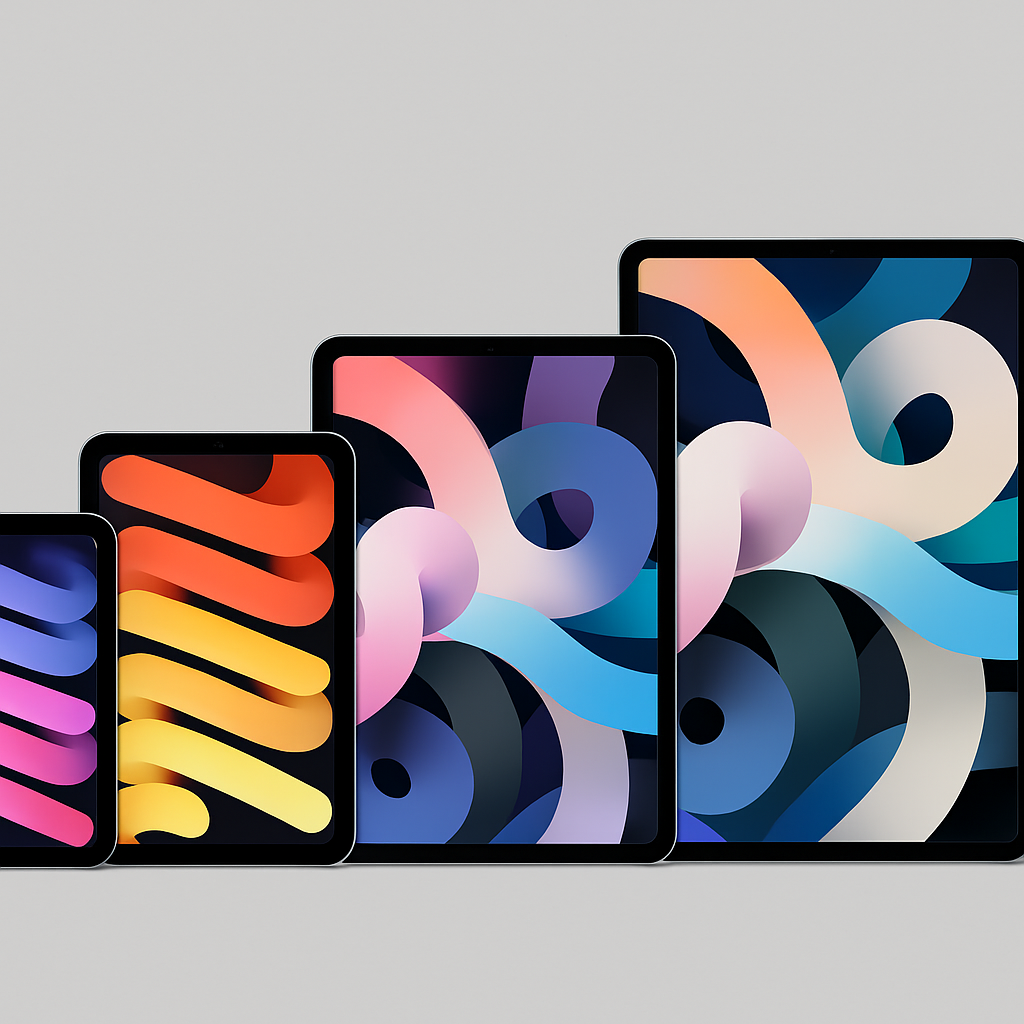
Apple’s iPad lineup has expanded over the years, offering a range of models tailored to different user needs. Understanding the distinctions between each can help you select the ideal device.
iPad
The 11th-generation iPad is designed for everyday tasks. It features an all-screen design, compatibility with the Apple Pencil (1st generation), and supports the Magic Keyboard Folio. Powered by the A16 chip, it includes an 11-inch Liquid Retina display with sRGB color and True Tone, a 12MP wide rear camera capable of 4K recording, and a 12MP Ultra Wide front camera. Storage starts at 128GB, with options up to 256GB.
iPad Air
Positioned as a step up, the iPad Air offers enhanced performance and versatility. Available in two screen sizes, it supports Apple Intelligence features. Weighing 1.36 pounds, the 13-inch model is slightly heavier than its Pro counterpart. It boasts a Liquid Retina display, is compatible with the Apple Pencil (2nd generation), and supports the Magic Keyboard. Storage options begin at 128GB.
iPad Mini
For those seeking portability, the iPad Mini is a compact yet powerful option. It supports Apple Intelligence and is compatible with the Apple Pencil (2nd generation). The device features an 8.3-inch Liquid Retina display, making it ideal for on-the-go use. Storage starts at 128GB.
iPad Pro
Targeted at professionals, the iPad Pro offers top-tier performance and features. It includes a Liquid Retina XDR display, supports the Apple Pencil (2nd generation), and is compatible with the Magic Keyboard. Powered by the latest M-series chip, it excels in demanding tasks. Storage options range from 128GB to 2TB.
When choosing an iPad, consider your specific needs and budget. The base iPad is suitable for everyday use, while the iPad Air and Mini offer enhanced features for more demanding tasks. The iPad Pro is ideal for professionals requiring maximum performance. Assessing your requirements will guide you to the right choice.