Apple’s iOS 27 introduces significant enhancements to CarPlay, particularly benefiting audio applications such as Apple Music and Apple Podcasts. These updates aim to improve user interaction and control while driving.
Introduction of the MiniPlayer
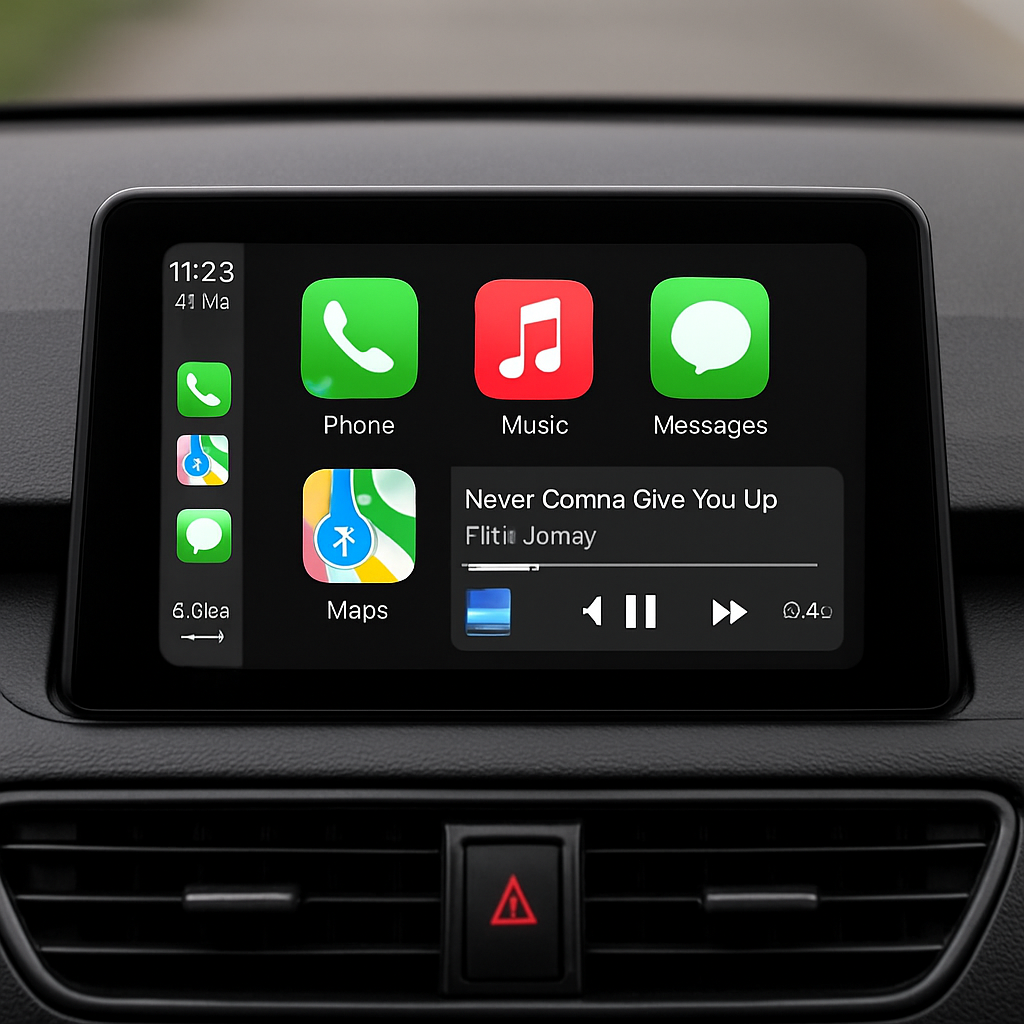
Previously, accessing the Now Playing screen in CarPlay required tapping a waveform icon located in the top-right corner. With iOS 27, this has been replaced by a new MiniPlayer. This feature displays the current track’s artwork and provides essential controls, including play/pause and skip buttons. This allows users to manage playback without leaving their current app view, facilitating a more seamless experience.
Implementation of Audio Scrubbing
Another notable addition is the support for audio scrubbing. Traditionally, CarPlay lacked the ability to navigate through audio tracks by dragging the playhead, a feature familiar to iPhone users. In iOS 27, the playhead has been enlarged and now supports scrubbing, enabling users to quickly move through podcasts, audiobooks, or songs with ease.
These enhancements are currently available in Apple’s native CarPlay applications and are expected to extend to third-party audio apps as they update to support iOS 27.
By integrating these features, Apple continues to refine the CarPlay experience, emphasizing user-friendly controls and improved functionality for audio applications. This progression reflects a broader trend of enhancing in-car entertainment systems to meet user expectations for convenience and accessibility.