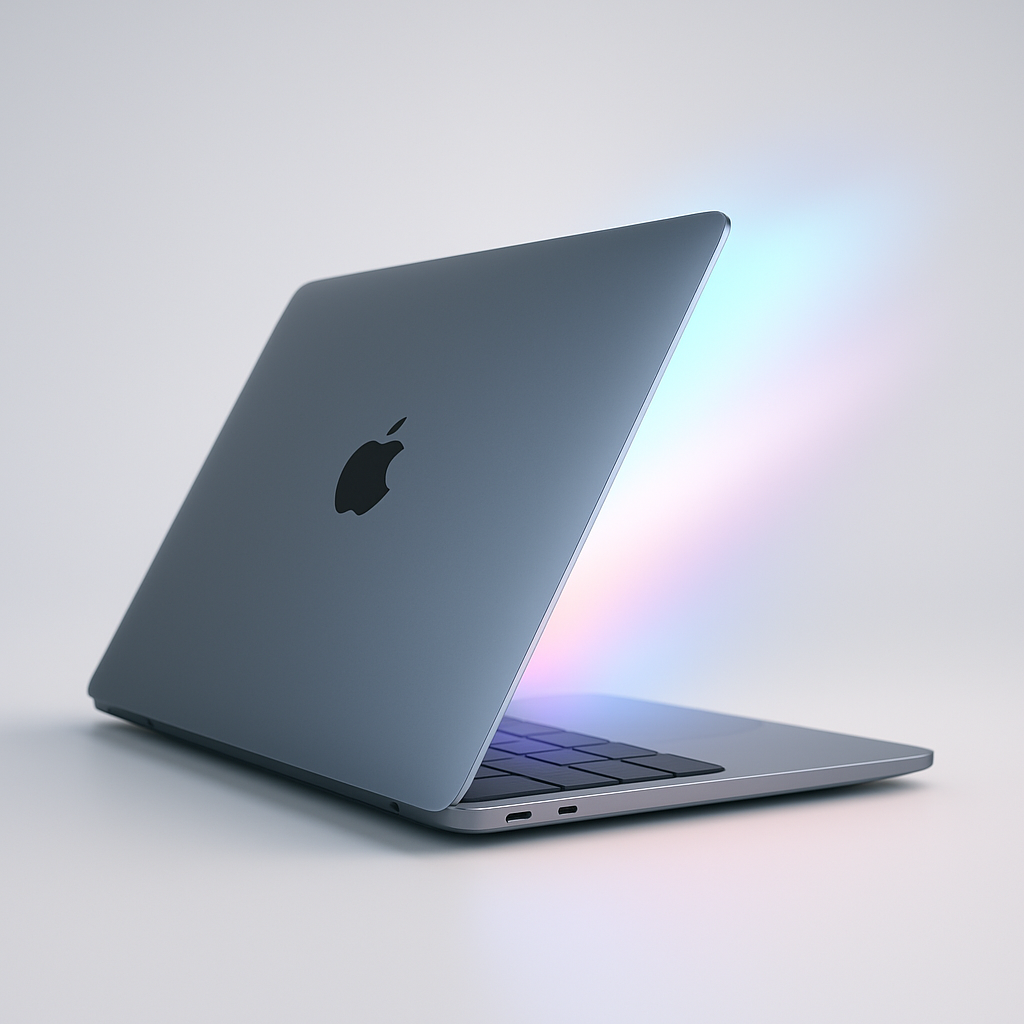
One of the standout features of the new iPhone Duo launch is its opening animation when the device is folded open or closed. Now there’s a way to bring that same visual delight to supported MacBook Pros and MacBook Airs through a free utility called Mac Duo.
What Macs Support Mac Duo?
Mac Duo uses your Mac’s lid sensor to trigger animations as the lid opens or closes. It works best on recent machines. Supported models include MacBook Airs powered by the M2 chip or newer, and 14″ or 16″ MacBook Pros with M1 Pro, M1 Max, or later chips. Older Intel-based Macs generally aren’t compatible—especially those that lack lid sensors. Neither M1 MacBook Airs, 13″ M1 or M2 MacBook Pros, nor most Intel models are supported in the current version. An “Intel Preview” is available but hasn’t yet been confirmed to function properly on those machines.
How to Install & Use It
You can download Mac Duo for both Apple Silicon Macs and, in some cases, Intel Macs via the official site. Once installed, you’ll need to work around notarization restrictions: the system will initially block the app from launching. To bypass this, open the app anyway via Settings → Privacy & Security, then use the “Open Anyway” option for Mac Duo.
When in use, Mac Duo reproduces the same blur effect seen on the iPhone Duo: as you shut the lid, your current screen image morphs into a soft blur. Opening the lid plays the effect in reverse—unless the laptop was fully closed, which forces you to unlock or use Touch ID first, making the effect less visible until past the login screen.
Besides the default animation, Mac Duo includes multiple alternate styles that play with bending, blurring, and disappearing effects tied to your lid’s motion. Users report it’s hard not to spend a few minutes just opening and closing the lid to catch the different effects.
Though fun and lightweight, it’s clear Mac Duo isn’t meant to replace any core functionality—it’s a visual toy built for enjoyment. Still, as long as it works on your Mac, it’s something you’ll likely forget is installed in a day—but we bet you won’t uninstall it.
Install notes: eligible Macs; free download; needs bypassing of Gatekeeper prompts to open due to lack of notarization.
If you love the design and polish Apple puts into its hardware-software combinations, Mac Duo is one of those rare apps that brings a playful, joyful extension of your Mac’s existing behavior. Apple sets a high bar in software fluidity—when third-party developers tap into that, it reminds you how much effect small touches can have. For now, Mac Duo is best viewed as a toy, not a productivity booster—but sometimes, a toy is exactly what your Mac needs.