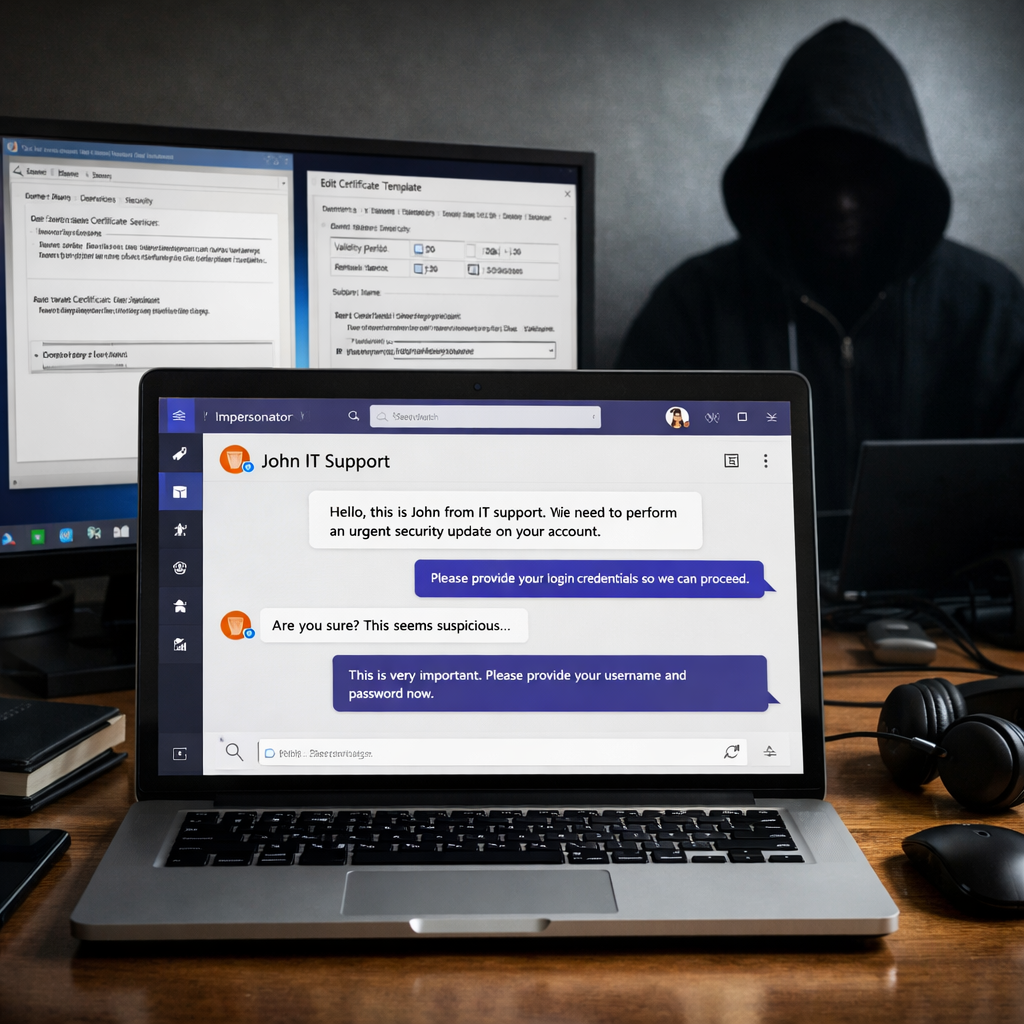
In recent incidents investigated by Microsoft, attackers impersonated a company’s IT or help desk via Microsoft Teams and convinced employees to grant remote access through Windows’ Quick Assist tool. Once inside, attackers abused poorly configured Active Directory Certificate Services (AD CS) to obtain high-privilege login certificates—including for a domain controller—and in some cases exfiltrated corporate data. This was not due to a flaw in Teams itself, but the exploitation of configuration weaknesses in AD CS. Microsoft has not attributed the attacks to any known threat group.
Attack Sequence: From Social Engineering to Certificate Abuse
Both intrusions began with Teams messages and calls from external tenants using names that mimicked internal IT support. The attackers convinced employees to launch Quick Assist, reveal connection codes, and hand over control of their systems to the attackers.
From there, they dropped archive files into the Downloads folder, unpacked them into folders with names resembling Windows update components, and executed the contents using portable versions of Python, Bun, or Java runtimes. The files were sometimes renamed but retained version information, making them harder to spot.
AD CS Templates and Escalation Techniques
AD CS is a Windows server role that issues credentials used for authentication. With insecure certificate templates, an attacker can create certificates claiming identities they don’t own. These certificates work even if the associated account’s password is reset or its device is wiped.
In one incident, attackers leveraged a template vulnerability known as ESC1. This allowed them to request certificates in the name of privileged accounts despite starting as unprivileged users. Hundreds of requests ultimately issued certificates for many privileged identities. They used the certificates to access a domain controller and ran DCSync to harvest sensitive password data from Active Directory. Some data exfiltration occurred via Rclone to an external SFTP server.
In the second case, the attackers used PetitPotam—a method to coerce a domain controller to authenticate to an attacker-controlled system—and then relayed the NTLM authentication to an AD CS web enrollment endpoint. Referred to as ESC8, this tactic allowed them to request a certificate for the domain controller directly and obtain lasting access via Kerberos with PKINIT. Rapid containment stopped the attack early, with no evidence of data theft.
Recommendations for Defense and Mitigation
Since these are configuration and process issues rather than software vulnerabilities, Microsoft advises several changes: employees should always verify remote support requests via known internal channels before sharing screens. Access from outside Teams tenants should be limited, and only approved remote-support tools used.
Administrators need to audit certificate templates to remove ones that let requesters name the account or allow overly broad enrollment rights. Enabling HTTPS, Extended Protection for Authentication (EPA), and disabling NTLM on web enrollment endpoints where possible are also essential. Enabling certificate auditing and revoking bad certificates is advised—though revoking doesn’t cancel existing Kerberos tickets, which need separate attention. Any account bypassed by automatic containment tools should be manually reviewed.
These techniques—ESC1, ESC8 and PetitPotam—are not new, having been documented since 2021. What the recent cases show is how they are being combined in real-world breaches, especially emphasizing the risk posed by incomplete containment. Notably, Windows Server 2025 has EPA enabled by default, while earlier versions, such as Server 2019 and 2022, require manual configuration.
Indicators provided by Microsoft include file hashes tied to initial access scripts in JavaScript and Python. Security teams are encouraged to monitor for alerts across Teams, endpoint, and identity systems, and use hunting queries to investigate possible exposures.
Why this matters: these attacks highlight that security isn’t just about patching software—it’s about how identity and certificate services are configured. Organizations using AD CS should urgently assess their templates, enrollment endpoints, and incident response plans. Expect guidance and tooling to evolve, especially around cert abuse detection and advanced identity-focused defenses.