Enhance Your Apple TV 4K Experience with tvOS 26’s Latest Customization Features
Apple’s latest update, tvOS 26, introduces a suite of new customization options designed to enhance the Apple TV 4K user experience. These features provide greater control over screen savers, subtitles, user profiles, audio settings, and speaker configurations.
1. Personalized Aerial Screen Savers
Apple TV’s aerial screen savers have long been a visual delight, showcasing stunning footage from around the world. With tvOS 26, users gain the ability to tailor these screen savers to their preferences. By navigating to the Settings app, selecting the Screen Saver menu, and accessing the Aerials section, users can now choose ‘Choose Aerials.’ This feature allows for the individual enabling or disabling of specific aerials, moving beyond the previous limitation of selecting entire categories. For instance, if certain underwater scenes are less appealing, they can be deselected, ensuring only preferred visuals are displayed during idle times.
2. On-the-Fly Subtitle Customization
Previously, adjusting subtitle appearance required delving into the Accessibility settings, a process many found cumbersome. tvOS 26.4 streamlines this by integrating subtitle style options directly into the video player interface. While watching content, clicking the subtitle icon reveals a ‘Style’ menu, offering choices such as Classic, Large Text, Outline Text, and Transparent Background. For those seeking further customization, a link directs users to the Settings app, where additional controls are available. This enhancement simplifies the process of adjusting subtitles to suit individual viewing preferences.
3. Flexible Profile Management at Startup
User profiles on Apple TV have become more versatile with tvOS 26.2, which introduced easier creation and management of profiles. Building on this, tvOS 26 offers the option to control the display of the Profiles screen upon startup. Some users appreciate the prompt to select a profile when the Apple TV 4K powers on, ensuring a personalized experience from the outset. However, for those who prefer a more streamlined startup, this feature can be disabled via the Settings app, allowing the device to boot directly to the home screen or last used app.
4. Continuous Audio Connection for Seamless Playback
Audio enthusiasts will appreciate the ‘Continuous Audio Connection’ feature introduced in tvOS 26.4. This setting utilizes a Dolby MAT connection to ensure smooth transitions across various audio formats. It’s particularly beneficial for users with older receivers that might incorrectly indicate an Atmos connection; the original audio plays as intended without modification. To activate this feature, navigate to Settings > Video and Audio > Audio Format > HDMI Output. Users have reported improved performance, especially when using Sonos speakers, highlighting the broader applicability of this enhancement.
5. Default Audio Output to Any AirPlay-Enabled Speaker
Historically, setting a default audio output on Apple TV was limited to HomePod and HomePod mini devices. tvOS 26 expands this capability to include any AirPlay-enabled speaker. Whether it’s a Sonos system, Bose speakers, or other third-party options supporting AirPlay, users can now designate these devices as the default audio output. This eliminates the need for manual reconnection via Control Center, providing a more seamless audio experience. To set an AirPlay speaker as the default, go to Settings > Video and Audio > Audio Output, and select the desired speaker from the list.
Additional Enhancements in tvOS 26
Beyond these five key features, tvOS 26 introduces several other improvements:
– Genius Browse in the TV App: This feature offers personalized TV show and movie recommendations, presenting categories like ‘Good for a Date Night’ or ‘Based on a Book.’ These lists refresh regularly, providing a dynamic selection of content tailored to user preferences.
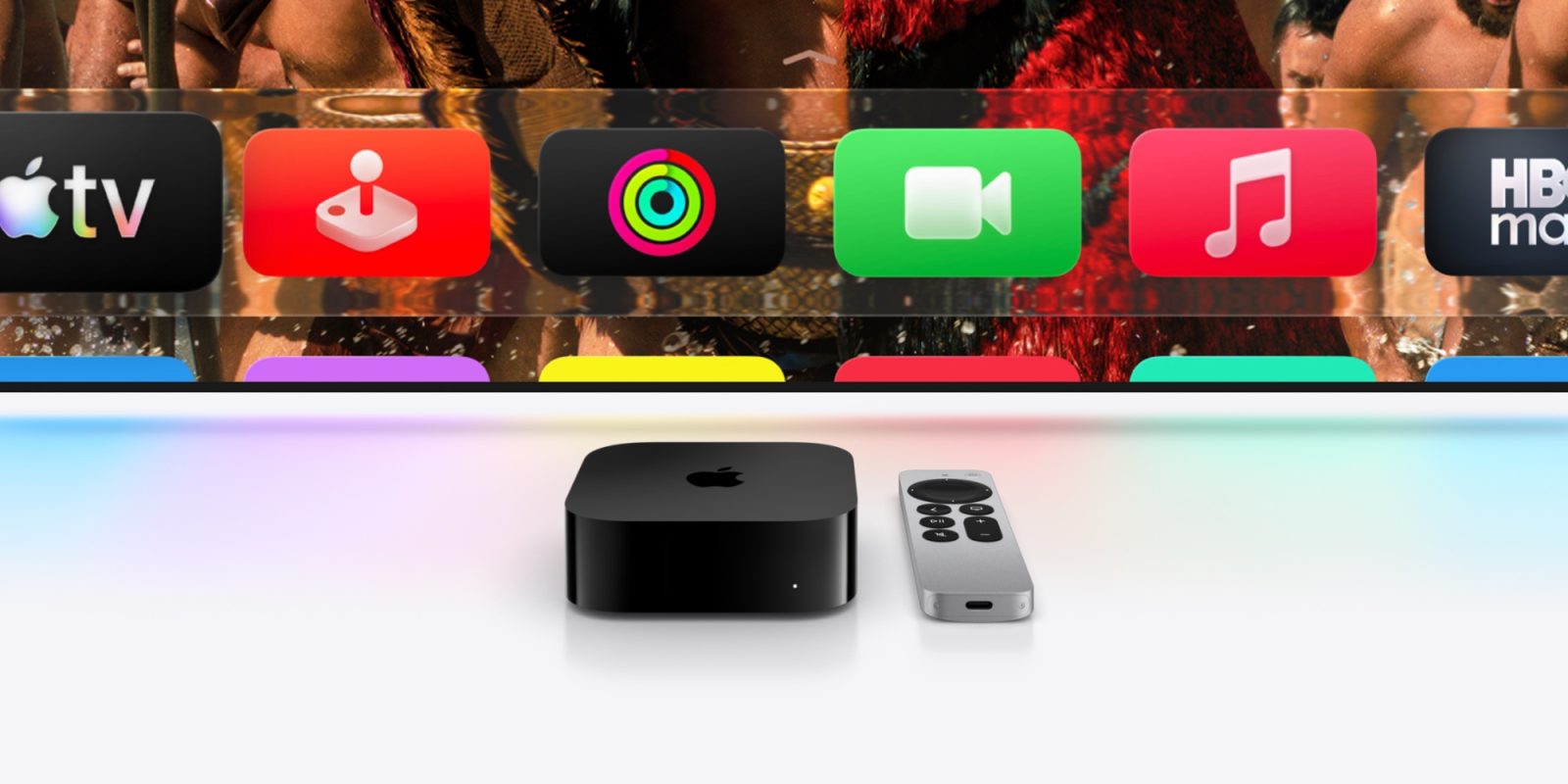
– Liquid Glass Design: The user interface receives a visual overhaul with the Liquid Glass design system, offering a more cohesive and aesthetically pleasing experience across the platform.
– New Aerial Screen Savers: In addition to customization options, tvOS 26 adds new aerial screen savers featuring breathtaking landscapes from India, including scenes of water, mountains, beaches, and lush fields.
– Improved Profile Functionality: Users can now create profiles without requiring an associated Apple Account, making it easier to set up profiles for guests or children. Additionally, the Apple TV app filters content based on the age of the active profile, ensuring age-appropriate viewing options.
Conclusion
tvOS 26 significantly enhances the Apple TV 4K experience by offering users greater control over various aspects of the device. From personalized screen savers and subtitle styles to flexible profile management and advanced audio settings, these updates cater to a wide range of user preferences. By exploring these new features, users can tailor their Apple TV experience to better suit their individual needs and tastes.