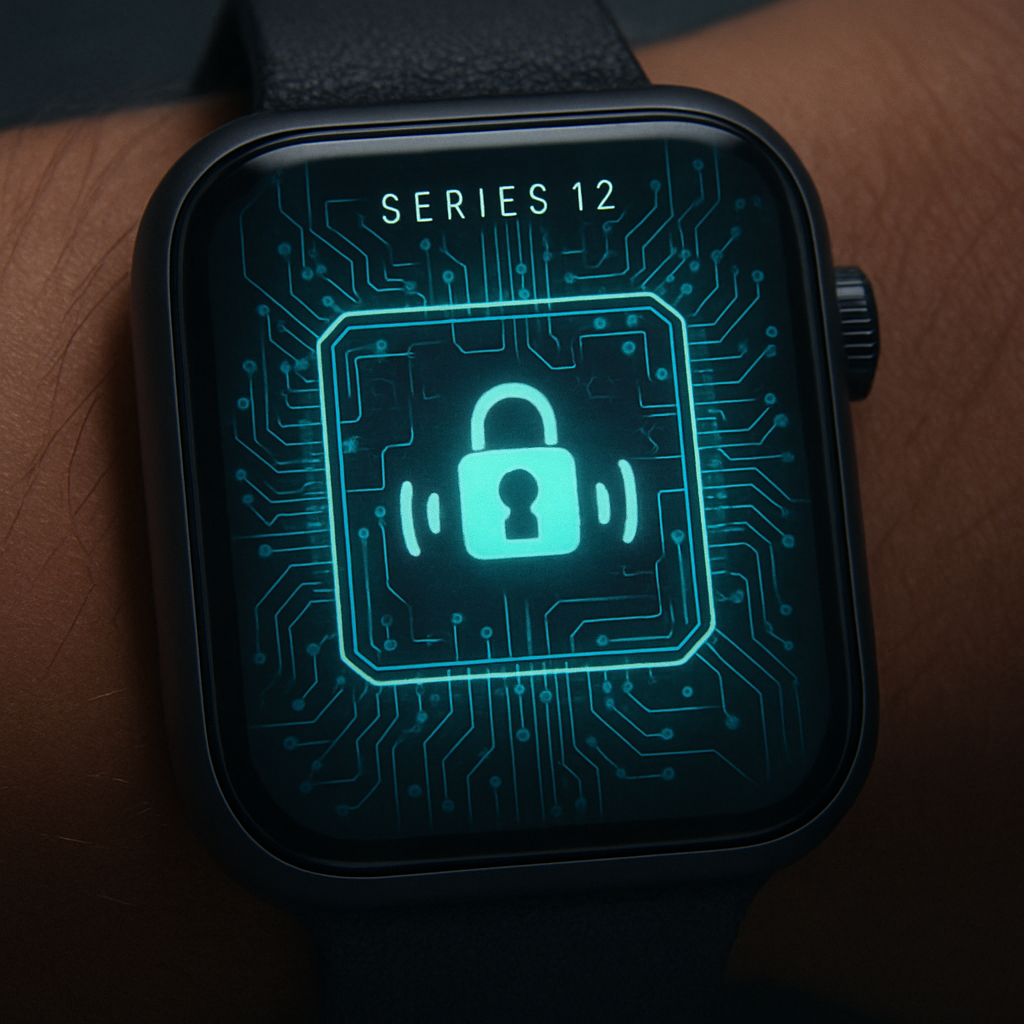
The newly unveiled Apple Watch Series 12 (and Apple Watch Ultra 4) will offer a feature called Siri Recap that listens throughout the day, summarizes conversations, and highlights key points—yet the raw audio is never stored in an accessible way. Apple has designed the system so that even it cannot retrieve the actual audio content. The innovation rests on what the company terms the Secure Exclave.
How Siri Recap and Live Rewind Work
Siri Recap passively monitors ambient speech using a lightweight speech detection model running on the new S11 chip built into these watches. When speech is detected, audio enters a continuously overwritten buffer located inside the Secure Exclave. Nothing in this buffer is exposed: new sounds overwrite old ones, and no traditional audio file is created. Audio is encrypted and only ever transmitted to a paired iPhone’s Secure Exclave—if that device is in range. When a connection isn’t available, the watch retains the buffer until the encryption keys expire, at which point the audio is automatically deleted.
Once the iPhone’s Secure Exclave receives audio, it performs on-device speech recognition to convert speech into text without the operating system or any apps seeing the raw audio. That transcript is then condensed: filler words, repeated phrases, tone clues, and nonessential content are stripped out, leaving only the core content of what was said. Only this summary—not the full transcript—is sent to Apple’s Private Cloud Compute, along with metadata like time, place category, calendar entries, or what the user was playing. Even then, sensitive details such as financial, health, or government identifiers are excluded from the summary.
Important Privacy Safeguards and Other Features
Siri Recap is opt-in and can be turned off anytime through both settings and a Control Center toggle. Saved summaries live up to seven days unless the user explicitly keeps them. If a summary is stored, syncing via iCloud uses end-to-end encryption and requires two-factor authentication plus a device passcode. Meanwhile, Find My wipes paired devices instantly invalidates encryption keys, effectively rendering any buffered audio unplayable.
There’s also Live Rewind: a feature that lets the user double-press the Digital Crown to see the last 15 seconds of conversation as text. It shares the same buffer model; audio is only translated to text on the iPhone, and if the iPhone is unavailable, the audio is discarded. The resulting text is displayed on the watch briefly, and vanishes shortly after. Unlike Siri Recap, using Live Rewind triggers a visible animation and chime to let nearby people know audio is requested.
Other related features like Automatic Shazam, Sound Recognition, and alerts for alarms, sirens, doorbells or smoke detectors operate similarly: analysis of short audio snippets inside the Secure Exclave, deletion of buffered segments after processing, and no storage of raw sound or full transcripts. Shazam acquires compact acoustic signatures (not reconstructible into sound) for matching.
Hardware Requirements and Process Flow
Audio Intelligence requires the watch to be Series 12 or Ultra 4 equipped with the S11 chip, paired with an iPhone 16, 16 Pro, 17e, iPhone Air or newer that also includes a Secure Exclave. The buffer resides entirely within the watch’s Secure Exclave, with temporary encryption, transfer to the phone’s enclave, and immediate deletion once processed. If the paired iPhone isn’t nearby, deletion still occurs when encryption keys expire. Apps and Apple itself cannot access audio at any stage; it’s either encrypted and transient or already deleted.
Within the Private Cloud Compute environment, Apple runs a foundation model to produce titles, summaries, key points based on the condensed text. The system receives metadata—but not precise location or identifiable private data. Apple claims that the cloud doesn’t persist or share this data with employees, and only the condensed summary is available to the user. Live Rewind text follows similar rules: raw audio is gone, only text remains.
Trade-Offs and What Users Should Know
Siri Recap doesn’t alert your surroundings when speech is monitored—an explicit warning isn’t given, unlike with Live Rewind. There’s also no mechanism described for notifying other speakers whose voices may be captured in a user’s Recap. These features rely on trust that the Secure Exclave, encryption, and deletion protocols work as Apple describes.
Users who want more control can disable Siri Recap entirely or restrict where and when it runs. Device security features like two-factor authentication, passcodes, and Find My play key roles in protecting stored summaries and preventing misuse.
What this means: Apple’s new Audio Intelligence employs hardware isolation and strong encryption to balance continuous speech monitoring with privacy. For privacy advocates, the devil will be in the implementation details—independent verification of Secure Exclave behavior is still needed. How users perceive silence versus visibility (warnings for Live Rewind, none for Recap) could shape acceptance. As these new capabilities roll out, scrutiny over real-world safeguards will likely follow.