Apple’s forthcoming iOS 27 is set to revolutionize iPhone home screen customization, introducing features that simplify and enhance user control over app and widget layouts. Building upon previous updates, iOS 27 aims to provide a more intuitive and flexible user experience.
Enhanced Home Screen Customization
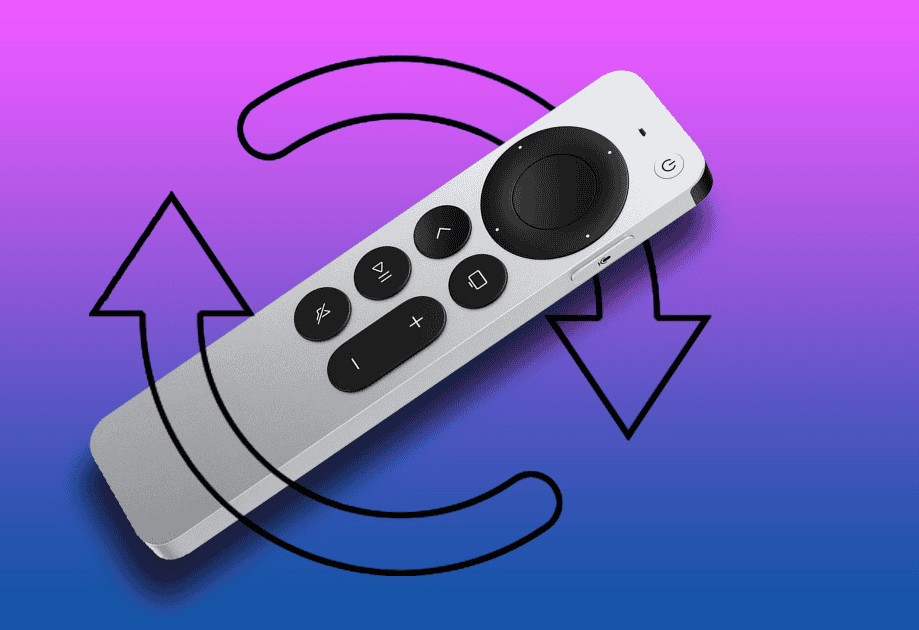
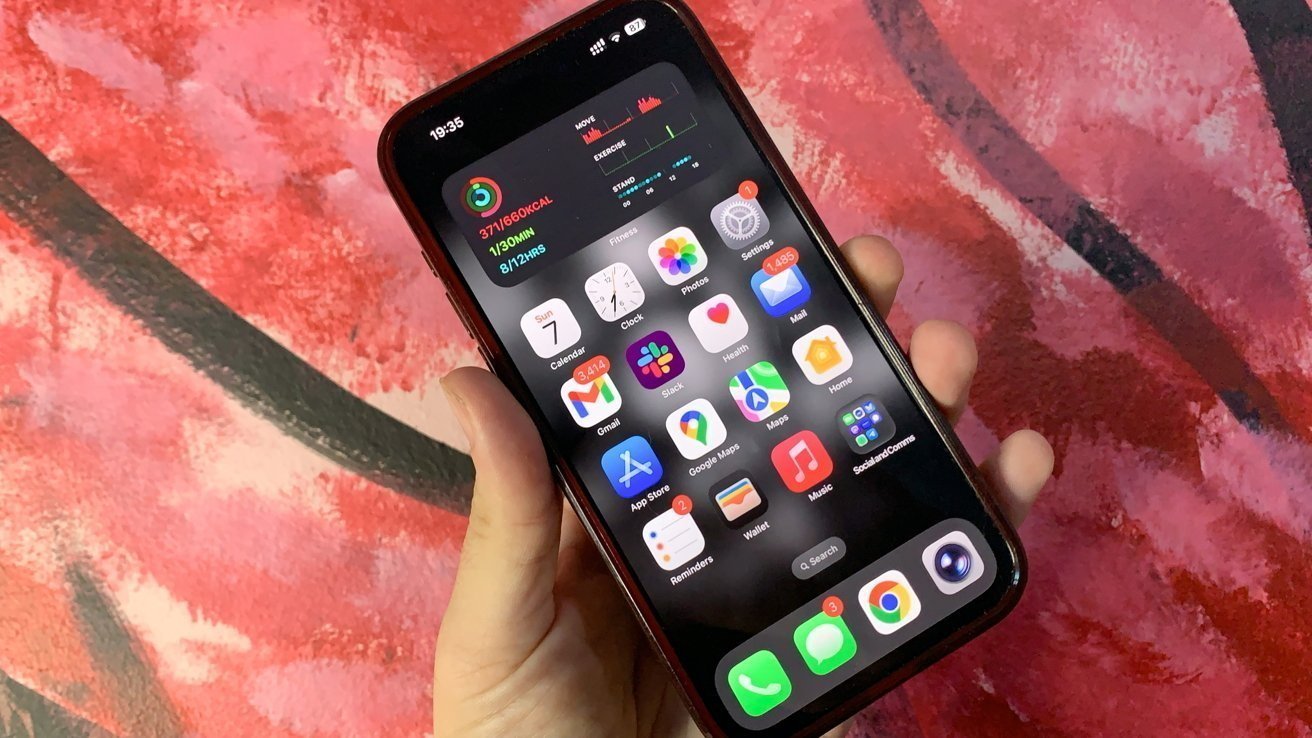
In iOS 27, Apple is testing new options within the existing home screen editing menu to streamline customization. Users can access these features by long-pressing on a blank area of the home screen, which reveals the Edit button in the top-left corner. Upon selection, a menu appears with options to add widgets, customize the layout, edit the wallpaper, and manage pages. The upcoming update introduces two additional buttons: Undo and Redo. These functions allow users to easily revert or reapply changes made during the customization process, facilitating experimentation without the risk of permanent alterations. ([appleinsider.com](https://appleinsider.com/articles/26/04/19/ios-27s-home-screen-update-will-make-customization-even-easier?utm_source=openai))
Benefits of Undo and Redo Functions
The inclusion of Undo and Redo buttons addresses common challenges faced by users during home screen customization. For instance, repositioning a widget can inadvertently shift other elements, leading to unintended layouts. With the Undo option, users can promptly revert to the previous state without manually adjusting each component. Similarly, the Redo function enables users to reapply changes, offering flexibility in design choices. This feature is particularly beneficial for those who frequently modify their home screen to achieve the ideal aesthetic and functionality. ([appleinsider.com](https://appleinsider.com/articles/26/04/19/ios-27s-home-screen-update-will-make-customization-even-easier?utm_source=openai))
Complementary Features in iOS 26
Prior to iOS 27, Apple introduced several customization features in iOS 26 that laid the groundwork for a more personalized user experience. One notable addition was the ability to match app icons to the iPhone’s body color or the color of its MagSafe case. This feature applies a colored tint to app icons, creating a cohesive visual harmony between hardware and software. To enable this, users can long-press on a blank area of the home screen, tap Edit, select Customize, and choose the Tinted option. From there, they can opt to match the icons to the device’s body color or the MagSafe case color. The case color matching utilizes MagSafe technology to detect the case color and automatically update the app icon tint accordingly. It’s important to note that this functionality is exclusive to official Apple MagSafe cases that share color data; non-MagSafe or third-party cases do not support automatic tint adjustment. ([tomsguide.com](https://www.tomsguide.com/phones/iphones/ios-26-lets-you-match-app-icons-to-your-iphone-color-heres-how-to-enable-it?utm_source=openai))
Additional Customization Options
iOS 26 also introduced the Liquid Glass design, offering a layered, translucent appearance for app icons, enhancing the depth and aesthetics of the home screen. Users can choose between Light, Dark, and Tinted modes to further personalize their device’s interface. The Tinted mode allows for the selection of a specific color tint for app icons, which can be tied to a particular Focus filter or wallpaper, providing a dynamic and personalized user experience. ([macrumors.com](https://www.macrumors.com/guide/ios-26-home-screen/?utm_source=openai))
Looking Ahead: iOS 27 Enhancements
The anticipated release of iOS 27 is expected to build upon these customization features, offering users even greater control over their home screen layouts. The introduction of the Undo and Redo buttons signifies Apple’s commitment to enhancing user experience by providing tools that simplify customization processes. These additions are particularly advantageous for users who frequently adjust their home screen to reflect their preferences or adapt to changing needs. ([appleinsider.com](https://appleinsider.com/articles/26/04/19/ios-27s-home-screen-update-will-make-customization-even-easier?utm_source=openai))
Conclusion
Apple’s continuous efforts to enhance iPhone customization are evident in the upcoming iOS 27 update. By introducing features like the Undo and Redo buttons, along with building upon previous innovations such as app icon tinting and the Liquid Glass design, Apple empowers users to create a home screen that is both functional and aesthetically pleasing. These developments reflect a broader trend towards greater personalization in technology, allowing users to tailor their devices to their unique preferences and lifestyles.