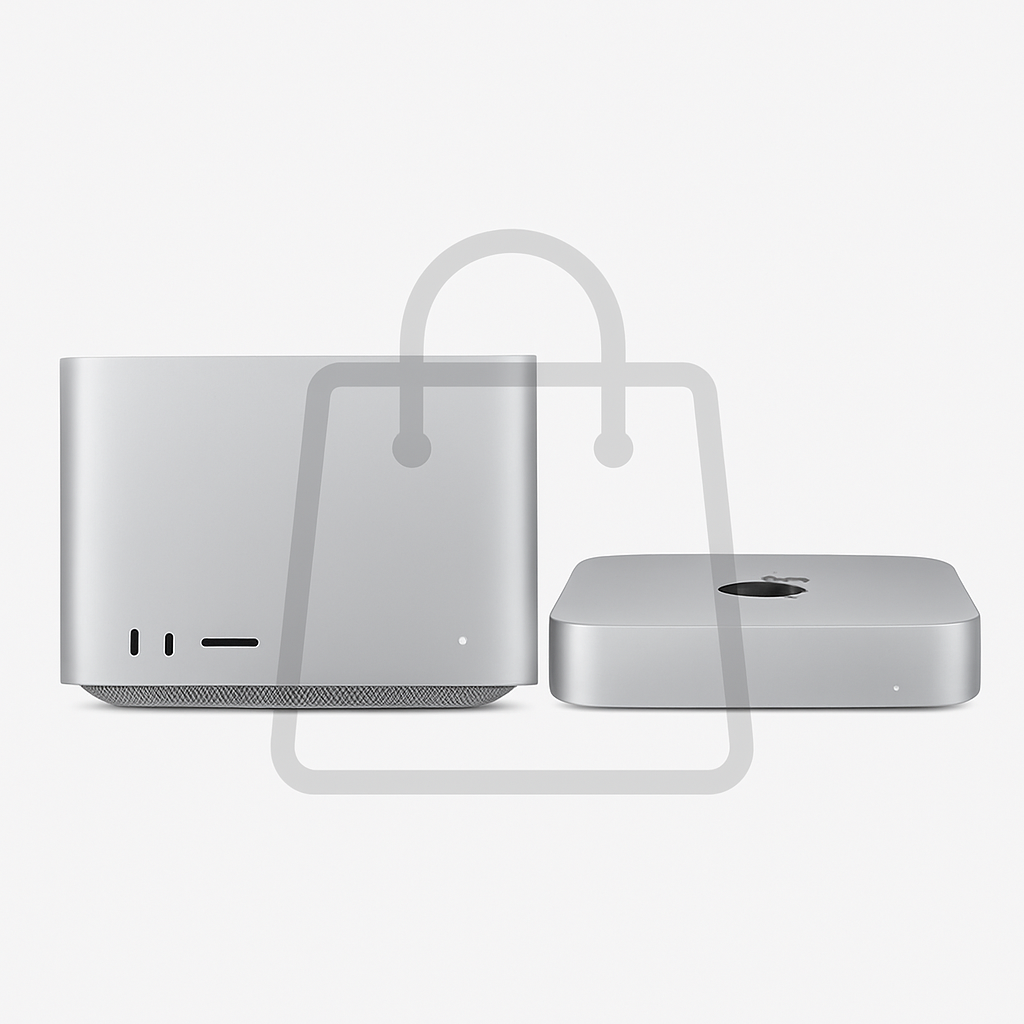
Purchasing AppleCare for the latest Mac Studio and Mac mini now involves an extra step compared to recent models. Unlike other Macs where AppleCare is selectable during initial configuration, these two new systems require customers to add AppleCare after adding the device to their bag.
Checkout Change for New Macs
Historically, Apple placed the AppleCare option on the same page where buyers chose their Mac’s processor, RAM, and storage. With the latest Mac Studio and Mac mini, that option is absent. Instead, AppleCare appears later in the order sequence — after clicking “Add to Bag”. This change comes even though the feature remains prominent on purchase pages for other Mac models.
How the Redesigned Process Works
To activate an AppleCare plan for these Macs, customers must follow this revised flow: configure the Mac, proceed past the processor and storage options, and disregard any promotional content for the Studio Display. After adding the Mac to the shopping bag, AppleCare choices become available on the following page. If the buyer skips ahead, a “Review Bag” option helps navigate back to the AppleCare screen.
Plans and Pricing
There are two Apple care plans: AppleCare+ for a single device, and AppleCare One, a bundle covering up to three devices under a $19.99 monthly fee. While AppleCare One offers value when applied to multiple devices, the math often works out less favorably when used with just a Mac mini or Mac Studio.
For reference costs: AppleCare+ for Mac Studio costs $6.49/month or $64.99/year, while the Mac mini version runs $3.99/month or $39.99/year.
This checkout alteration appears subtle but could cause missed protection opportunities. Customers not accustomed to Apple’s flow—especially those expecting AppleCare selection during configuration—might overlook adding it entirely. For Apple, the redesign may prioritize upselling displays or reduce shipping confusion. What to watch: whether buyer complaints rise or Apple reverts the change, and how this pattern plays out with future Mac or accessory releases.