Apple’s macOS 27: A New Era Exclusive to Apple Silicon Macs
Apple is set to unveil macOS 27 at the upcoming Worldwide Developers Conference (WWDC), marking a significant shift in the company’s operating system strategy. This latest version will exclusively support Macs powered by Apple silicon, effectively ending compatibility with Intel-based models.
Transition to Apple Silicon
The transition from Intel processors to Apple-designed silicon has been a strategic move by Apple to enhance performance, energy efficiency, and integration across its product lineup. This shift began in 2020 with the introduction of the M1 chip and has since expanded to include the M2 and M3 series. The release of macOS 27 signifies the culmination of this transition, as it will be the first macOS version to support only Apple silicon Macs.
Intel Macs Losing Support
As previously announced at WWDC 2025, macOS Tahoe (version 26) was the final release to support Intel-based Macs. Consequently, macOS 27 will not be compatible with the following models:
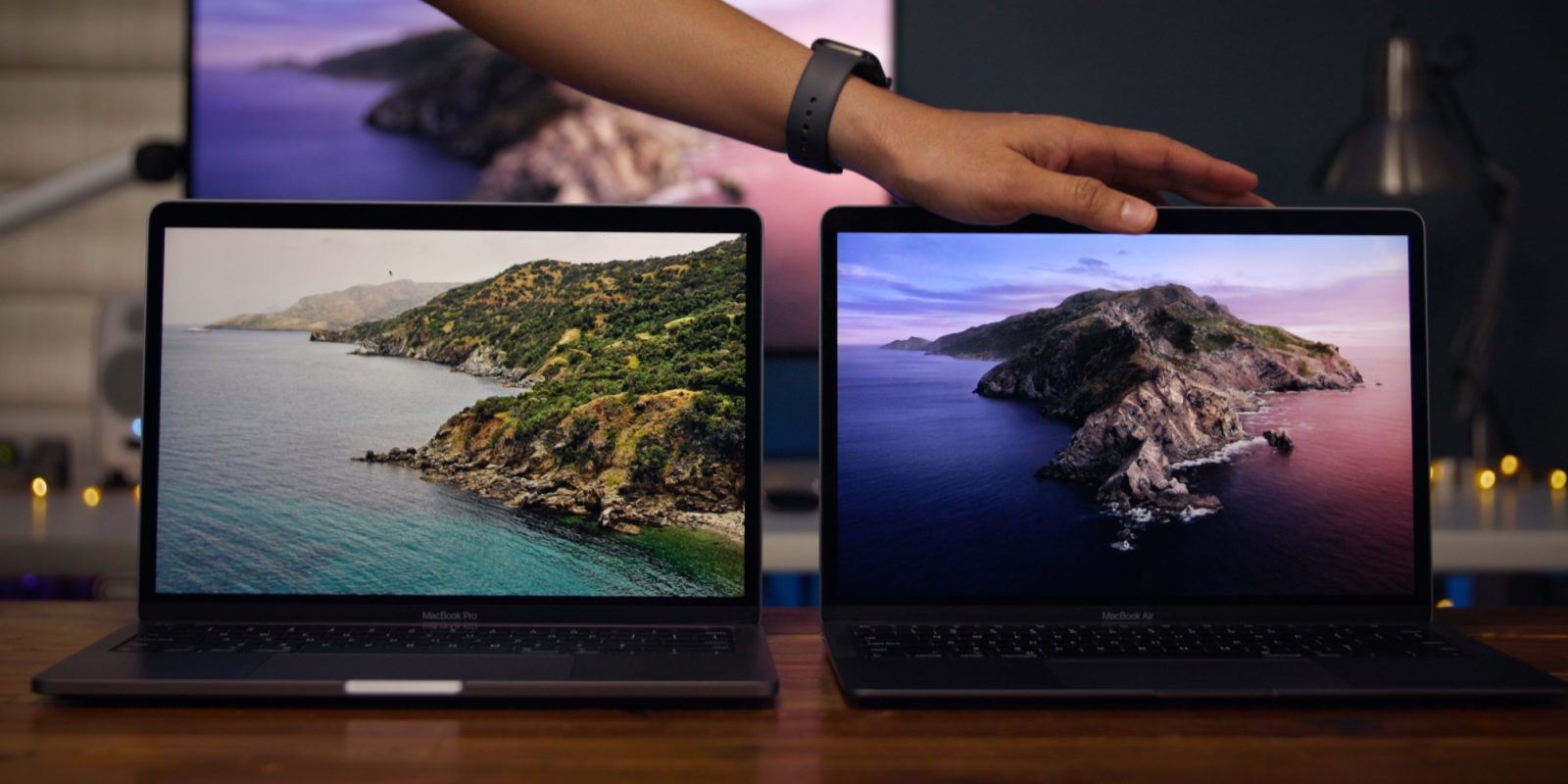
– MacBook Pro (16-inch, 2019): Launched in November 2019, this model was the last Intel-based 16-inch MacBook Pro before the transition to Apple silicon.
– MacBook Pro (13-inch, 2020, Four Thunderbolt 3 ports): Released in May 2020, this version featured Intel’s 10th-generation processors and was among the final Intel-based 13-inch MacBook Pros.
– iMac (2020): Introduced in August 2020, this model was the last Intel-powered iMac before the shift to Apple silicon.
– Mac Pro (2019): Unveiled in December 2019, the Mac Pro was designed for professional users requiring high performance and expandability.
These models, currently supported by macOS Tahoe, will not be able to install macOS 27 upon its release.
Implications for Users
For users of the aforementioned Intel-based Macs, the release of macOS 27 means they will no longer receive the latest macOS features, security updates, and performance improvements. While their devices will continue to function with macOS Tahoe, the lack of future updates may impact compatibility with new applications and services over time.
Future Compatibility
It’s important to note that macOS 27 is expected to maintain compatibility with all existing Apple silicon models, including those equipped with M1, M2, and M3 chips. These devices are anticipated to receive support for several more years, ensuring users can benefit from ongoing software enhancements and security updates.
Preparing for the Transition
Users still operating Intel-based Macs should consider the following steps to prepare for this transition:
1. Evaluate Current Needs: Assess whether your current Mac meets your performance and software requirements. If it does, you may choose to continue using it with macOS Tahoe, understanding the limitations regarding future updates.
2. Plan for an Upgrade: If you rely on the latest software features and security updates, it may be time to consider upgrading to an Apple silicon Mac. Apple’s current lineup offers a range of options to suit various needs and budgets.
3. Data Migration: When upgrading, ensure you have a plan for migrating your data. Apple’s Migration Assistant can facilitate a smooth transition from your old Mac to a new one.
4. Software Compatibility: Verify that the applications you use are compatible with Apple silicon. Most developers have updated their software to support the new architecture, but it’s prudent to confirm.
Looking Ahead
The move to exclusively support Apple silicon in macOS 27 underscores Apple’s commitment to its custom chip architecture, promising enhanced performance, energy efficiency, and a more integrated ecosystem. This transition also reflects the company’s focus on future innovations that leverage the capabilities of Apple silicon.
Conclusion
The release of macOS 27 marks a pivotal moment in Apple’s evolution, as it fully embraces its Apple silicon architecture. While this transition may pose challenges for users of older Intel-based Macs, it also opens the door to new possibilities and advancements in computing. Users are encouraged to assess their current setups and consider upgrading to ensure they continue to receive the best that macOS has to offer.