Apple has released the eighth developer beta of macOS Golden Gate today, arriving roughly one week after the seventh beta. Developers enrolled in the program can access this update by navigating to System Settings ➝ General ➝ Software Update on their Macs. Activation of “Beta Updates” is required, as is a free developer account to install the new version.
What’s New in Golden Gate Beta 8
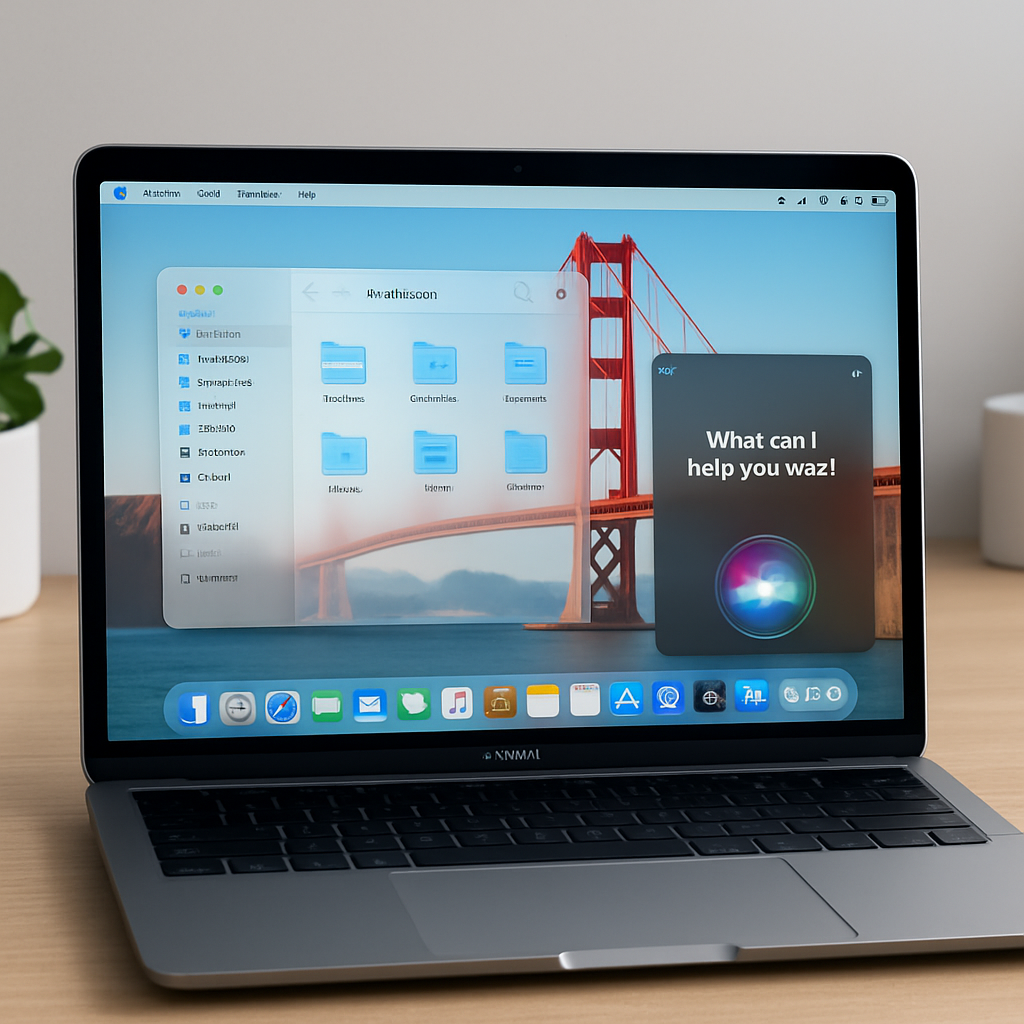
This build focuses heavily on refining visuals and user interface behavior. The Liquid Glass transparency effect has been adjusted for better readability, and now users can fine-tune how transparent interface elements appear. Window shadowing has been overhauled to more clearly indicate which windows are active, giving stronger visual cues. Toolbars across apps have been standardized, sidebars are edge-to-edge, and many window corners are less rounded. There’s also been a reduction in the number of icons in menu bars to simplify the experience.
Key enhancements to Siri have arrived as part of Apple Intelligence: Siri is now reimagined as a chatbot-style assistant. Siri AI blends general world knowledge, personal information, and what’s visible on screen to answer questions more contextualized than before. Access is now available via Spotlight, and a new Siri app keeps a record of past conversations. On newer Macs, users also gain the ability to select a custom voice, with tailored pacing and expressivity. In addition, a Visual Intelligence function lets Siri analyze visual content on screen, and a new feature called “Write with Siri” helps with generating or polishing text.
Several apps are receiving AI enhancements too. The Photos app picks up tools powered by AI, Safari gains features for organizing tabs more intelligently, and Passwords can identify weak credentials and update them automatically. A new Image Playground app has surfaced, designed for creating photorealistic images using AI.
Why It Matters
Golden Gate, slated for a fall release, marks a major shift for macOS. The OS is weaving AI more deeply into core workflows—Siri expanding into a contextual, conversational agent; built-in tools across apps that anticipate tasks like image editing, password maintenance, and tab management. The visual redesigns—less rounded corners, clearer window states, streamlined toolbars—show a strong move toward clarity and cohesion.
For users and developers alike, this beta underscores Apple’s ambition to make its operating system smarter and more intuitive, blending AI and design in ways that highlight what next-generation desktop experiences can be. Keep an eye out for the public betas to test these features broadly, and watch how third-party developers adapt to the deeper AI ecosystem now forming around Mac.