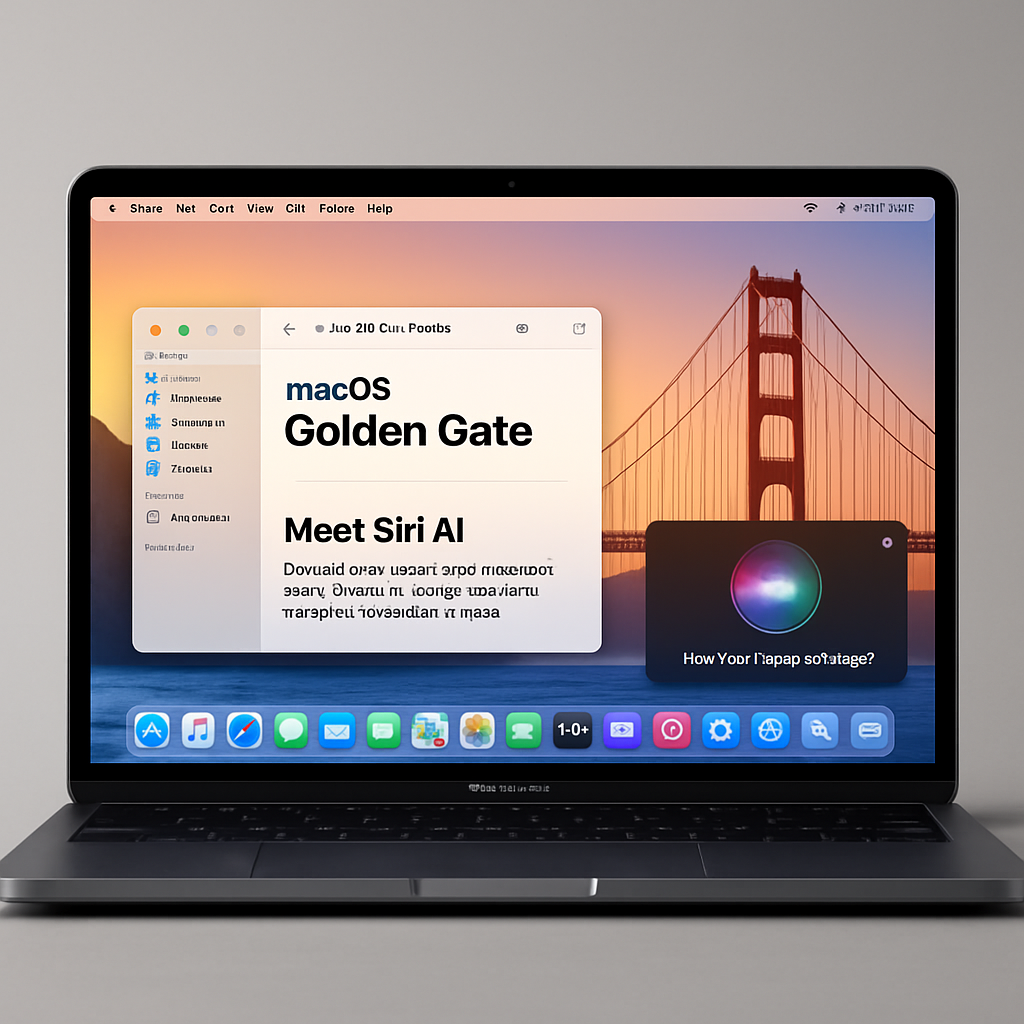
Apple has released the second developer beta of macOS Golden Gate, arriving two weeks after the initial beta. Developers can access this update by navigating to System Settings > General > Software Update, ensuring that Beta Updates are enabled and that they have a free developer account.
macOS Golden Gate introduces several design enhancements aimed at improving user experience. The Liquid Glass interface now offers adjustable opacity to enhance readability, complemented by a slider for transparency control. Additionally, refined shadowing techniques make it easier to identify active windows. Application interfaces have been standardized with uniform toolbars, edge-to-edge sidebars, and reduced corner rounding, while menu bars feature fewer icons for a cleaner appearance.
A significant transformation in this update is the evolution of Siri into Siri AI, a chatbot-style assistant that integrates general knowledge with personal data and on-screen context to provide comprehensive answers and information retrieval. Siri AI is accessible through Spotlight’s new Search or Ask interface, allowing users to pose questions directly. A dedicated Siri app enables users to engage in conversations and review past interactions. On newer Mac models, users can customize Siri’s voice, adjusting pace and expressiveness to their preference. The Visual Intelligence feature empowers Siri to interpret on-screen content, and the Write with Siri function assists in generating text or offering feedback on writing.
The Photos app now includes AI-driven editing tools, while Safari benefits from AI-enhanced tab organization. The Passwords app offers an AI feature to automatically update weak passwords, and the revamped Image Playground app can generate photorealistic images.
Currently, macOS Golden Gate is available exclusively to developers, with a public beta scheduled for release in July.
These developments underscore Apple’s commitment to integrating advanced AI capabilities into macOS, enhancing both functionality and user experience. As the public beta approaches, it will be interesting to see how these features perform in real-world scenarios and how they influence user interaction with the Mac ecosystem.