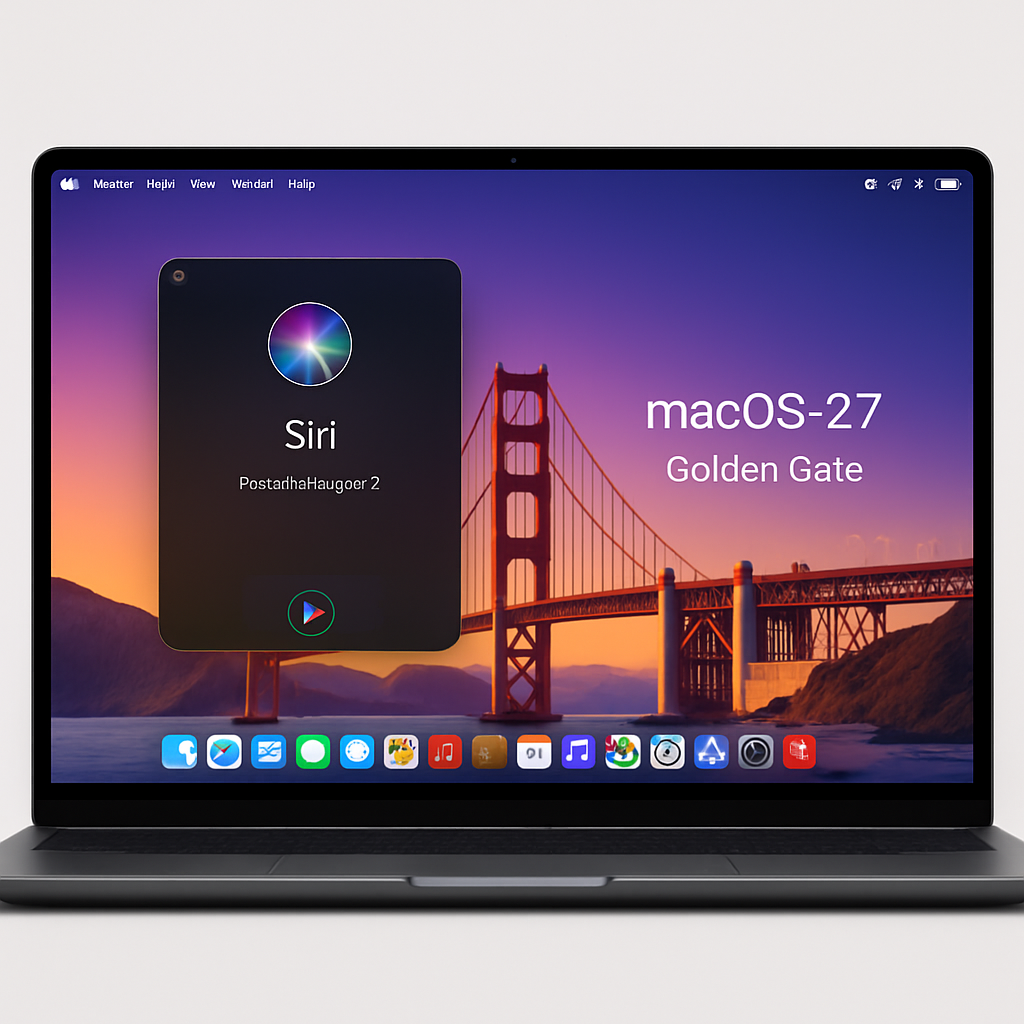
Apple has released the fifth developer beta of macOS 27 Golden Gate, continuing its series of pre-release versions ahead of the official launch later this year. This latest beta focuses on refining the operating system by addressing bugs and enhancing performance.
macOS 27 Golden Gate introduces several notable features. A new Siri application, powered by an overhauled AI, offers users a more responsive and intelligent virtual assistant experience. Additionally, the AI-driven Shortcuts app now allows users to create custom shortcuts using natural language commands, streamlining workflow automation. Developers will also benefit from a new Safari extension builder that utilizes prompt-based inputs, simplifying the creation of browser extensions.
Visually, the update brings Golden Gate-themed wallpapers and screensavers, adding a fresh aesthetic to the user interface. Notably, Apple has reverted to fixed-radius corners for windows and applications, undoing the dynamic corner adjustments introduced in macOS 26 that varied based on menu bar contents.
The build number for this beta release is 26A5406e. Developers are encouraged to explore the new features and provide feedback to assist in the refinement process.
To install macOS 27 Golden Gate beta 5, developers should first back up their Mac. Then, navigate to System Settings, select General, and go to Software Update. Click the information icon next to Beta Updates, choose ‘macOS Developer Golden Gate Beta’ from the dropdown menu, and confirm by clicking ‘Done’.
As Apple continues to iterate on macOS 27, these beta releases are crucial for identifying and resolving issues before the public rollout. Developers play a key role in this process by testing new features and ensuring compatibility with their applications. Users can anticipate a more polished and feature-rich experience upon the official release of macOS 27 Golden Gate.