Apple has rolled out the fourth developer beta of iOS 27, marking a significant step in its beta testing phase ahead of the anticipated public release this fall. This latest beta is accessible to developers through the Settings app on compatible iPhones. Those enrolled in the Apple Developer Program can navigate to Settings > General > Software Update > Beta Updates to download and install the iOS 27 Developer Beta.
It’s important to note that, as with all developer betas, users may encounter bugs, reduced battery life, app compatibility issues, and other instabilities. Therefore, it’s advisable to install beta versions on secondary devices rather than primary ones.
Key Features of iOS 27
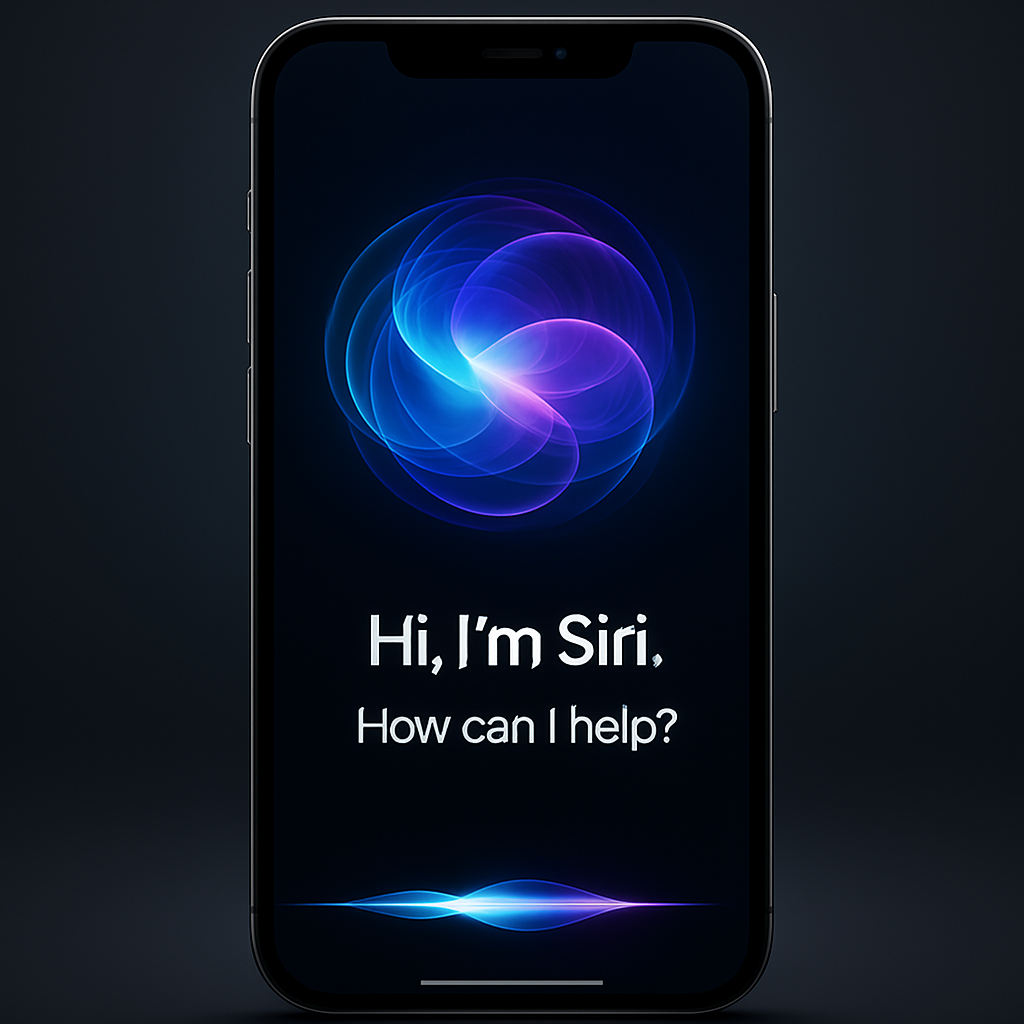
iOS 27 introduces several groundbreaking features, with a primary focus on enhancing Siri through advanced artificial intelligence. The new Siri AI offers richer conversational capabilities, improved contextual understanding, and expanded knowledge, enabling more seamless interactions across various applications. This upgrade includes a refreshed visual interface integrated with the Dynamic Island and a dedicated Siri app for revisiting conversations across devices.
Additionally, iOS 27 brings Visual Intelligence to Siri, introducing a new mode in the Camera app and enhancements to camera controls on the iPhone. These improvements aim to provide users with a more intuitive and efficient photography experience.
Beyond Siri enhancements, iOS 27 offers AI-powered improvements across multiple apps, including Photos, Safari, Passwords, Mail, Messages, Phone, Shortcuts, and Home. These updates are designed to streamline user interactions and boost overall productivity.
Performance and Design Enhancements
Apple has also focused on refining the user experience with performance improvements such as faster app launches, quicker photo loading times, and more efficient AirDrop transfers. The Liquid Glass design introduced in the previous version has been further refined, featuring a new transparency slider that allows users to adjust the system UI’s appearance to their preference.
Other notable additions include customizable slideshows in Photos, continuous sending in Messages, Dual Capture in FaceTime, custom equalizer settings for AirPods, new recovery options, easier Apple Pay card switching, and AI-generated wallpaper creation.
It’s worth mentioning that while iOS 27 supports iPhone 11 and later models, as well as the iPhone SE 2 and newer, certain AI features, including the full capabilities of Siri AI, require newer hardware compatible with Apple Intelligence. Specifically, the most advanced on-device AI functionalities are available on models like the iPhone 17 Pro and iPhone Air.
As Apple continues to refine iOS 27 through its beta cycle, users can anticipate further enhancements and stability improvements leading up to the official release. This update underscores Apple’s commitment to integrating advanced AI technologies to provide a more personalized and efficient user experience.