Apple Unveils iOS 26.6 Public Beta 1: Enhancing Security and Stability
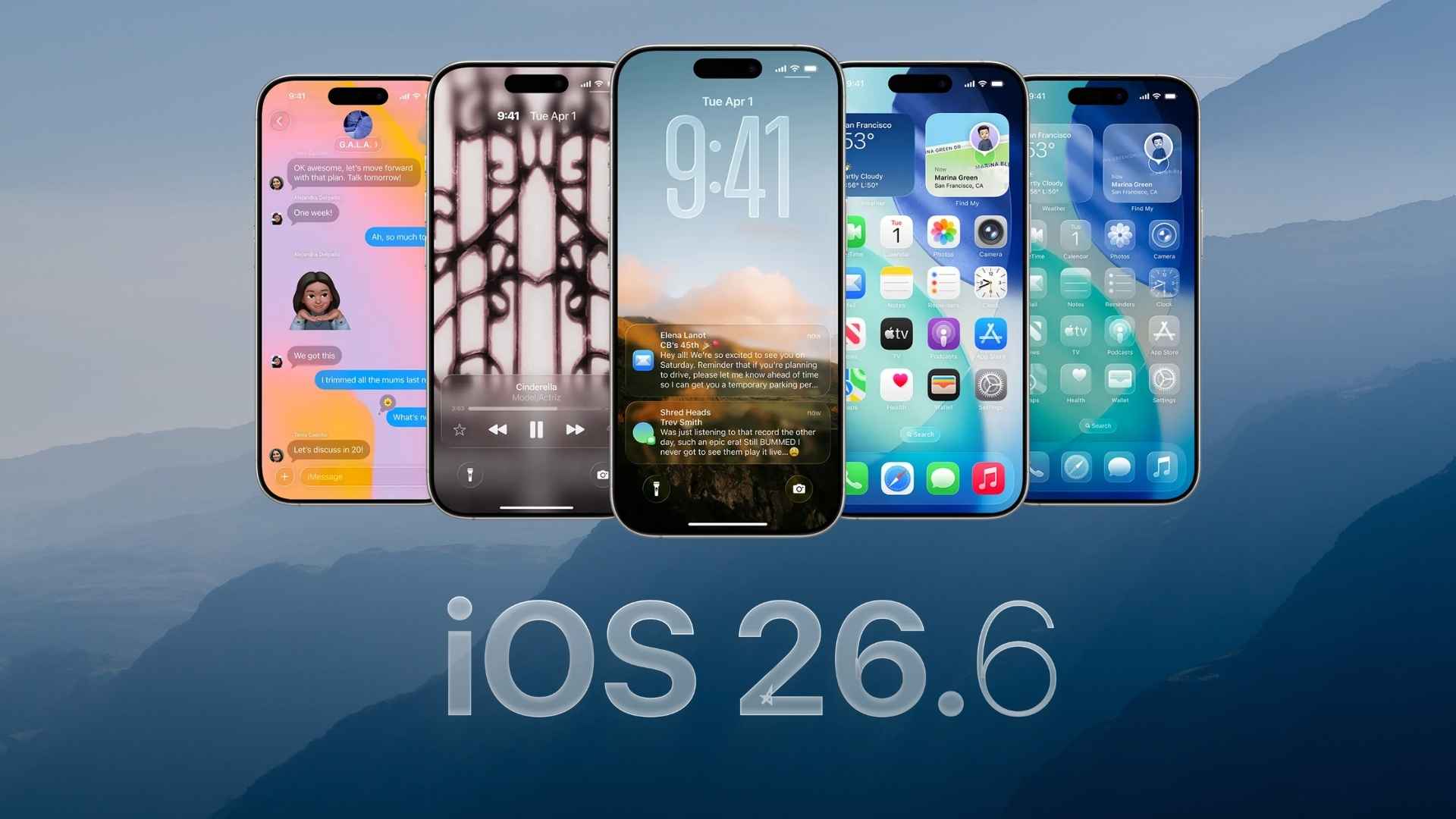
Apple has recently introduced the first public beta of iOS 26.6 for iPhone users, marking a significant step toward refining the iOS experience ahead of the anticipated iOS 27 release. This update, arriving shortly after the initial developer beta, primarily focuses on bolstering security measures and system stability, ensuring a smoother user experience.
Key Enhancements in iOS 26.6 Public Beta 1
While iOS 26.6 doesn’t introduce groundbreaking features, it brings several noteworthy improvements:
– Blocked Contacts Alert System: A new notification system informs users upon reaching the maximum limit of blocked contacts, which is reportedly around 20,000. This feature aids in managing blocked numbers more effectively.
– Anti-Theft Security Feature: Apple is reportedly developing an anti-theft security feature linked to Apple Maps protections. Although specific details are yet to be disclosed, this initiative underscores Apple’s commitment to user safety.
– System Refinements: The update includes various bug fixes, security enhancements, and overall system optimizations, contributing to a more stable and secure operating environment.
Preparing for iOS 27
As Apple gears up for the unveiling of iOS 27 at the upcoming Worldwide Developers Conference (WWDC) on June 8, iOS 26.6 serves as a transitional update. It ensures that iPhone users have a stable platform before the next major software iteration. Notably, the release of iOS 26.6 beta 1 is slightly ahead of the typical schedule, indicating Apple’s proactive approach to software development.
How to Install iOS 26.6 Public Beta 1
For users interested in exploring the latest beta features, follow these steps:
1. Backup Your Device: Ensure all important data is backed up to prevent potential loss.
2. Enroll in the Public Beta Program: If not already enrolled, visit Apple’s official beta program website and sign up using your Apple ID.
3. Download the Beta Profile: After enrollment, download the beta profile to your device.
4. Install the Update:
– Open the Settings app.
– Navigate to General > Software Update.
– Tap on Beta Updates.
– Select iOS 26 Public Beta.
– Proceed to Download and Install.
Please note that beta software may contain bugs and performance issues. It’s advisable to install it on a secondary device or ensure that you have a recent backup.
User Feedback and Experience
Early adopters of iOS 26.6 public beta 1 are encouraged to share their experiences and report any issues. User feedback is invaluable in identifying potential bugs and areas for improvement, contributing to a more polished final release.
Looking Ahead
With the public release of iOS 27 expected in September, coinciding with the launch of the next iPhone lineup, Apple is dedicating the summer months to rigorous testing and refinement. The early release of iOS 26.6 beta 1 reflects Apple’s commitment to delivering a seamless and secure user experience.
Conclusion
The release of iOS 26.6 public beta 1 underscores Apple’s ongoing efforts to enhance the iOS platform’s security and stability. While it doesn’t introduce major new features, the update lays the groundwork for a robust transition to iOS 27. Users are encouraged to participate in the beta program, provide feedback, and stay tuned for further developments as Apple continues to innovate and improve its software offerings.
Twitter Post: Apple releases iOS 26.6 public beta 1, focusing on security enhancements and system stability ahead of iOS 27. #iOS26 #AppleBeta #iPhoneUpdate
Focus Key Phrase: iOS 26.6 public beta 1
Article X Post:
Hashtags:
Article Key Phrase:
Category: Apple News