With iOS 27, Apple Notes gains an array of upgrades that help users better organize content, work with Markdown, and tap into new AI-powered features. The update delivers enhancements across structure, formatting, and creativity — here’s what’s changed.
New Structure & Formatting Tools
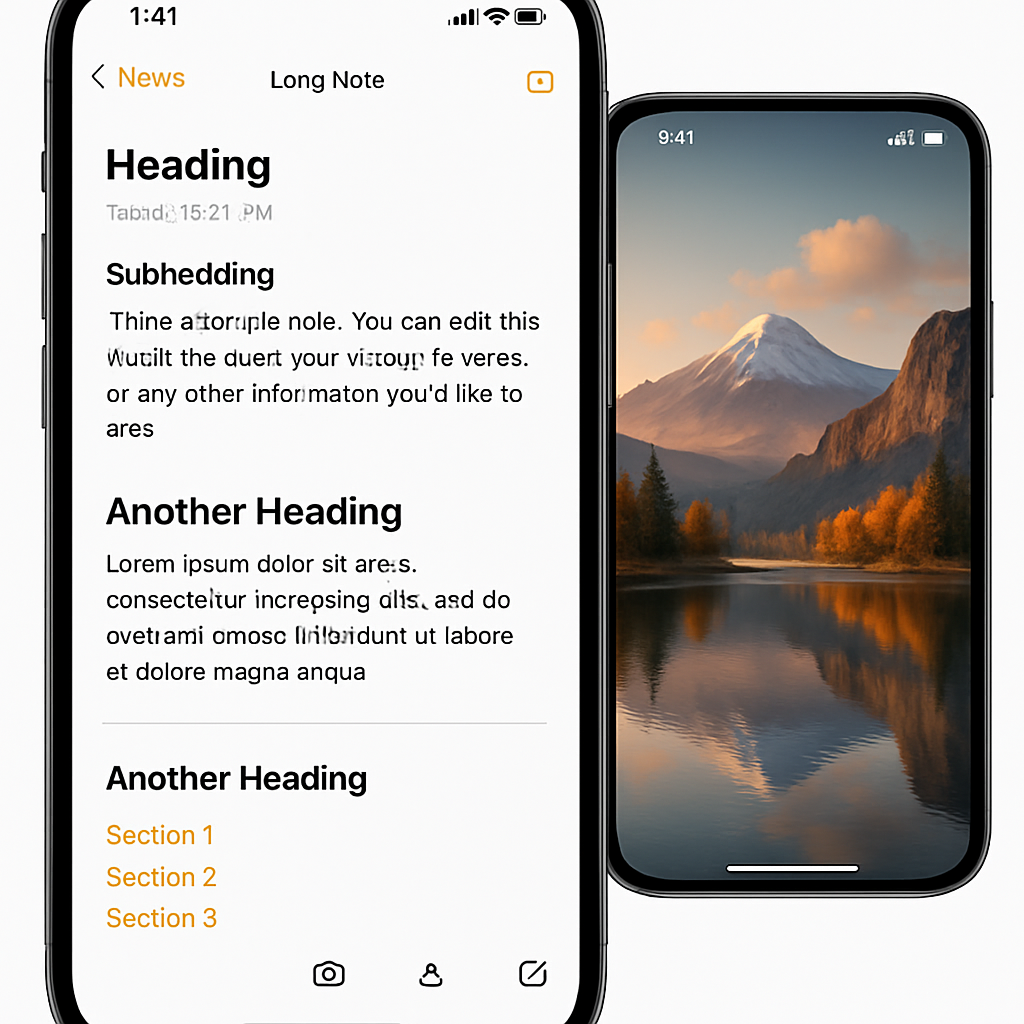
One of the most immediately visible additions is the ability to insert divider lines. You can now tap inside a note where you want to split sections, choose “Insert Divider Line” from the edit menu, and break up content visually for a tidier, clearer layout.
The update also brings section links. These let you build internal navigation inside a long note. Select text, pick “Add Link,” then choose “Link to Section” to anchor that text to a heading or subheading in the same note. It’s great for creating a table of contents or jumping between parts without scrolling endlessly.
AI, Markdown, and Image Playground Enhancements
AI gets deeper integration, especially through Siri. In iOS 27, you can have Siri create new notes or add content to existing ones based on responses from the new Siri intelligence feature. It works for cleaning up poorly formatted lists, pulling info from Siri answers, or expanding a note without leaving the Siri interface.
Markdown workflows receive significant polish. Previously, Notes supported importing and exporting Markdown; now when you paste Markdown-formatted text into a note, it’s auto-converted into rich text. Conversely, there’s a new “Copy as Markdown” command to take your formatted note back into Markdown when needed.
Image Playground, Apple’s AI art generation feature built into Notes, sees serious upgrades. A new generative model powered by Private Cloud Compute brings better quality, including photorealistic styles. Images created through this tool now include a hidden SynthID watermark that labels them as AI-generated without disrupting the user experience.
Visual Refreshes & Icon Updates
Beyond features, iOS 27 delivers visual refinements throughout Notes. The app’s icon gets a redesign, while buttons, menus, and shared folders receive updates to match the interface’s liquid glass aesthetic. Shared folders and notes both gain new icons, and the shared folder view appears at the top of the folder list for easier access.
Taken together, these changes make Notes feel more modern, more polished, and more functional.
From improved structure tools like divider lines and section links to expanded AI capability via Siri and enhanced Markdown support, Notes in iOS 27 isn’t just polished—it adds true depth. Image Playground’s enhancements signal Apple pushing further into creative AI, especially with photorealism and automatic watermarking. For regular note-takers, writers, and anyone juggling long documents or creative content, these updates are worth exploring. Watch for how well these new tools perform in everyday use — they could shift how many approach note organization and content creation.