Apple has officially released iPadOS 27 today (September 14, 2026), bringing a sweeping update to iPad users. Key changes include an upgraded Siri powered by Apple Intelligence, revamped system UI tweaks that lean into a more Mac-like experience, refined parental controls, and major enhancements to built-in apps. Below is a breakdown of the new improvements, what devices lose support, and what this means for daily users.
What’s New in iPadOS 27
Siri AI & Apple Intelligence Integration
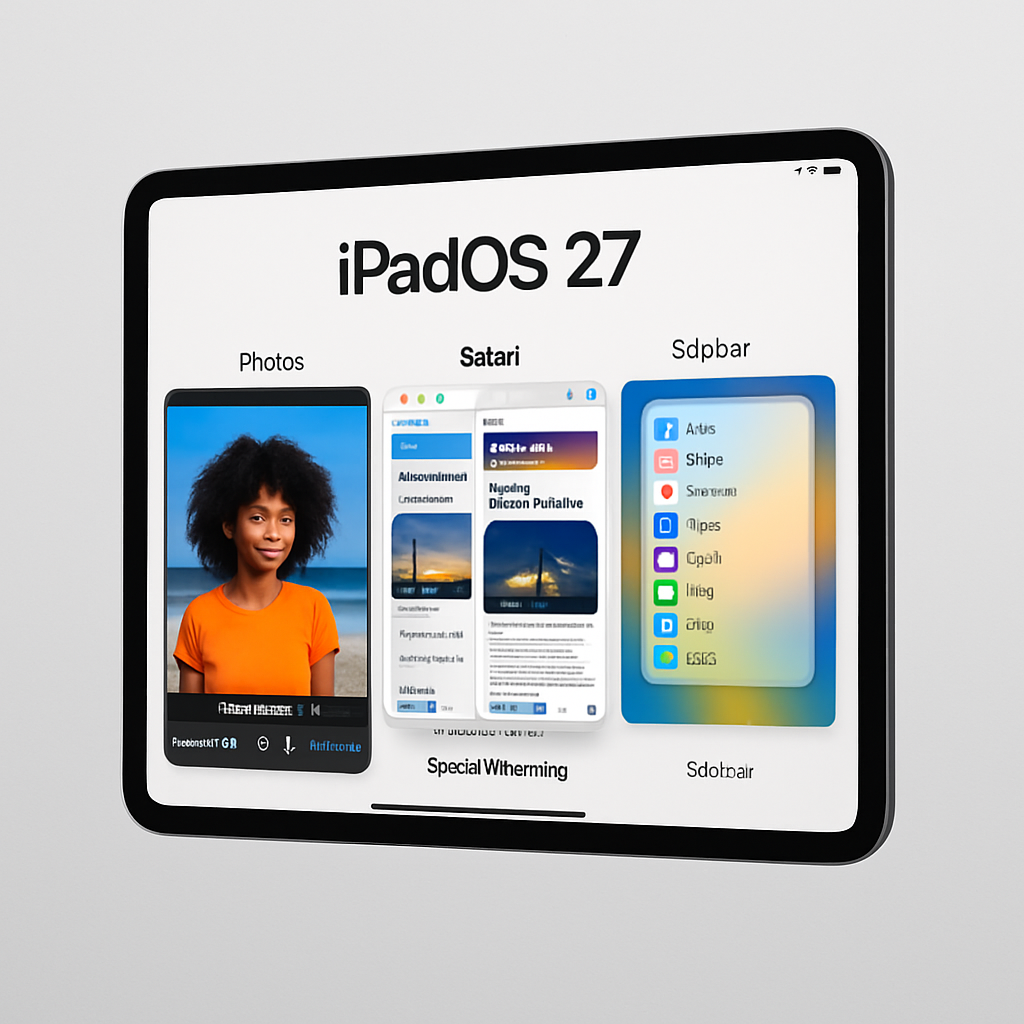
At the heart of iPadOS 27 is Siri AI—now more context-aware and deeply integrated across apps. You can access it via a dedicated app, swipe-down gesture, “Hey Siri,” or the Side button. Alongside this, Apple Intelligence equips apps like Messages, Photos, Notes, Music, Reminders, and Safari with features such as intelligent suggestions, context-based actions (e.g. flagging content to create reminders or notes), and natural-language event entry in Calendar. Visual Intelligence lets Siri understand on-screen content, enabling actions like enhancing photos, reframing shots, removing unwanted elements via Clean Up, extending compositions, and interacting with the image itself. Automated shortcuts can now be described in plain language, and Siri adapts your writing tone based on your relationships.
System & UI Changes
Several interface upgrades aim to make the iPad feel more like a laptop. App names now appear in the status bar, and you have the option to keep the menu bar permanently visible. Performance is ramped up: faster app launches, improved file transfers to external drives, and snappier AirDrop experience. New visual effects under the Liquid Glass theme improve clarity and contrast, and users gain control over how transparent or tinted the interface appears.
App Upgrades & Smarter Defaults
Core apps get significant updates. Safari can now automatically group tabs by topic and notify you when a monitored page changes (e.g. a product restock or price shift). In Photos, the Extend and Spatial Reframing tools let you reshape shots after the fact, while Clean Up removes larger photo elements. Shared Albums now support full-resolution content and improved cross-platform sharing via iCloud.com. In Messages and Mail, Siri offering contextual suggestions helps with tasks like adding events or searching photos. Calendar allows event creation using natural language, and reminders are auto-categorized and enhanced by suggestions and grocery-list support.
Better Parental Controls & Accessibility
Screen Time sees more granular tools for caretakers. Meanwhile, accessibility gains include richer VoiceOver descriptions, auto-generated synced captions for videos (with optional translation), enhanced image understanding in apps, and improved tools for those with low vision including a more powerful Magnifier.
Device Support & How to Upgrade
With this release, five older iPad models lose compatibility. Dropped from the roster are: iPad Pro 12.9-inch (3rd gen), iPad Pro 11-inch (1st gen), iPad (8th gen), iPad mini 5, and iPad Air 3. For eligible devices, the update rolls out via Settings → General → Software Update.
System optimizations come through in numerous small but meaningful improvements—faster file transfers, more stable performance, visual enhancements, and interface polish across the board.
In short: iPadOS 27 is the most “intelligence”-focused release yet, leaning heavily into AI-assisted workflows, cleaner design, and performance. It’s less about reinventing the wheel and more about sharpening it.
What this means going forward is that Apple clearly sees the iPad as more than a tablet—it’s an always-ready hybrid, teetering toward replacement of the laptop for many users. With iPadOS 27, the expectation is that iPads do more, more intelligently, with less friction. We’ll be watching how the AI features perform in day-to-day use, whether performance holds up on older supported iPads, and most importantly, how Apple navigates user trust and privacy as the OS leans further into automated, context-sensitive assistance.