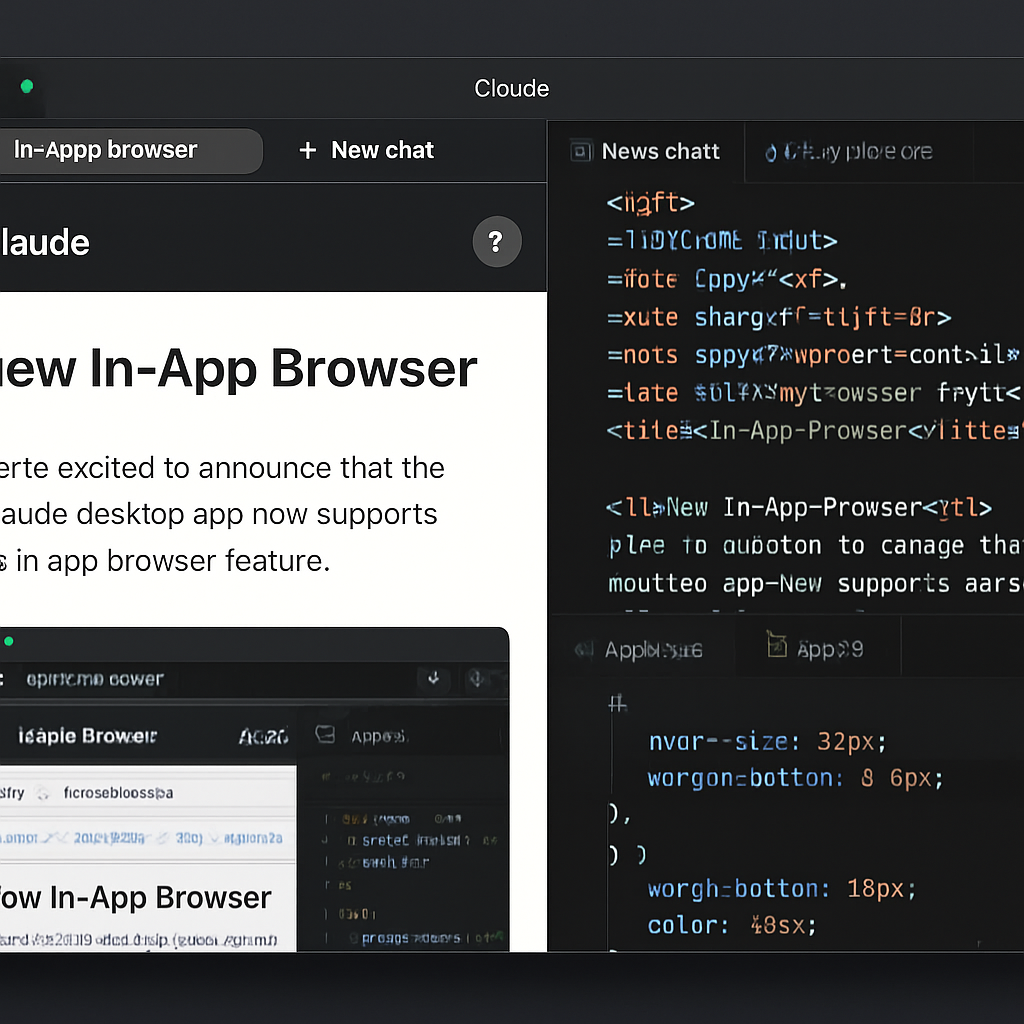
Anthropic has unveiled a new in-app browser feature for its Claude Code desktop application, enhancing the development experience by allowing users to access and interact with web content directly within the app. This addition enables developers to open documentation, design resources, and other web pages without leaving the development environment.
The in-app browser is designed to function similarly to how Claude interacts with local development servers, providing a seamless and integrated workflow. It operates within a sandboxed environment, ensuring security and user control. Users have the option to configure session persistence according to their preferences.
Anthropic’s documentation highlights the distinction between the in-app browser and the Claude extension for Chrome. The in-app browser utilizes a clean browser profile, separate from the user’s personal browser, without access to saved logins or browsing history. This setup is ideal for building and testing applications or accessing sites that do not require user authentication. For tasks that necessitate acting within the user’s logged-in sessions, the Claude in Chrome extension is recommended, as it shares the browser’s login state.
This development aligns with recent trends in AI-powered browsing capabilities. For instance, OpenAI has announced plans to phase out its ChatGPT Atlas browser in favor of a new in-app browser within the ChatGPT desktop application. Both Anthropic and OpenAI offer Chrome extensions to integrate their AI tools with Google’s browser, reflecting a broader industry movement towards more integrated and efficient development tools.
The introduction of the in-app browser in Claude Code signifies Anthropic’s commitment to streamlining the development process. By reducing the need to switch between multiple applications and browsers, developers can maintain focus and efficiency. This feature is particularly beneficial for tasks that involve frequent reference to online resources, as it consolidates the development workflow into a single, cohesive environment.
As AI continues to evolve, the integration of such features into development tools is likely to become more prevalent. Developers can anticipate further enhancements that prioritize convenience, security, and seamless integration, ultimately leading to more productive and efficient development experiences.