Android users are getting a batch of subtle yet powerful features today with Google’s September 2026 Android Drop — improvements designed to simplify daily tasks, boost accessibility, and reduce friction in common interactions. It’s a reminder that sometimes the smallest conveniences can yield the biggest dividends.
What’s New in the September Drop
This month’s rollout brings five key enhancements across Android’s ecosystem: a smarter Find Hub, an anti-nausea visual aid, deeper Gemini Live accessibility, in-chat notes via Keep, and customizable themes for Google Messages. These aren’t sweeping OS changes, but they target real pain points that many overlook. And though Pixels get first access, a range of devices will receive these features soon — with OS version, region, and support requirements shaping availability.
Find Hub’s “Remembered Items” Feature
Can’t remember where you put something like your charger or passport? Now you can tell Gemini exactly that — “remember in Find Hub I put my passport in the bedroom drawer” — and it gets logged in a new tab in Find Hub, even if the item lacks a physical tracker. You can also attach a photo to help jog your memory later. To use this, you’ll need a phone running Android 16 or newer and be in a country where both Gemini and Find Hub are available.
Motion Assist to Ease Motion Sickness
Riding in a car or bus while trying to read can be rough. Motion Assist introduces subtle moving bubbles along your screen edges that sync with vehicle motion to help align what your eyes see with what your body feels. It’s rolling out now for Android 17 devices. Options include auto-activation when in motion and a Quick Settings tile for manual control.
Guided Vision in Gemini Live for Accessibility
Gemini Live adds a feature called Guided Vision aimed at users who need visual assistance. Using the phone’s camera feed, it can help you identify objects, read dim menus, or even guide you to reposition the camera if something’s out of frame. It can be triggered via Accessibility shortcuts or TalkBack, and it supports Android 9 and up. This is less about flashy AI and more about practical help seeing the world clearly.
Google Keep Inside Messages + Chat Themes
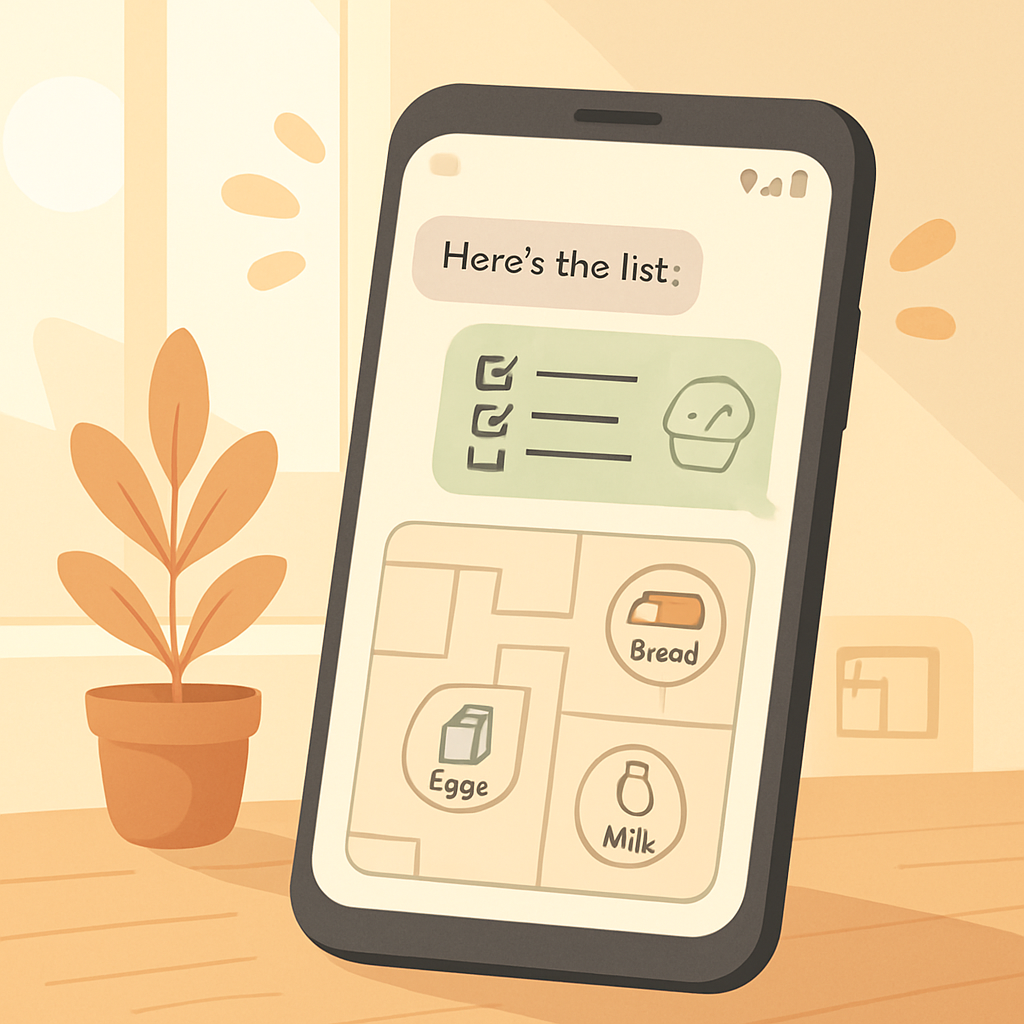
Time to stop bouncing between apps: Google Keep is now integrated into Google Messages. You can start a note or list from within a chat, share it with everyone in the conversation, and collaborate without leaving the app. Alongside this, Messages gets per-chat theming, letting you pick a background photo (or wallpaper), match text bubble colors, or use auto-generated colors based on your chosen background.
Rollout, Compatibility & Caveats
The November update follows Google’s pattern of staggered releases. Pixels tend to lead the way, but many features are available on non-Pixels so long as you meet the minimum Android version or the device has the required sensors. Guided Vision requires Android 9+, Find Hub’s Remembered list requires Android 16+, and Motion Assist needs Android 17. Some features depend on regional availability or whether Gemini and Find Hub are supported where you are.
A few other caveats: Motion Assist may not work equally well for everyone, especially those already prone to motion sensitivity. Guided Vision is explicitly not a substitute for medical devices or tools for navigation and shouldn’t be relied on as such. And some cosmetic features like themes are just that — aesthetic, not functional.
Overall, this Android Drop isn’t about flaunting AI or unveiling a major hardware tie-in. It’s about making your phone understand and help with small, mundane moments — remembering where something is, easing discomfort, helping you see better, keeping lists in one place, and giving your chat windows a little personality. These incremental updates quietly push Android forward. The real question is how quickly they spread beyond flagship handsets and how polished the experience becomes in everyday life.