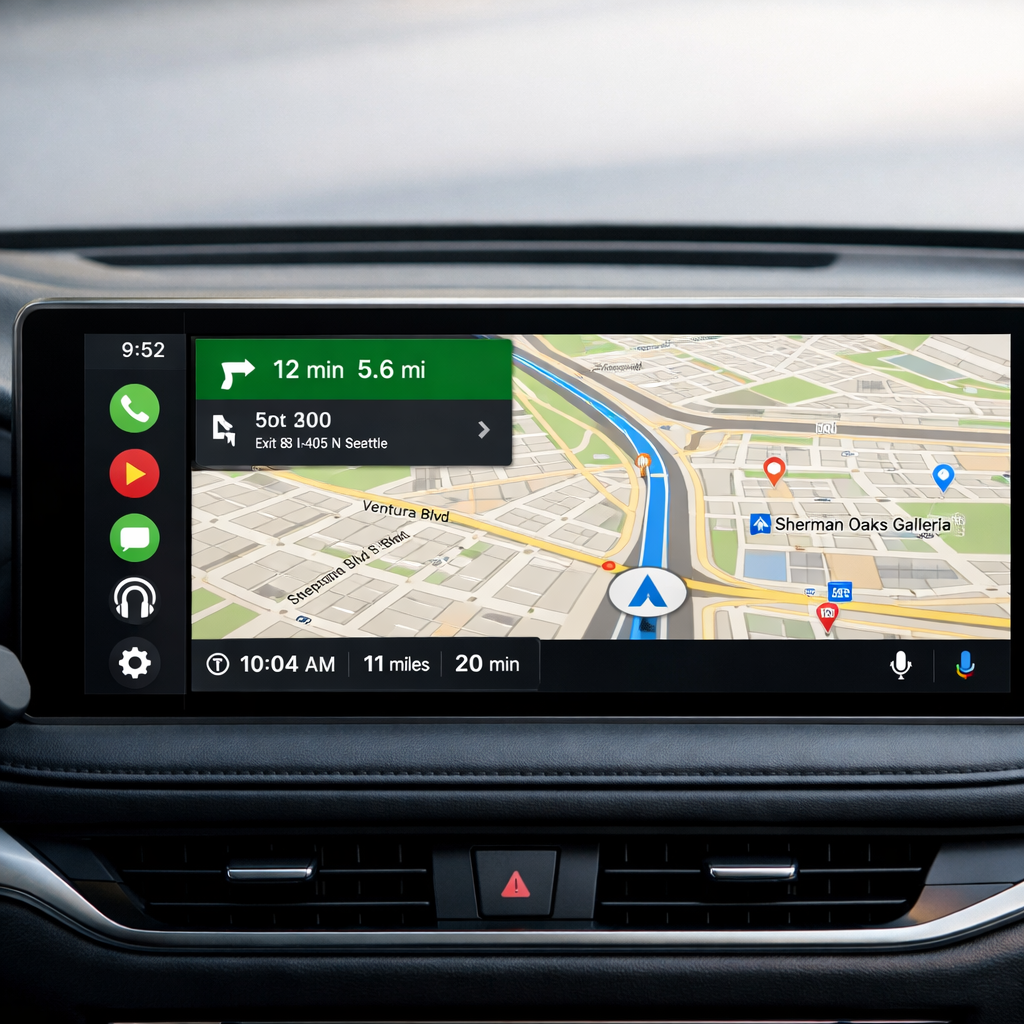
Android Auto is getting an update aimed at making use of wider car displays, but don’t expect all users to notice the change right away. The recent release of Android Auto version 18.2 introduces a revamped layout that shifts key navigation elements from the top bar to a sidebar. Apps like Spotify, YouTube Music, and Phone will now feature their major shortcuts—such as Home, Browse, Recents, Library—aligned along the left side instead of across the top. This design reworks the UI to work better on shorter, wider screens where vertical space is limited.
What’s changing—and what’s not
Currently, Android Auto has to flex for various screen shapes: from tall, narrow panels to wide horizontal displays. In older layouts, some features would hide or be pushed into menus depending on the screen’s size and aspect ratio—weather information would show only on taller layouts, and options like reporting issues in Maps could disappear on smaller displays. The new sidebar update aims to optimize this experience where screen real estate allows it.
However, just updating the Android Auto app doesn’t guarantee access to the new UI. If Google Maps is occupying much of the display—something that often happens on wide OLED or LCD panels—other apps can be constrained and prevented from expanding to the full width necessary to adopt the sidebar design. Essentially, unless your setup lets non-navigation apps take up enough screen space, you may not see the change at all.
Why this update matters
This layout overhaul is part of a broader push by Android Auto to handle more diverse display formats. Cars increasingly come with ultra-wide or unconventional displays, and software still needs to adapt. By swapping the navigation bar for a sidebar when space allows, Android Auto can preserve utility and readability without cramping key buttons into unnecessarily tight or crowded areas. Such changes affect core apps, making everyday tasks like navigation, music, and phone handling more intuitive.
Even though only users with certain display setups will benefit immediately, the update signals Android Auto’s growing attention to tailoring its user interface dynamically. Future updates may extend this flexibility, allowing more drivers to take advantage of wider displays without sacrificing usability. Keep an eye on how your vehicle handles full-width app layouts—what seems like a minor tweak could go a long way for those with modern dashboards.