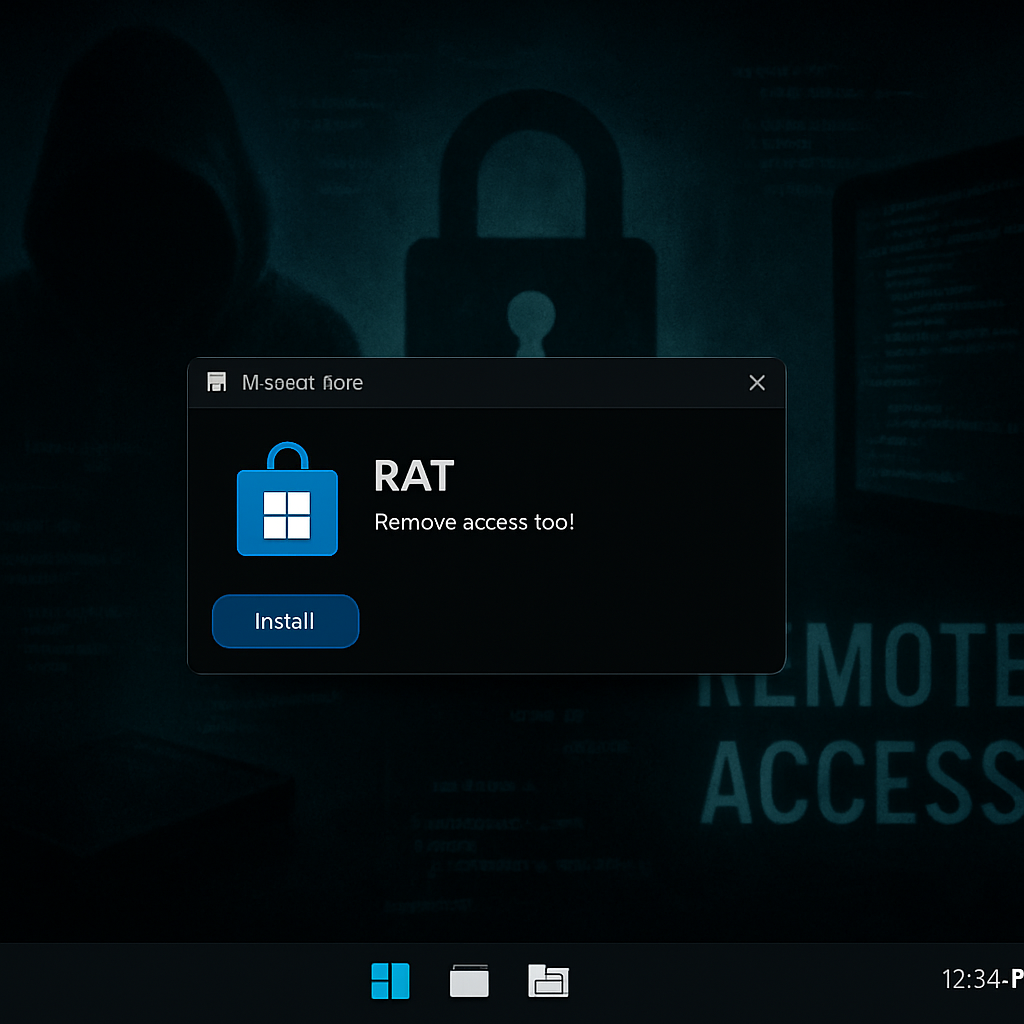
A fresh remote access Trojan (RAT) dubbed AgtaBackup has been found camouflaging itself with fake Microsoft Store pages to infiltrate Windows PCs. The attack lures targets with what appears to be legitimate video-conferencing software, but what users download instead is a remote monitoring and management (RMM) tool controlled by attackers. Once approved via a Windows User Account Control (UAC) prompt, the signed installer enrolls the system under attacker command—a stealthy takeover masquerading as a trusted tool. Analysts at Palo Alto Networks Unit 42 uncovered this malicious operation.
How the AgtaBackup Attack Works
In the initial phase, victims are directed to a website imitating a Microsoft Store product page for popular video-conferencing software. Instead of the promised app, clicking the download installs an RMM MSI package—examples include LogMeIn Resolve or ConnectWise ScreenConnect. The installation proceeds normally: the installer is digitally signed, shows a legitimate setup, and prompts the user via UAC. Once accepted, the RMM client runs with SYSTEM-level privileges and binds the infected machine to a cloud account under attacker control.
After this setup, there may be a delay of hours or even days before the attackers execute a PowerShell command to download and silently install the AgtaBackup RAT via MSI. To evade detection, the RAT hides as a SYSTEM service under a name that suggests it’s part of Windows security. It also creates scheduled tasks that run every minute and on system startup. If defenders attempt cleanup by deleting the service or its folders, built-in mechanisms bring the malware back within a minute.
What AgtaBackup Can Do—and How It’s Detected
Once active, the RAT maintains continuous communication with a command-and-control (C2) server. It opens a WebSocket channel for live commands, gathering system inventories, executing PowerShell, and moving, copying, or deleting files. It has capabilities for taking screenshots, capturing browser profile data (history, bookmarks, cookies) across nine browser families—including Chrome, Edge, Firefox, Brave, Opera, Vivaldi, Chromium, and Yandex—and it deploys a keylogger disguised as a security process.
To further hamper detection, AgtaBackup changes system settings so UAC prompts are shown outside of Windows’ secured desktop environment, making them vulnerable to remote manipulation. Service permissions are configured to limit visibility to non-SYSTEM users—which includes local admins—making it harder to spot.
Security teams are advised to monitor for unusual RMM enrollments—especially when RMM software is used to silently download an MSI. Look for repeated task restoration, SYSTEM-service processes reading browser-related files en masse, or strange network traffic. For individuals, sticking to official software sources is key.
I n d i c a t o r s o f C o m p r o m i s e ( I o C s )
An array of C2 domains has been linked to AgtaBackup, plus impersonation domains mimicking legitimate vendors. Some notable domain examples include avanade[.]cc, bootbackup[.]com, planetwealthonlycleantea[.]top, and gsop[.]top. Also included are file hashes for malware installers like AgtaBackupAgent.msi, etc., and system paths where the backdoor establishes persistence (e.g. C:\Program Files\Agta Backup\, C:\Windows\Temp\AgtaBackupAgent.msi).
Among the key signs: use of a misnamed keylogger (“Windows Security Health Services.exe”), a hidden desktop session for stealthy shell access, service names that mimic security tools, and scheduled tasks appearing every minute or at startup. Altered UAC secure-desktop settings also stand out.
What this means:AgtaBackup represents a sophisticated evolution in RAT tactics, blending trusted tools with stealth and persistence. This kind of attack challenges defenders’ assumptions about what “trusted” software really means. Monitoring delivery methods, scrutinizing unexpected RMM enrollments, and paying attention to SYSTEM-level behavior are no longer optional—they’re essential. As attackers continue to abuse legitimate administration frameworks, early detection is the frontline of defense.