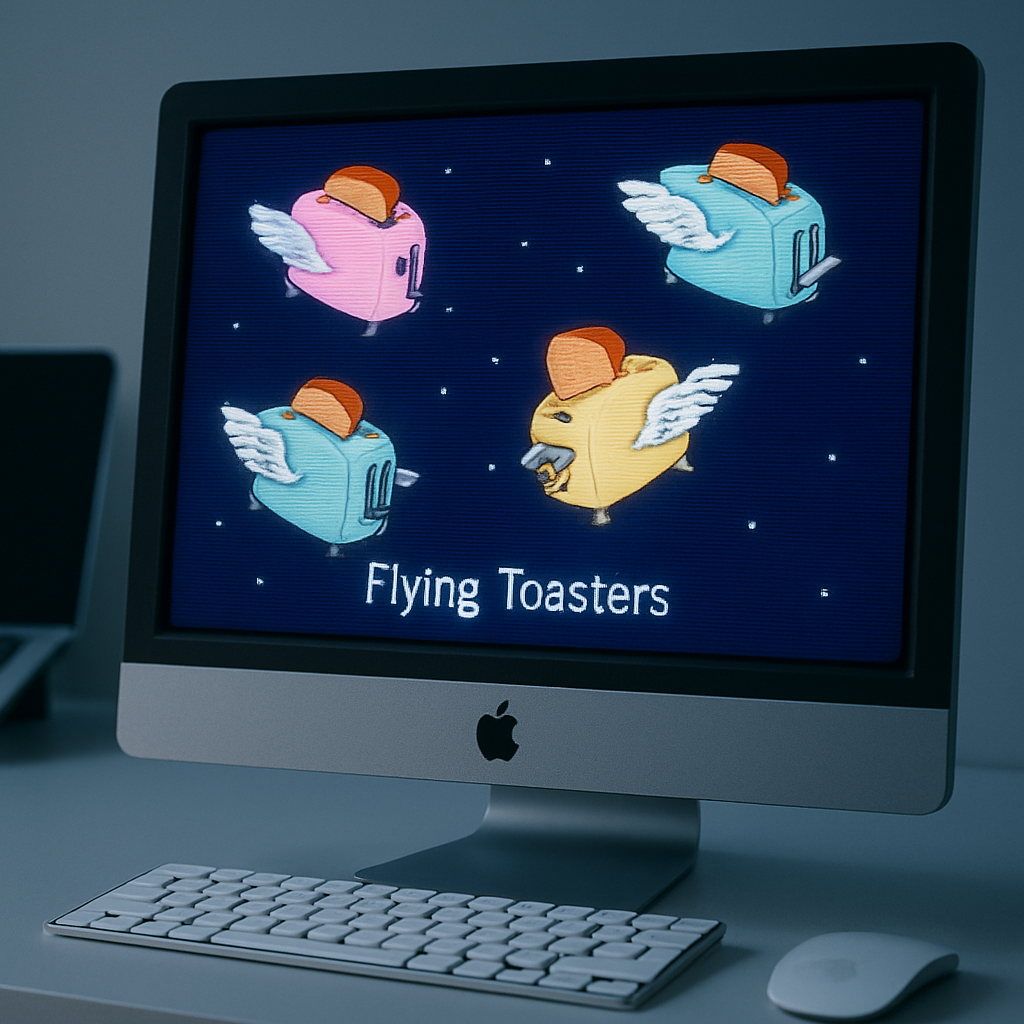
Afterglow revives the iconic After Dark screen savers from the 1990s for today’s Macs. The new project from Jeff Halter allows users to run original 68k After Dark modules—like the memorable Flying Toasters—without resorting to an entire classic Mac OS environment. Instead, it uses a dedicated emulator designed just for these modules.
Back in the day, After Dark was everywhere. Berkeley Systems’ collection of screen savers—featuring animations from surreal to simply beautiful—became a signature of 90s Mac life. They were functional, too: a defense against screen burn-in on CRT monitors. But for decades, people had to either keep vintage Macs or run emulators, often imperfect ones, just to enjoy those screensavers.
What Afterglow Offers
Halter’s Afterglow changes the game by packaging the original module code in a modern emulator. No old ROMs or entire classic OS setups are needed. Thanks to this, modules run more reliably, with less fuss.
It’s not just about running old code. Afterglow provides tools and enhancements for modern workflows: you can import After Dark modules and use them as screen savers via a macOS module. It supports multiple modules, randomizing between them, full-screen mode, and even includes a CRT shader for that nostalgic glow. Additional extras include a 3D box art viewer, module controls, and a resource inspector.
How It Works — And What It Doesn’t Include
While Afterglow doesn’t bundle any screen saver modules out of copyright reasons, it guides users through how to find and import their own. The emulator works with the original 68k code; it’s a preservation effort just as much as a toy for nostalgia.
Beyond the nostalgic visuals, the utility of Afterglow stands out. Vintage hardware and classic OS emulators often suffer from speed or compatibility issues—some screen savers play too fast, others too slow. Afterglow avoids those pitfalls by behaving like software built specifically for the purpose.
This isn’t the first time Halter has revived old Mac software into something new: his previous project, Lunacy, brought the More After Dark game Lunatic Fringeback for modern Macs, serving as a template for Afterglow’s approach.
What this means is more than retro aesthetics. Afterglow bridges past and present, letting longtime Mac users revisit old favorites without jumping through hoops. It also plays into the larger momentum behind preserving software history—ensuring that quirky, artistic digital artifacts aren’t lost as systems evolve. For anyone who grew up with the original After Dark, or is curious about digital art’s early days, Afterglow opens a well-tuned portal to that era.