Adobe used its MAX conference today to unveil a major expansion of AI-powered tools across its creative apps, along with a new integration platform launching next year to streamline workflows between Adobe tools and third-party agents like ChatGPT.
Fresh Features Added to Photoshop, Premiere & More
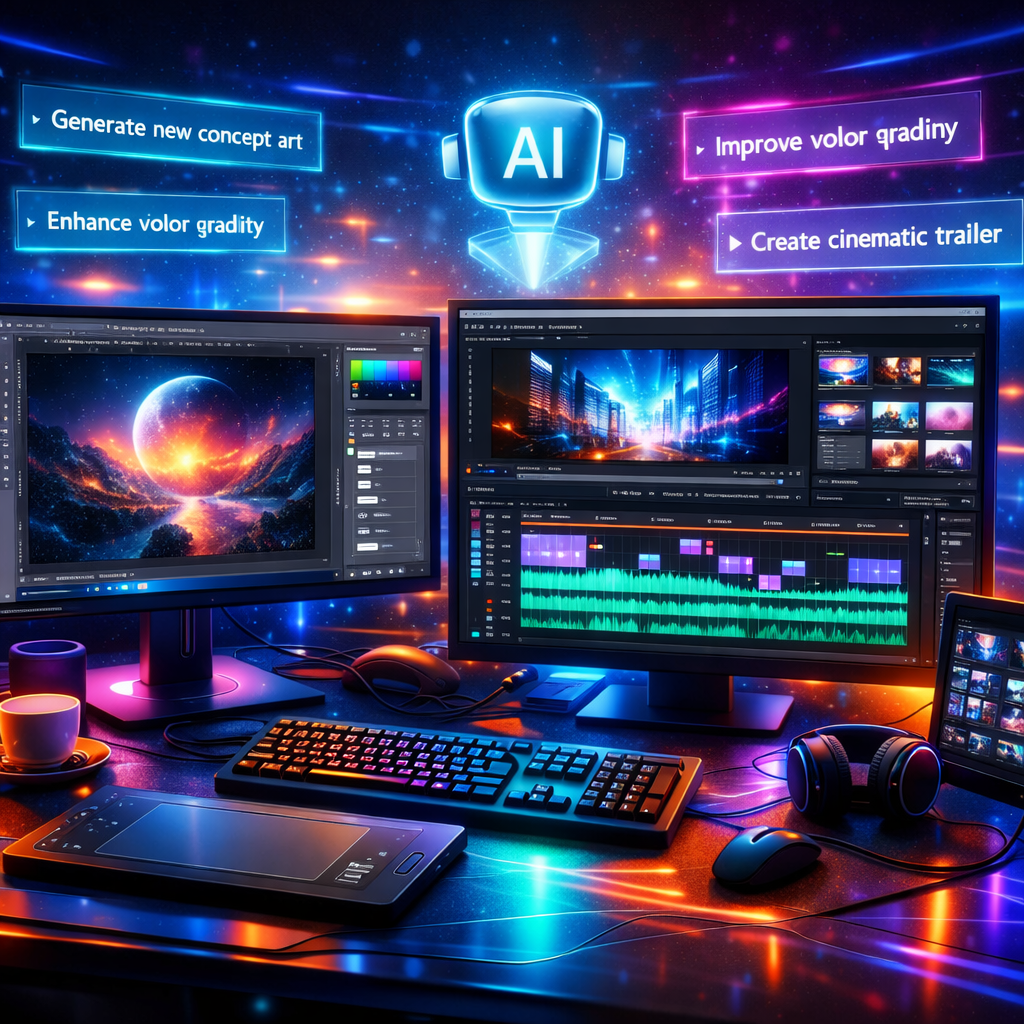
In Photoshop, creators will soon have tools like Relight—which lets users add, move, or resize light sources dynamically without altering underlying layers—and Generative Restyle, which generates style variations based on prompts, adjustable with sliders. Other upcoming enhancements include a Quick Compare slider to track edits directly, a Mockups tool for realistic compositing, Camera Angles for new viewpoints, Generative Recompose to shift layouts while preserving composition, Convert to Text Layers, Timelapse recordings of creative work, and Remove Ambient Effect Only to clean up visual distractions like haze or lens flare. New AI image models — Wonder 4 and Image HDR — also improve upscaling, noise removal, clarity, and dynamic range.
Premiere sees several new generative tools including Enhance Audio, Separate Crosstalk, and Separate Sound Source to prep raw files. A Generative Remove feature (in beta) will allow users to eliminate unwanted elements from video timelines. There’s also a new Color Mode for both quick corrections and advanced grading. The most ambitious addition is the Generative Media Tool, which enables users to generate video, music, sound effects and soundscapes directly from context in the edit, with models from Firefly and partners like Google, Runway and Luma.
On Premiere Mobile, hundreds of thousands of licensed tracks from partnerships with UMG and WMG are now available for non-commercial creation, along with artist-inspired templates and tools to explore trending music. Upcoming agentic tools including Quick Cuts (auto-first-cut from materials and prompt) and a natural-language AI Assistant are set to make editing easier for mobile users. Lightroom gains Glow lighting effects, Blemish Removal, Open Eyes beta, and enhanced camera tethering including direct connection to iPads for live previews.
Illustrator and InDesign also get upgrades: Illustrator receives new graphic styles, gradients, brushes, patterns and improved Blend controls; InDesign gets beta Co-editing for real-time collaboration, Flex Layout for dynamic reflow and responsive designs, and tools like Check Document and accessibility-aware Rewrite to dial in editorial quality earlier in the process.
MCP Integration & Firefly Enhancements
An integration called MCP, coming in early 2027 via private beta, aims to make Photoshop, Illustrator, Premiere and After Effects work directly with agents like ChatGPT. That means multi-step tasks—like adapting creative assets, managing files in Drive, messaging teams—could be orchestrated via natural language, while preserving editable file structures such as layers and sequences locally.
Firefly, Adobe’s generative content platform, is also getting upgraded. New modes for designing, editing, animating and creating 3D content merge into a single canvas. Tools like Firefly Video (for scene organization, captions, B-roll, transitions), Firefly Design, Quick Actions, Firefly Graph (workflow reuse), and Firefly Builder (website/app prototyping via prompts) are all rolling out, some as public features and some via private beta. Assistant enhancements include Plan Mode (review agent proposals) and Model Selector (choose AI model per task), plus preview of “always-on agents” to handle background content organization and quality checks.
Adobe’s Creative Agent is being expanded too—and available in beta across apps like Illustrator, Premiere, InDesign, After Effects, Frame.io and the Photoshop beta. These assistants allow users to use natural language to apply effects, track subjects, adjust color/exposure across clips, and more.
All of these updates begin rolling out across Adobe’s Creative Cloud this week, with MCP integrations set for early private beta in 2027.
Why this matters: Adobe’s latest moves underscore a shift toward tightly integrated generative AI within creative workflows. With tools like MCP set to bridge Adobe’s apps and external AI agents, creative professionals may soon configure large parts of their process through prompts, with fewer manual handoffs. This raises the bar for what users expect—from image editing to video production—and challenges competitors to match both integration depth and creative control. Watch closely for how Adobe balances automation with preserving craft, licensing issues (especially music), and the impact on collaboration workflows as these tools roll out.