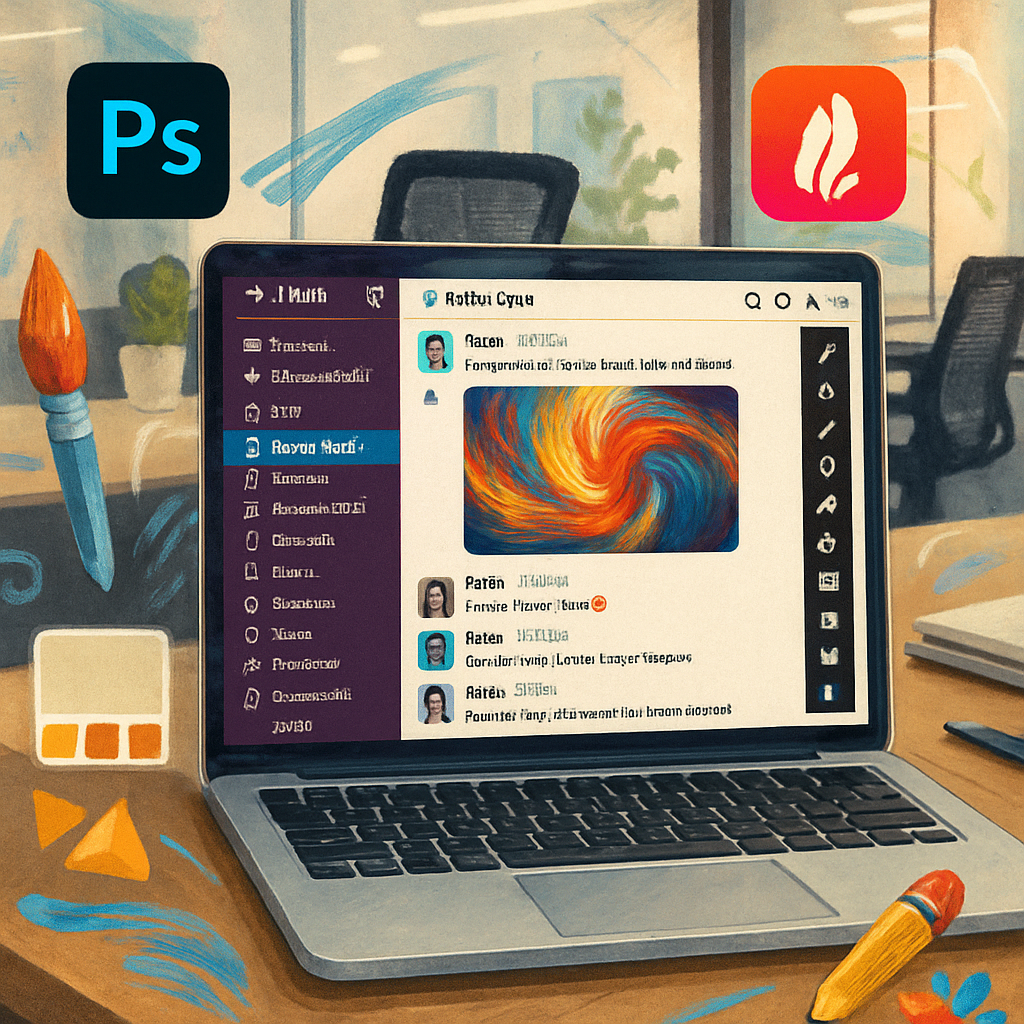
Adobe has launched a major expansion of its toolset within Slack by introducing the new Adobe for Slack MCP (Multi-Cloud Platform) app. The integration brings over 70 professional creative tools—such as Photoshop, Firefly, Premiere, Acrobat, Illustrator, InDesign, Lightroom, Stock, and Adobe Express—into Slack’s workspace. Teams can now generate, edit, and adapt images, videos, PDFs, and designs without ever leaving their conversation threads.
Built-in AI-assistant handles creative workflows
At the center of this update is Slackbot, Slack’s internal AI assistant, which has been equipped to understand the context of messages, files, channels, and Canvases. From there, it activates the appropriate Adobe tools to match the task at hand. For example, users can ask Slackbot to summarize a project brief and then convert the result into a visually polished PDF, an image, or even a video.
Other workflows include resizing campaign graphics for various social platforms, converting spreadsheet data into shareable visuals, refining photo batches, or performing tasks like background removal, lighting adjustments, cropping, and producing creative variations—all directly inside Slack. For organizations that rely on tight collaboration, this tightens the feedback loop by reducing context switching.
Access, rollout, and Adobe’s broader AI push
Adobe for Slack MCP is now live globally for Slack’s Business+ and Enterprise+ tiers across desktop, web, and mobile. Basic functionality is accessible without an Adobe account, but logging in unlocks advanced generative AI features, access to Creative Cloud files, and persistence across sessions.
This move builds on Adobe’s strategy of embedding its creative tech into conversational platforms. It already supports deep integration with ChatGPT, Claude, and Microsoft’s Copilot, and plans to bring its tools into Gemini are also underway.
The integration aims to reduce friction around routine creative tasks and streamline how teams move from concept to final output. It aligns with a trend where leading creative software providers bring design automation and generative AI into real-time communication tools.
What this means moving forward: When tools like Photoshop and Firefly live inside Slack, that threatens the dominance of desktop apps for quick iterations. Adobe’s real challenge will be keeping latency low, preserving feature depth in simplified interfaces, and striking the right balance between automation and manual control. Teams should monitor adoption closely: which features catch on, how well AI suggestions perform, and whether this tight integration truly boosts productivity or just creates another layer of complexity.