Mac administrators often track apps deployed via macOS device management: those shipped via Apple Business Manager, packaged through MDM solutions, or manually uploaded. But what about the software installed by developers—via command line, Homebrew, or extensions? Until now, those have flown under IT’s radar, introducing risk in everything from security audits to compliance checks.
What Workbrew 2.0 Changes
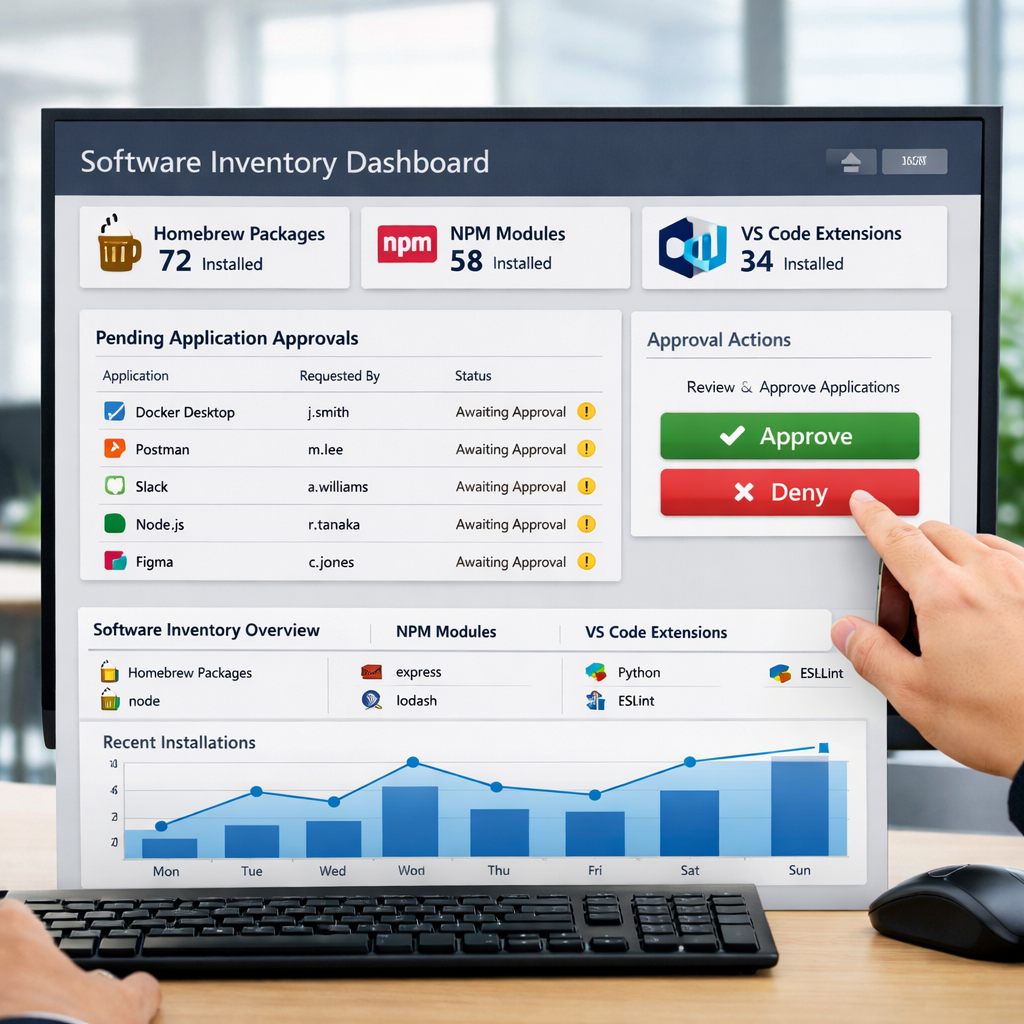
Workbrew began as a reporting tool focused on Homebrew installations. Version 2.0 dramatically expands its reach: it now includes npm packages, VS Code extensions, native macOS apps and ships a macOS agent that gives visibility into software that traditional device management systems can’t touch. That means what devs install directly, IT can finally see.
A key addition is the new Workbrew application for Mac. Think of it as an internal app store — employees can browse IT-approved tools, install them without needing Terminal, and submit requests if desired software isn’t available. IT manages approvals through a central dashboard; denied requests include reasons to help educate users.
Security, Governance, and Usability
Workbrew 2.0 already flags known vulnerabilities and has flagged over ten million security issues for customers since launch. It has also earned ISO 27001 certification, bolstering trust for enterprise environments where data protection is non-negotiable.
The platform supports a free Team plan with no limits on users or devices. It includes the Workbrew agent, visibility features, and the internal app store, making it accessible even for smaller shops without the budget for complex MDM add-ons.
This isn’t meant to replace device management systems. Rather, it fills the cracks—IT continues to deploy and enforce corporate compliance, while Workbrew picks up what those tools typically miss: dev tools, scripts, and extensions that frontline tools by engineering, marketing, operations teams alike install.
Bottom line: Workbrew 2.0 offers an elegant middle ground for macOS administration: visibility, governance, and usability in one tool. If your IT team has ever been startled by something esoteric popping up in a developer’s toolchain, this could be the relief you need.