Google is pushing version 2.29 of its Antigravity platform to macOS, Windows, and Linux users—and it delivers some of the most significant updates so far. The refresh brings a full UI redesign, a new Voice Mode powered by Gemini Live, and cloud-based Remote Agents for Pro and Ultra-tier subscribers.
Redesign & Voice Mode
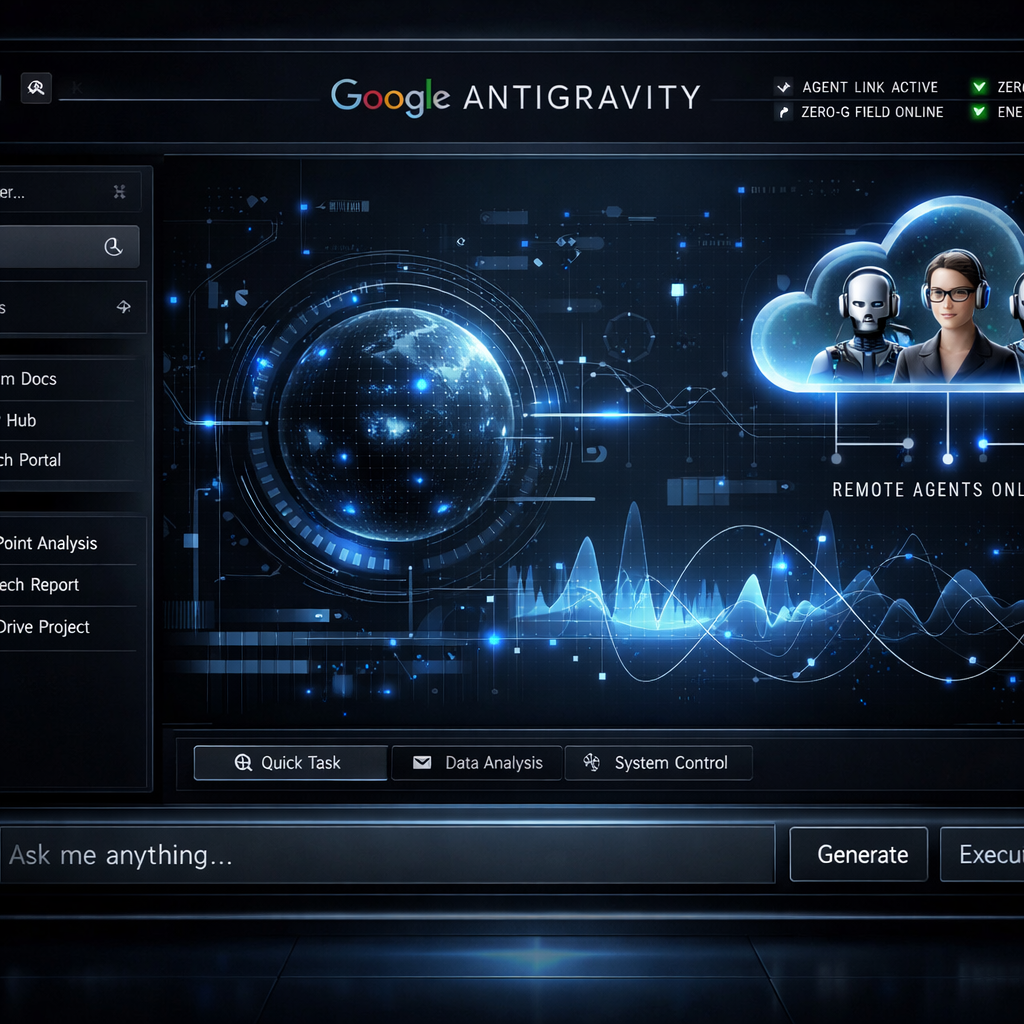
The conversation layout has been overhauled. The prompt input field now lives at the bottom of the screen, topped by a greeting in the style of Gemini’s app interface. A cohesive look comes via Google Sans font and a sleek Onyx theme. Repositories and project branches that use Git will now show both branch and worktree selections through a unified menu. The agent picker has been relocated into the model selector.
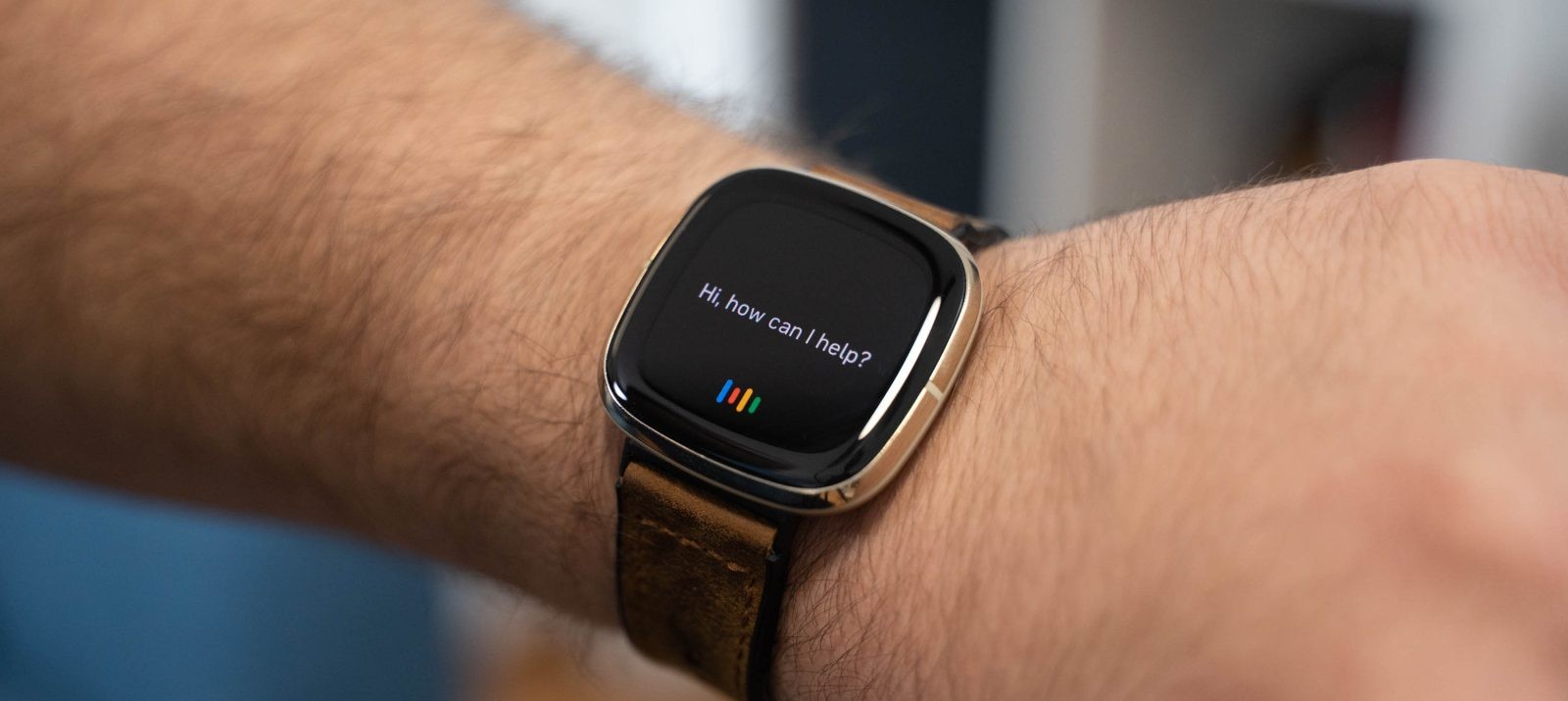
Voice Mode lets users interact with Antigravity using speech. Powered by Gemini Live, it allows users to give commands verbally and hand off tasks to the agent without typing. Voice output speed is adjustable between 0.75× and 2×, and several voice options are included.
Remote Agents & Productivity Enhancements
Remote Agents are the biggest addition in this rollout. Subscribers on the paid Google AI Pro and Ultra plans can spin up projects in the cloud using GitHub repositories or Google Drive folders. These run in isolated cloud VMs, letting them keep working even when your device is off. Management is accessible from your phone via antigravity.google.com/remote.
Productivity features also got a boost: the Automations page introduces categories like Scheduled, Always On, and Paused, complete with next-run and last-run timestamps. The built-in browser now skips annoying blocking prompts during downloads, moves downloads to your system’s default folder, and shows progress in a toolbar drawer. Suggestions from browsing history appear as you type URLs, and there’s now an option to clear saved history. A redesigned address bar includes stronger security indicators and a subtle loading bar. You can open or search new tabs from the side panel, drag links into the side panel, and close tabs to the left via context menus.
More quality-of-life updates: customizable keyboard shortcuts (with an option to reset to defaults), faster cold startup, and smoother sidebar animations that avoid layout shifts.
This update marks a major step forward for Antigravity, turning it into a more versatile tool for developers and power users. Remote Agents extend its utility beyond the desktop—maintaining workflows in the cloud changes what “working with agents” can look like. Voice Mode lowers the barrier for interaction, while performance and UI refinements tighten the user experience across the board. Going forward, it’ll be essential to see how well Remote Agents scale, how voice-driven usage holds up in real-world contexts, and whether these changes settle into Antigravity’s broader evolution—potentially shifting expectations for both local and cloud-based developer tools.