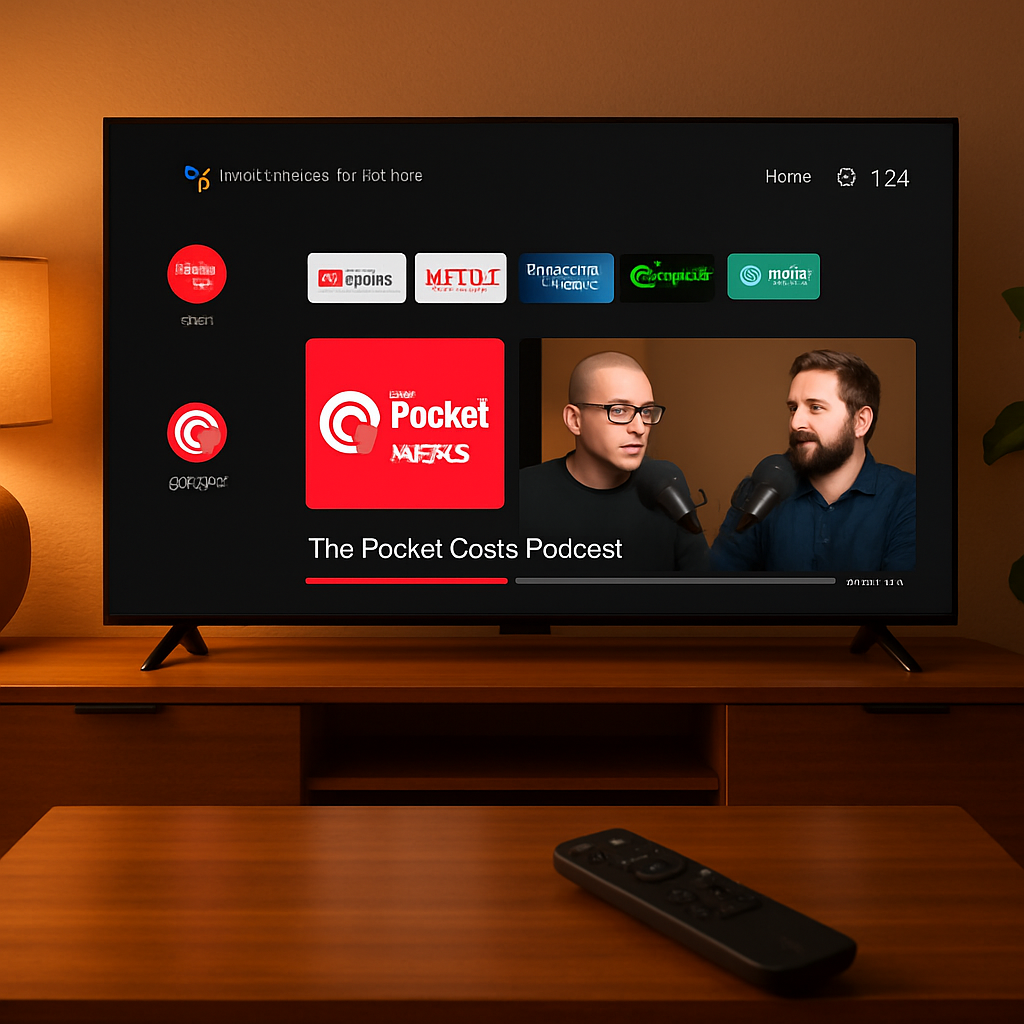
Podcast app Pocket Casts has officially launched native support for Android TV and Google TV set-top devices. Previously available on Apple TV, the new version is tailored specifically for big-screen streaming platforms and was released globally as of October 14, 2026.
What’s New in the TV Version
The Android TV build is designed from the ground up—meaning it’s not just casting from a mobile device. Users can install it directly on their devices, pair it via QR code, and sync their podcast subscriptions, playlists, and all account metadata. Even when the app is closed or minimized, playback continues uninterrupted.
A dedicated “Made for TV” section highlights video podcasts, combining audio and video content in one place. Users will also find promoted episodes and highlighted content displayed more prominently, similar to what was introduced for the Apple TV version. Navigating through upcoming podcasts is simpler, thanks to persistent queue previews and cross-device sync of playback positions.
Availability and How to Get It
The rollout appears to be incremental; some Android TV or Google TV users may not see Pocket Casts via the on-device Play Store yet. In such cases, you can force-install it—use a browser to navigate the Google Play Store, find Pocket Casts, and select your TV device as the destination for download.
This marks a few months’ gap since the Apple TV release, confirmed via the official Pocket Casts blog. Porting the app to Android TV required additional development work to adapt the interface and features for remote control and larger displays. Those changes include UI tweaks, performance adjustments, and TV-friendly layouts.
Your existing Pocket Casts account handles all the heavy lifting: once paired, the TV app syncs everything, so you’ll see familiar playlists, subscriptions, and where you left off without needing new setup steps.
What this means
For podcast fans, this fills a gap in the Android TV ecosystem. Until now, listeners had to rely on casting from a phone or using third-party workarounds—both clunky compared to a native app experience. Now, the full feature set—video support, TV-friendly UI, cross-device sync—is available directly on big-screen devices.
What to watch for
Check performance on your specific Android TV device—older TVs may struggle with video rendering or app lag. Also, keep an eye on feature parity with other platforms (like Apple TV), especially around how video podcasts are presented and discovery tools work. If you depend on Android TV for listening on the couch, this could shift how you consume your audio-visual content.