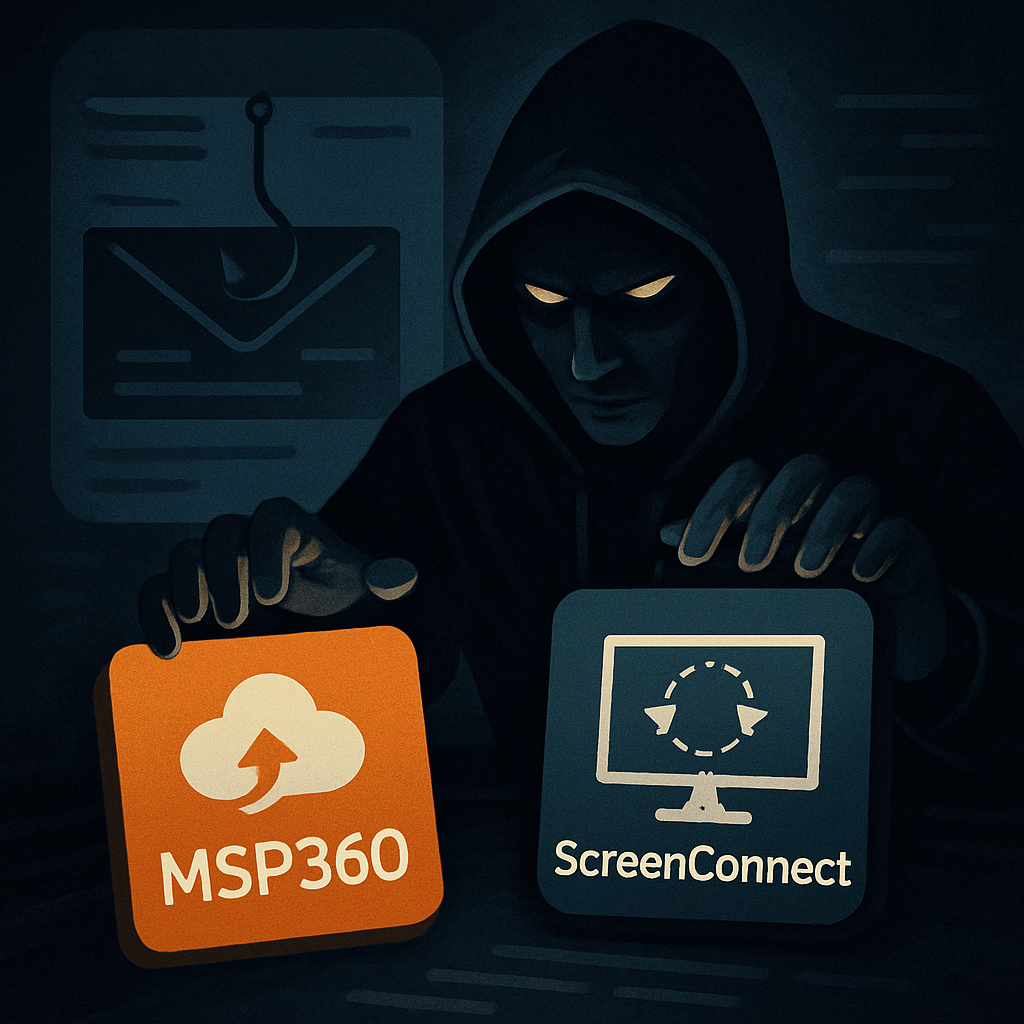
Microsoft has uncovered a sophisticated phishing scheme in which attackers are exploiting the MSP360 Remote Monitoring and Management (RMM) software to gain remote access to victim machines. The campaign leverages socially engineered emails—disguised as meeting invites, PDF updates, and other plausible prompts—to distribute a digitally signed MSP360 installer and surreptitiously install ConnectWise ScreenConnect as a second backdoor.
How the Attack Works
The intrusion begins when the victim opens a phishing email containing what appears to be a legitimate MSP360 RMM installer (version 2.5.0.67), but under deceptive filenames such as “VIP_ECARD_INVITATION_rmm_v2.5.0.67” or “PDF Reader & Editor the Adobe Acrobatte_rmm_v2.5.0.67”. These files are hosted on both malicious infrastructure and trusted cloud platforms, including Amazon S3, Cloudflare R2, Dropbox, GitLab, and Supabase.
Once executed, the installer drops several DLL files and prompts a Windows User Account Control (UAC) elevation, allowing MSP360 to be installed with elevated privileges. It sets up two services (“RMM.Agent.exe” and “RMM.Agent.Launcher.exe”), registers autorun entries in the registry, and modifies the firewall to permit inbound UDP communication on port 48678 to facilitate access to MSP360. Then, via PowerShell, it downloads and installs ScreenConnect, giving the attackers dual RMM access to conduct post-compromise activity—including credential theft and further payload delivery—while blending into standard remote management workflows.
Multiple Tools, Redundant Access
Microsoft noted similar intrusions observed in July 2026 in which attackers used Faronics Deploy Agent in place of MSP360, but still followed up with ScreenConnect for remote access. This pattern suggests that attackers are experimenting with different RMM tools to achieve persistent access and reduce the risk of detection. The dual-RMM approach allows threat actors to maintain backup access channels if one becomes unavailable or compromised.
This campaign illustrates how legitimate administrative software can be exploited to deliver remote control, evade detection, and undermine network security from within. Attackers are using trusted RMM tools as the delivery mechanism to mask malicious operations as normal IT activity, making it far more difficult for defenders to spot anomalous behavior.
As this campaign shows, phishing isn’t just about getting credentials anymore—it’s about installing software that gives full administrative control under the guise of updates or invites.
Why it matters: Organizations that rely on MSP360, Faronics, or any RMM tools must scrutinize update files, check digital signatures, and monitor remote access software usage closely. Cross-tool redundancy like MSP360 + ScreenConnect should raise alarms. As attackers refine their methods, detection strategies must evolve to spot not just phishing emails, but malicious behaviors embedded in remote administration platforms.