Mac security threats have hit a turning point. The leading malware delivery method—ClickFix scams—has become practically ubiquitous, and stealer-style malware is transforming into more persistent, stealthier tools. Recent developments suggest attackers are refining how they take control over Macs, bypassing Apple’s defenses more seamlessly than before.
ClickFix Rises to Dominance
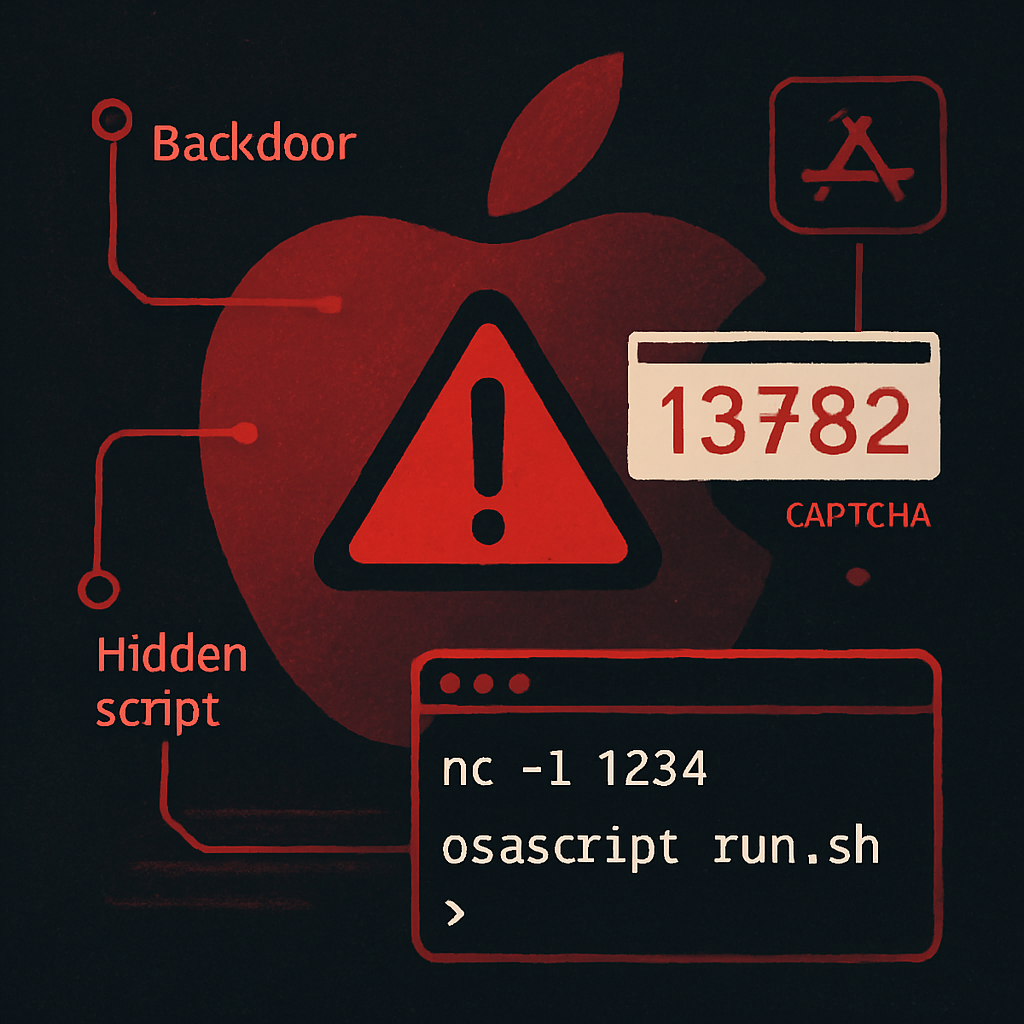
What began as an emerging threat has turned into a main delivery route for almost every major Mac malware family observed lately. ClickFix—where victims are tricked into pasting commands in the Terminal from bogus CAPTCHAs or “fix” alerts—is now the standard starting point. Threats like ClickLock, a new stealer observed by Group-IB, and another Go-based stealer spotted by Huntress in August, show how widespread this tactic has become. Even MacSync fell prey to this trend when pages pretending to be Homebrew or disk cleanup tools spread the malware via ClickFix style prompts.
The reason these scams work so well? They sidestep Apple’s traditional protections—Gatekeeper, notarization, XProtect—since users are essentially installing the malware themselves. Recent prompts in macOS 26.4 haven’t made much of a difference, and attackers are exploiting Terminal or Script Editor tricks to make everything look legitimate.
Stealers Evolving: Beyond Data Grabbers
Stealers are no longer one-off data thieves. They’re evolving into long-term implants with added persistence and backdoors. One example is ClickLock: it social engineers users into entering their system password, then installs a backdoor for follow-up operations. MacSync has similarly expanded its capabilities: what began as a simple data thief now carries modules for ongoing control over infected systems.
Attacker tactics are also growing more clever. MacSync’s latest version uses a public iCloud calendar to retrieve instructions, making its network traffic appear like harmless communication with Apple. Another malware, CrashStealer, impersonates Apple’s crash reporting framework inside a notarized app—again, bypassing Gatekeeper entirely. These are not vulnerabilities per se, but adversaries looking for any plausible way to emulate Apple’s trusted processes.
Defensive Moves: What You Should Do
For typical users, the best defense remains running the latest software. That means upgrading to macOS Golden Gate or Tahoe 26.7 and staying current with iOS 27 or 26.7. Simple actions like disabling Screen Sharing (if you don’t use it) can also help reduce exposure. Crucially: never paste or run Terminal commands that websites or popup alerts provide.
Managing larger groups of Macs—like in organizations—requires more involved tactics. Set up alerts for Terminal, Script Editor, or osascript processes launched by the browser. Especially watch for commands involving curl or base64 piped into a shell—those often mark the first stage of infection, before anything ever hits the filesystem. Scanning files after the fact might be too late.
Mac threat landscape is no longer about theft and rapid exit. Many attackers are sticking around, looking for persistence and secrecy. ClickFix isn’t new, but its dominance reflects just how much malware delivery has evolved.
For defenders: it’s time to shift posture. Focus on behavioral detection (what’s spawning from your browser), lock down ways to provide system-level permissions, and keep users educated. Stealers aren’t just stealing anymore—they’re staying, hiding, and using your trust against you. The way forward demands vigilance.