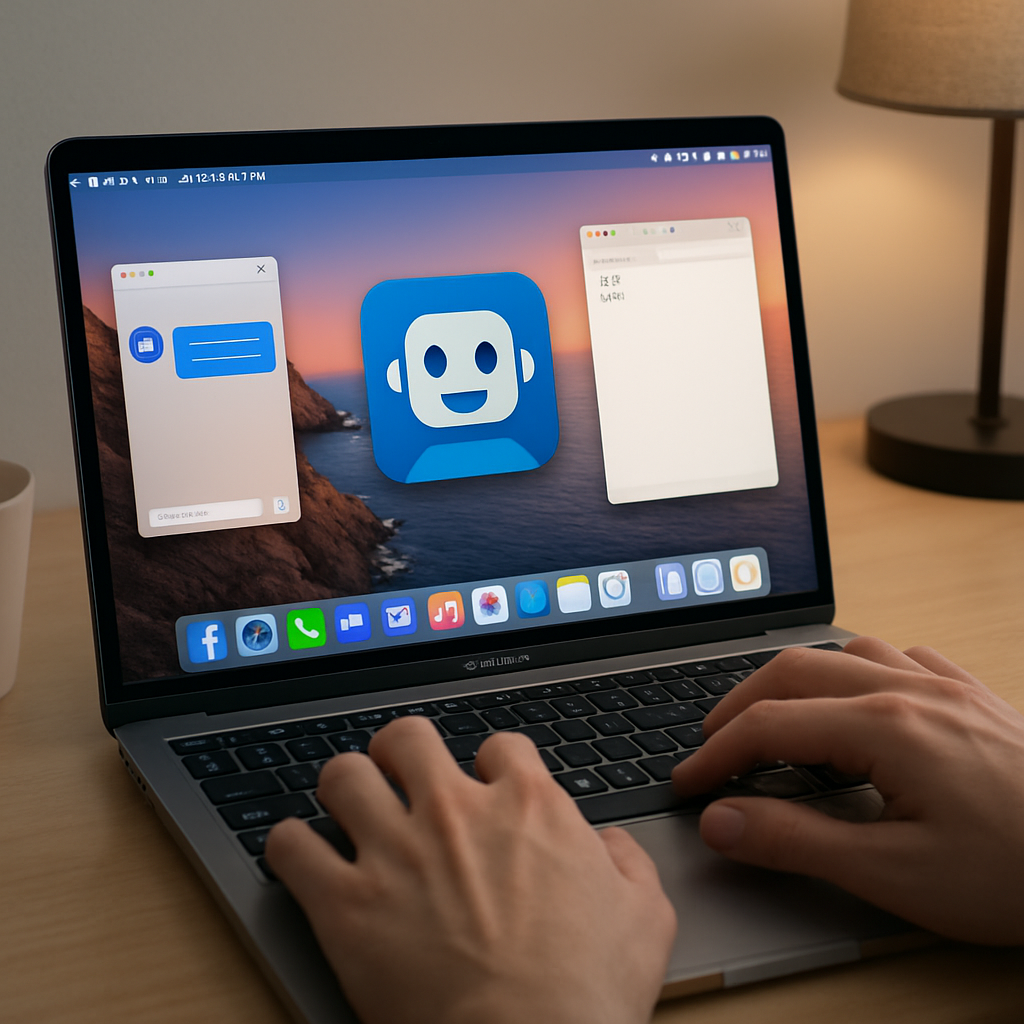
Anthropic has expanded the capabilities of its Claude AI on macOS by enabling background computer use for its Claude Code and Claude Cowork tools—now available to Pro and Max users. Rather than requiring the user to cede the cursor or stop what they’re working on, Claude can now operate in the background: opening apps, typing, clicking, and handling tasks while you focus on something else. This marks just the latest step in making AI assistants more seamless and less intrusive.
What’s New for Mac Users
Until now, Claude’s computer use feature required active interaction—meaning you had to pause your own work while the assistant took over. With the background mode, the agent functions off-screen, independently executing desktop actions without interfering with your mouse or current tasks. It’s a major boost for anyone wanting better multitasking support.
This update is limited to macOS and available only to customers on Claude’s Pro and Max tiers. It enhances both Claude Code (the version geared toward coding and development tasks) and Claude Cowork (focused on more general productivity workflows). So whether you’re debugging code or organizing your desktop, the new background system helps maintain flow without friction.
Where This Fits in the AI Landscape
Anthropic isn’t the first to introduce background computer control: OpenAI’s Codex-powered ChatGPT brought similar functionality to the Mac earlier this year. This move continues a broader push in AI tools to shift from interactive-only control to multitasking-friendly, autonomous agents. It reflects increasing expectations that virtual assistants handle more, quietly, while people stay in the driver’s seat.
That shift addresses a longstanding pain point. When AI agents take over the cursor or interrupt what you’re doing, they can feel intrusive. Background control helps preserve user agency and minimizes disruption—especially for creatives, developers, or power users balancing multiple windows or tasks at once.
Anthropic has published details on how Claude’s computer use works for Code and Cowork users, including how to enable it and what permissions are required. The feature underscores the company’s plan to empower its assistant tools to be more autonomous yet user-friendly on desktop environments.
Analytically, this upgrade shifts the balance: Pro-level AI assistants are increasingly designed not as tools you invoke, but as engines that run parallel to your work. That raises new expectations for things like privacy, security, and system resource management. What remains to be seen is how smoothly Claude monitors permissions, handles conflicts with active apps, and ensures it’s not consuming too much power or attention. If Anthropic nails those details, this could further blur the line between AI assistant and co-worker—just one that stays out of your way.