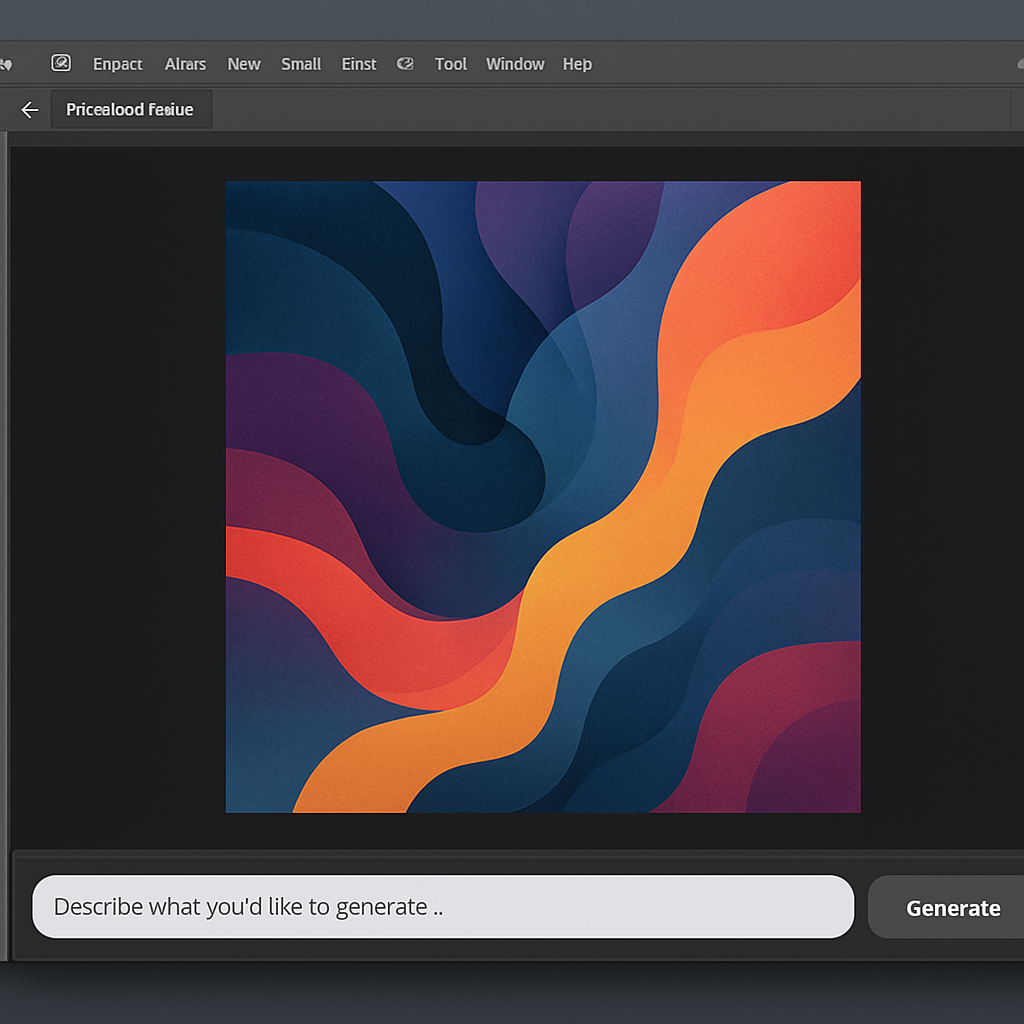
Today, Adobe rolled out a beta feature called AI Assisted Editor in Photoshop, introducing a streamlined, prompt-based mode that replaces many of its more complex editing tools. Rather than navigating dozens of menus, users can now issue natural language instructions to transform photos. The toggle for AI Assisted Editor lives in the menu bar—users who prefer the traditional interface can hide it via settings.
What AI Assisted Editor Brings
Once switched into AI Assisted mode, Photoshop presents a pared-down workspace with tools built around intuitive, text-based commands. Among the features are:
- Prompt to Edit: Describe what you want—like turning day into night or making skies stormy—and Photoshop handles the rest.
- Remove Background: Cleanly erase backgrounds and refine edges with just a few clicks.
- Generative Expand: Expand an image’s dimensions, with newly generated content that blends with the existing elements.
- Remove Tool: Eliminate unwanted objects while keeping image quality intact.
- Generative Fill: Add or swap content using simple text prompts.
- Generative Upscale: Boost resolution while preserving sharpness and visual details.
- AI Markup: Sketch over parts of the image—draw a rough shape or just click a spot—and give natural-language instructions like “Add more clouds” or “Change this shoe.”
The Markup feature is especially helpful for beginners or creative workflows where rough ideas need quick visualization. Edits made through AI Markup are powered by Adobe Firefly, and users can continue refining images either inside the AI Assisted mode or revert to the standard Pro Editor.
Complementary Improvements & Models
Alongside the new AI Assisted Editor beta, Photoshop also introduced prompt-based masked edits. These let users select a specific area of an image to apply Firefly Image 5’s generative edits—addressing issues like off-angle lighting or inconsistent image quality that earlier generative tools sometimes struggled with.
Another addition is a non-destructive layer for light adjustments—covering exposure, contrast, highlights, shadows, whites, and blacks—bringing Camera Raw-like control directly inside Photoshop’s layer workflow. Also unveiled are two UI enhancements: Dynamic Text, Shapes and Paths, which ensures text conforms to custom shapes and paths automatically, and a Stock Panel Integration that embeds over 900 million Adobe Stock assets inside Photoshop for quick discovery and use.
The AI Assisted Editor is launching in beta right away; the other features are generally available starting today.
This development matters because it signals a shift in Photoshop’s design philosophy—from precision tool panels toward generative AI and prompt-centric creativity. For professionals, this promises speed and flexibility; for hobbyists, it lowers the entry barrier. The biggest test will be how well prompts deliver on nuance—lighting, texture, context—and whether users feel less constrained or more at the mercy of generative guesswork. What to watch next: real-world reviews of generative quality, model consistency, and how traditional editing tools evolve in response to AI becoming more deeply integrated.