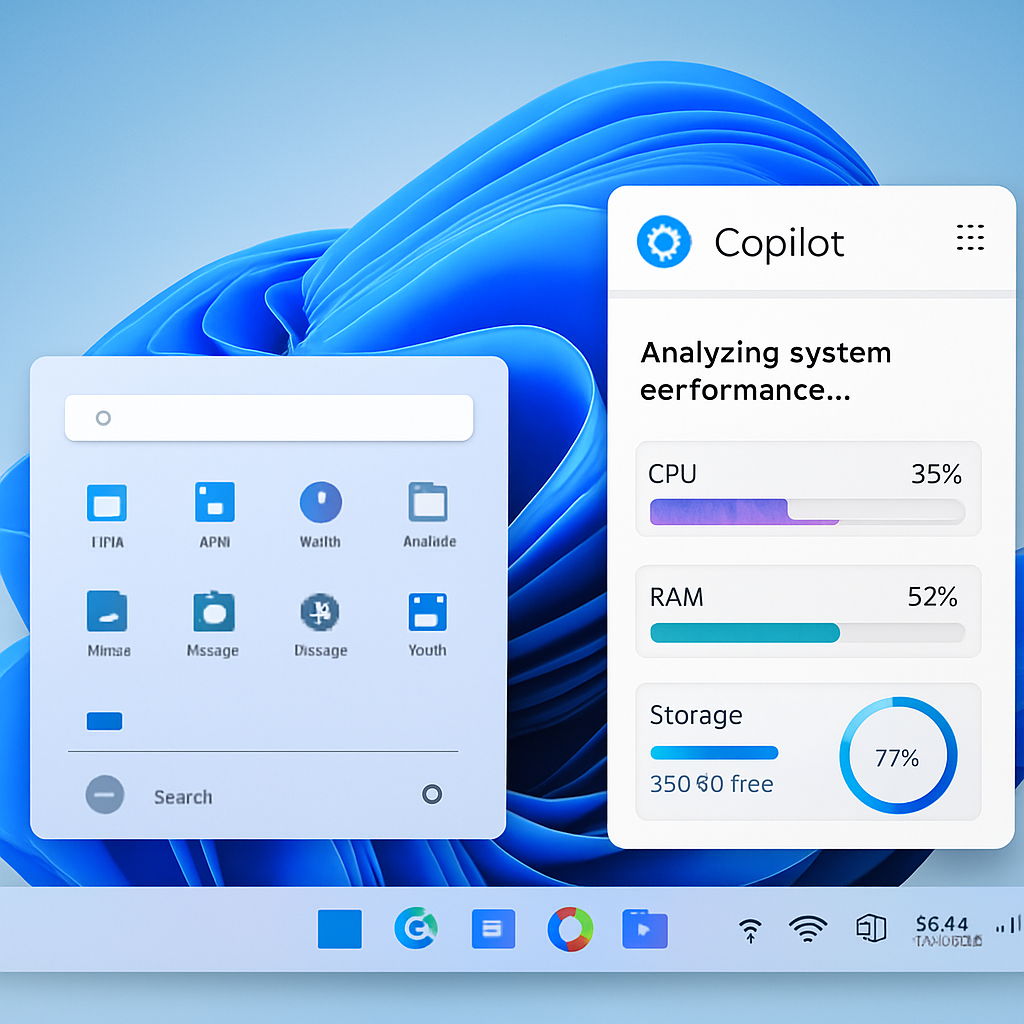
Microsoft is currently testing a new feature within its Copilot AI assistant, named ‘PC Insights,’ designed to help Windows 11 users identify and address performance issues on their devices. This feature is being gradually introduced in the United States and is not yet available to all users.
‘PC Insights’ allows Copilot to analyze a computer’s hardware in real-time, providing users with specific information about system performance. By accessing Windows APIs, Copilot can monitor various system resources, including CPU, RAM, and GPU usage, as well as storage capacity. For instance, it can determine if there is sufficient free space to install new applications or games and can display the sizes of folders like Downloads and Documents without accessing individual file contents unless explicitly permitted by the user.
Additionally, ‘PC Insights’ monitors connected hardware such as USB devices, external drives, printers, and webcams, reporting their current status. It also provides information on network connectivity, including Bluetooth and Wi-Fi states, battery health, antivirus status, system specifications, and BIOS details.
The primary advantage of this feature is its ability to offer conversational troubleshooting. Instead of navigating through tools like Task Manager or Resource Monitor, users can ask Copilot questions about their system’s performance and receive contextual answers based on live data. For example, a user could inquire about available storage space and then ask if it’s sufficient to install a specific application.
This development aligns with Microsoft’s broader initiative to enhance Windows 11’s responsiveness and performance consistency. However, there is a notable concern regarding Copilot’s own resource consumption. Operating as a web application with its own instance of Microsoft Edge, Copilot can use up to 1GB of RAM even when idle. This raises questions about the balance between providing helpful diagnostics and adding to system resource usage.
As ‘PC Insights’ is still in the testing phase, its final features, resource requirements, and rollout schedule may change before it becomes widely available.
Integrating AI-driven diagnostics like ‘PC Insights’ into Windows 11 represents a significant step toward more user-friendly system management. However, Microsoft’s challenge lies in ensuring that these tools enhance performance without introducing additional resource burdens. Users should monitor how this feature evolves and assess its impact on their system’s efficiency.