Google Messages is rolling out several new features aimed at enhancing user experience and cross-platform compatibility. These updates include customizable chat themes and improved interaction between Android and iOS devices.
Customizable Chat Themes
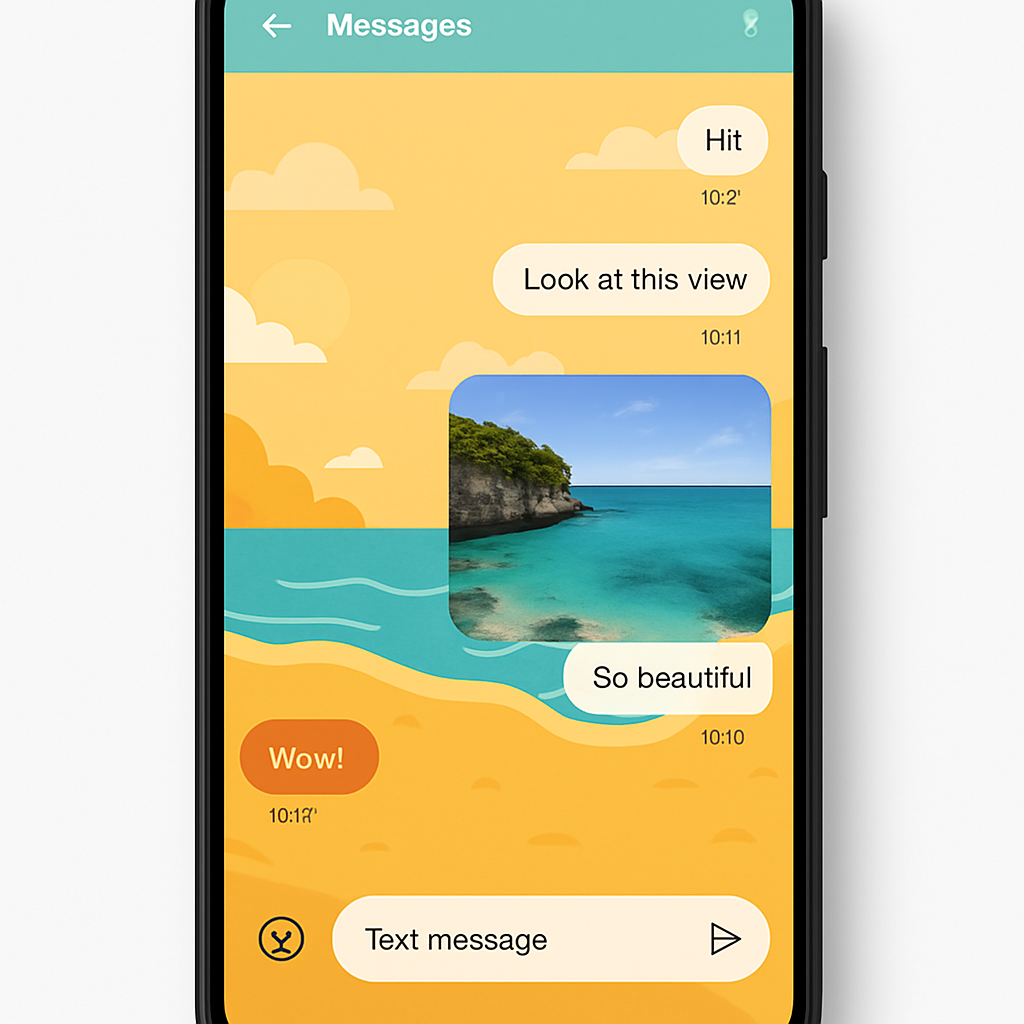
The new “Chat theme” feature allows users to personalize their conversations more extensively. Replacing the previous “Change colors” option, this feature can be accessed via the three-dot overflow menu within a chat. Users will notice a red badge indicating the availability of this update.
Within the “Chat theme” settings, there are two main customization options:
- Colors: A carousel offering nine theme options for message bubbles. The first option, “Dynamic Color,” adapts to the chat’s background, while the remaining eight are static colors.
- Wallpapers: Users can change the conversation background by uploading their own image or selecting from Google’s provided collections, including categories like Animals, Architecture, Black & White, Cityscapes, Landscapes, Macro, Space, Sunsets, and Textures.
Enhanced Android-iOS RCS Compatibility
With the upcoming release of iOS 27, scheduled for this fall, cross-platform messaging between Android and iOS devices will see significant improvements. Key enhancements include:
- Inline Replies: Users will be able to send replies that include quotes from previous messages, streamlining conversation threads.
- Photo Reactions: Instead of text descriptions, reactions to photos will display the actual emoji, providing a more intuitive and expressive messaging experience.
These features are currently in beta testing and are expected to be widely available upon the official release of iOS 27.
Additional Updates
Other notable features in the pipeline for Google Messages include:
- Long-Press Menu: A redesigned interface where long-pressing on a message or image opens a floating menu, centering the content with a blurred background and providing haptic feedback. This update is gradually rolling out to beta users.
- Read Receipts Redesign: Google is testing a variant that reverts to the two-circle read receipts beneath messages, moving the timestamp and encryption lock to a swipe-left gesture.
- Samsung Messages Transition: In the U.S., Samsung plans to discontinue its Messages app in July, encouraging users to switch to Google Messages. On devices running Android 14 and above, Google Messages will automatically move to the home screen dock after the transition.
- Messages for Web Update: The web version of Google Messages is phasing out QR code pairing in favor of Google Account sign-in, streamlining the connection process across devices.
These developments reflect Google’s commitment to enhancing the messaging experience by offering greater customization, improving cross-platform functionality, and simplifying user interactions. As these features continue to roll out, users can look forward to a more seamless and personalized communication platform.