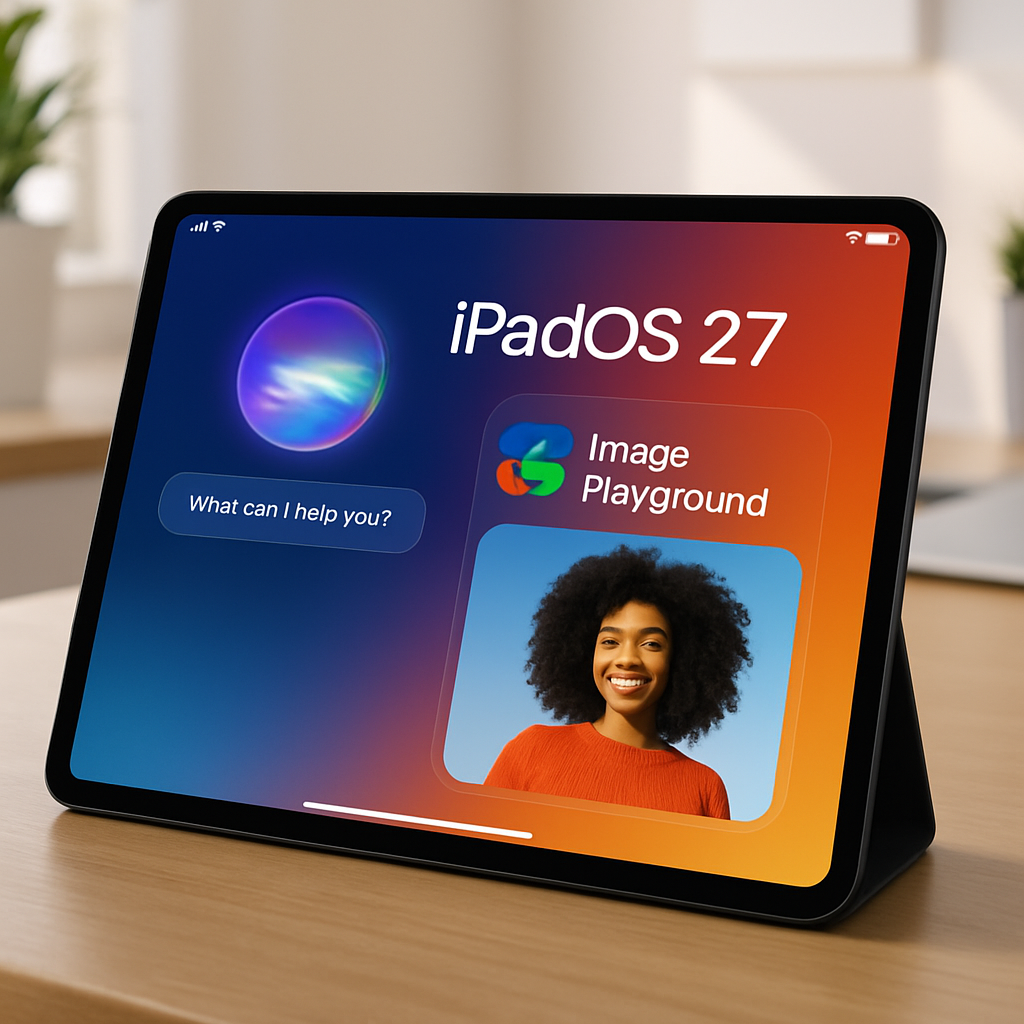
Apple’s latest update, iPadOS 27, brings a suite of enhancements to the iPad, notably a more intelligent Siri and expanded Apple Intelligence capabilities. These improvements aim to elevate user experience by integrating advanced AI functionalities directly into the device.
Enhanced Siri AI Integration
The updated Siri AI in iPadOS 27 mirrors the advancements seen in iOS 27, offering users a more responsive and context-aware assistant. Siri now has access to personal data stored on the device, enabling it to perform tasks such as searching through emails, messages, photos, and files. This integration allows for more personalized assistance, including the ability to index and search handwritten notes made with the Apple Pencil, facilitating efficient information retrieval.
Furthermore, Siri can now summarize content, provide writing advice, check grammar, and generate new text, enhancing productivity across various applications. The systemwide ‘Write with Siri’ feature ensures that these capabilities are accessible regardless of the app in use.
Introduction of Image Playground and Image Wand
iPadOS 27 introduces the ‘Image Playground’ app, a tool capable of generating images in various styles, including photorealistic. This functionality extends to the Notes app through the ‘Image Wand’ feature, which transforms quick sketches into detailed visual aids, enriching the note-taking experience.
Visual Intelligence Expansion
Previously exclusive to the iPhone, Visual Intelligence now extends to the iPad with this update. Users can take screenshots and highlight specific areas using their finger or Apple Pencil to obtain detailed information about the selected content. This feature encompasses capabilities such as identifying the nutritional value of food and recognizing plants and animals, thereby broadening the iPad’s utility in educational and practical contexts.
AI-Generated Shortcuts and Safari Enhancements
The Shortcuts app leverages AI to automatically generate shortcuts based on user descriptions, streamlining workflow customization. For instance, users can create shortcuts to adjust windowing preferences when attaching or detaching a keyboard by simply describing the desired behavior.
Safari benefits from AI-driven enhancements, including automatic tab grouping and the ability to generate custom extensions, offering a more organized and personalized browsing experience.
Performance Improvements and Customization Options
iPadOS 27 delivers notable performance improvements, resulting in faster app launches, quicker file transfers, and more responsive multitasking. The introduction of a Liquid Glass slider allows users to adjust interface opacity to their preference, enhancing readability. Additionally, users can now resize iPhone apps running on the iPad, providing greater flexibility in app usage.
It’s important to note that the advanced Siri AI and Apple Intelligence features in iPadOS 27 require an iPad equipped with an M-series chip or the A17 Pro iPad mini. Additionally, these features will not be available to users in the European Union upon the initial release of iPadOS 27.
With iPadOS 27, Apple continues to push the boundaries of tablet functionality, integrating sophisticated AI features that enhance productivity and user engagement. These advancements not only streamline daily tasks but also open new avenues for creative and educational applications, reinforcing the iPad’s position as a versatile tool in both personal and professional settings.