Google has released an update for its Gemini app on macOS, introducing several enhancements aimed at improving user experience. The latest version, 1.72.2.419, brings a refreshed app icon, interface adjustments, and a new screenshot shortcut.
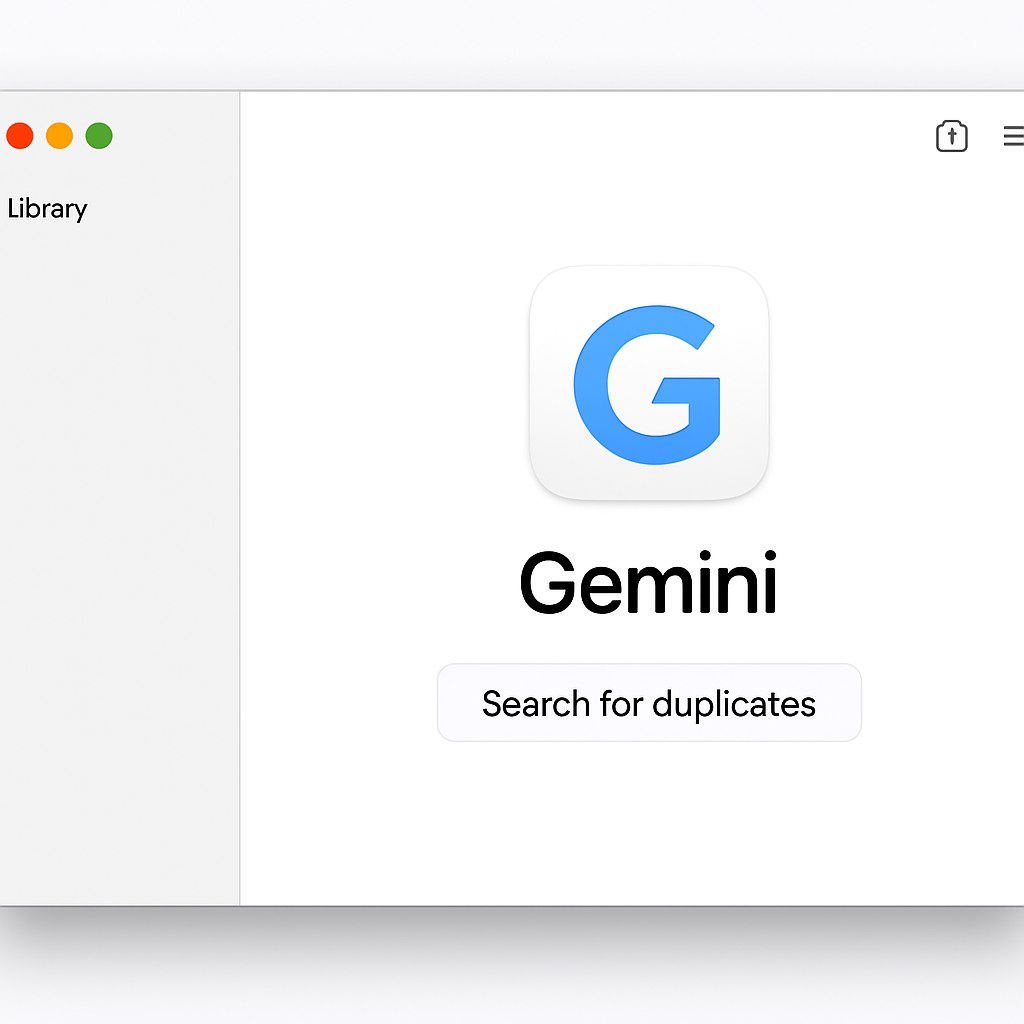
The updated app icon now features a white background, aligning it with the design aesthetics of Gemini’s counterparts on iOS and Android. Additionally, the Gemini spark within the icon has been enlarged for better visibility.
Within the app’s interface, the Library icon in the sidebar has been redesigned to maintain consistency across platforms. The buttons for initiating a Temporary chat and minimizing the window, located in the top-right corner, have been resized to a more compact form.
The Settings menu has undergone a structural overhaul. Previously presented as a single, lengthy page, it is now organized into a side panel with categorized sections: Appearance, Shortcuts, Personal Intelligence, Gemini’s Voice, About, and Debug. This reorganization aims to facilitate easier navigation and access to specific settings.
While some elements of the Neural Expressive design language have been incorporated into the Mac app, the comprehensive redesign showcased at Google’s I/O 2026 event is still forthcoming. This anticipated update is expected to roll out alongside features like Gemini Spark and enhanced voice capabilities later this summer.
In a move to streamline user interactions, Google has introduced a new shortcut for capturing the active window. By pressing both Command (⌘) keys simultaneously, users can seamlessly attach the current window to their chat, eliminating the need for manual screenshots or tab switching. This functionality mirrors the Gemini overlay experience available on Android devices.
These updates reflect Google’s ongoing commitment to refining the Gemini app’s functionality and user interface on macOS. The introduction of platform-consistent design elements and intuitive features like the screenshot shortcut demonstrate a focus on enhancing user engagement and productivity. As the full Neural Expressive redesign approaches, users can anticipate a more cohesive and dynamic experience across all platforms.