Enhancing Chrome for iOS: New Siri Shortcuts Integration
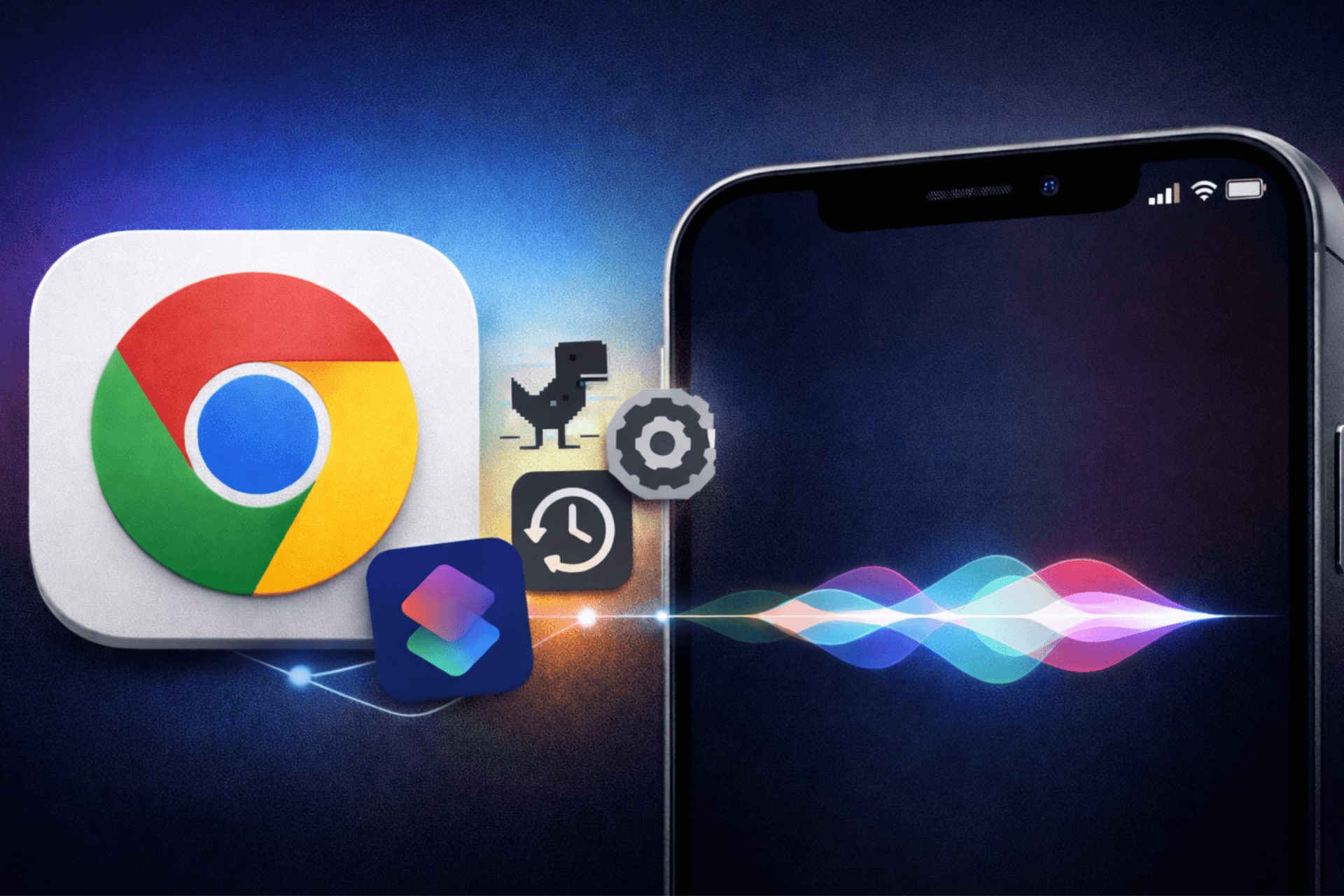
Google’s Chrome browser for iOS has introduced a significant update, enhancing its integration with Apple’s Shortcuts app and Siri. This development allows users to perform a variety of actions within Chrome using voice commands or automated workflows, streamlining the browsing experience on iPhones and iPads.
Introduction to Chrome’s Enhanced Shortcuts Integration
In its latest TestFlight build, Chrome for iOS has incorporated a comprehensive set of built-in actions accessible through Siri and the Shortcuts app. This integration enables users to execute specific tasks within Chrome without manual navigation, offering a more efficient and personalized browsing experience.
New Actions Available in Chrome for iOS
The updated Chrome for iOS includes a variety of actions that users can trigger via Siri or Shortcuts, such as:
– Manage Settings and Personal Information: Access and adjust Chrome settings, manage saved passwords, and update payment methods.
– View Browsing Data: Quickly open browsing history, recent tabs, bookmarks, and reading lists.
– Open Specific Tabs: Launch new tabs, incognito tabs, or reopen the most recent tab.
– Run Safety Check: Initiate Chrome’s Safety Check feature to ensure browser security.
– Play the Dino Game: Start Chrome’s offline Dino game directly.
– Search Capabilities: Perform searches using text, voice, or visual input.
– Set Default Browser: Designate Chrome as the default browser on the device.
These actions are made possible by recent changes in Chromium’s codebase, which integrate Chrome’s internal features with Apple’s NSUserActivity system, allowing them to appear as app shortcuts.
Practical Applications of Siri and Shortcuts with Chrome
With these new actions, users can create customized shortcuts that enhance their interaction with Chrome. For example:
– Playing the Dino Game: By creating a shortcut named Play Chrome Dino and assigning it a Siri phrase, users can say, Hey Siri, play Chrome Dino game, to launch the game instantly.
– Accessing Specific Features: Shortcuts can be set up to open Chrome directly in Settings, Passwords, or Safety Check, providing quick access to these features.
– Viewing Browsing History: Users can create shortcuts like View my Chrome history to navigate directly to their browsing history.
These shortcuts enable users to bypass traditional navigation methods, allowing for a more streamlined and efficient browsing experience.
Availability and Future Updates
Currently, these enhanced shortcut actions are available in the Chrome for iOS TestFlight build. Google has not yet announced when these features will be released in the stable App Store version. Since this integration is implemented within Chrome’s code, it is expected to become available to all users in a future Chrome update once Google decides to roll it out.
Conclusion
The integration of Siri Shortcuts with Chrome for iOS marks a significant advancement in mobile browsing, offering users a more personalized and efficient way to interact with their browser. By leveraging voice commands and automated workflows, users can perform a wide range of actions within Chrome, enhancing their overall browsing experience.