macOS Alerts Users to Incorrect USB-C Port Usage on MacBook Neo
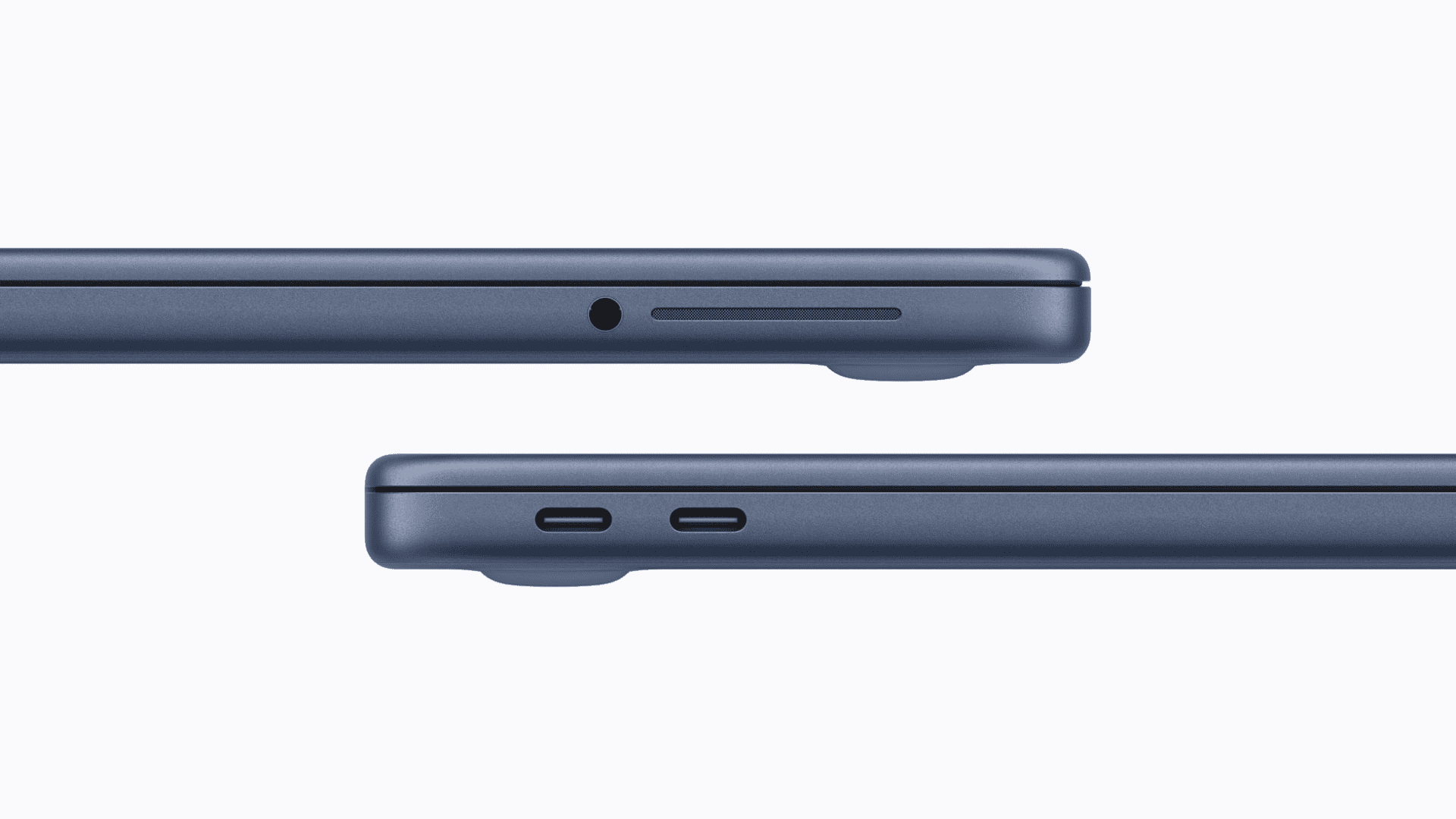
Apple’s latest MacBook Neo introduces a streamlined design featuring two USB-C ports. However, these ports differ significantly in functionality, a detail that users must be aware of to optimize their device’s performance.
Understanding the USB-C Port Differences
The MacBook Neo’s left-side USB-C port supports USB 3.0, offering data transfer speeds up to 10 Gb/s. This port is also equipped to handle external display connections, supporting resolutions up to 4K at 60Hz. In contrast, the right-side USB-C port operates on the older USB 2.0 standard, limiting data transfer speeds to 480 Mb/s and lacking support for video output.
macOS Notifications for Optimal Port Usage
To assist users in connecting devices correctly, macOS has implemented a notification system. If an external display is connected to the right-side USB 2.0 port, the operating system will prompt the user to switch the connection to the left-side USB 3.0 port, ensuring proper functionality.
Implications for Users
This design choice underscores the importance of understanding port capabilities to avoid connectivity issues. Users should be mindful of which port they use for specific peripherals, especially when connecting external monitors or devices requiring higher data transfer rates.
Availability and Pricing
The MacBook Neo is currently available for pre-order, with prices starting at $599 in the United States and $499 for college students. Apple plans to release the laptop on Wednesday, March 11.