Apple’s Studio Display vs. Studio Display XDR: Deciphering the $1,700 Difference
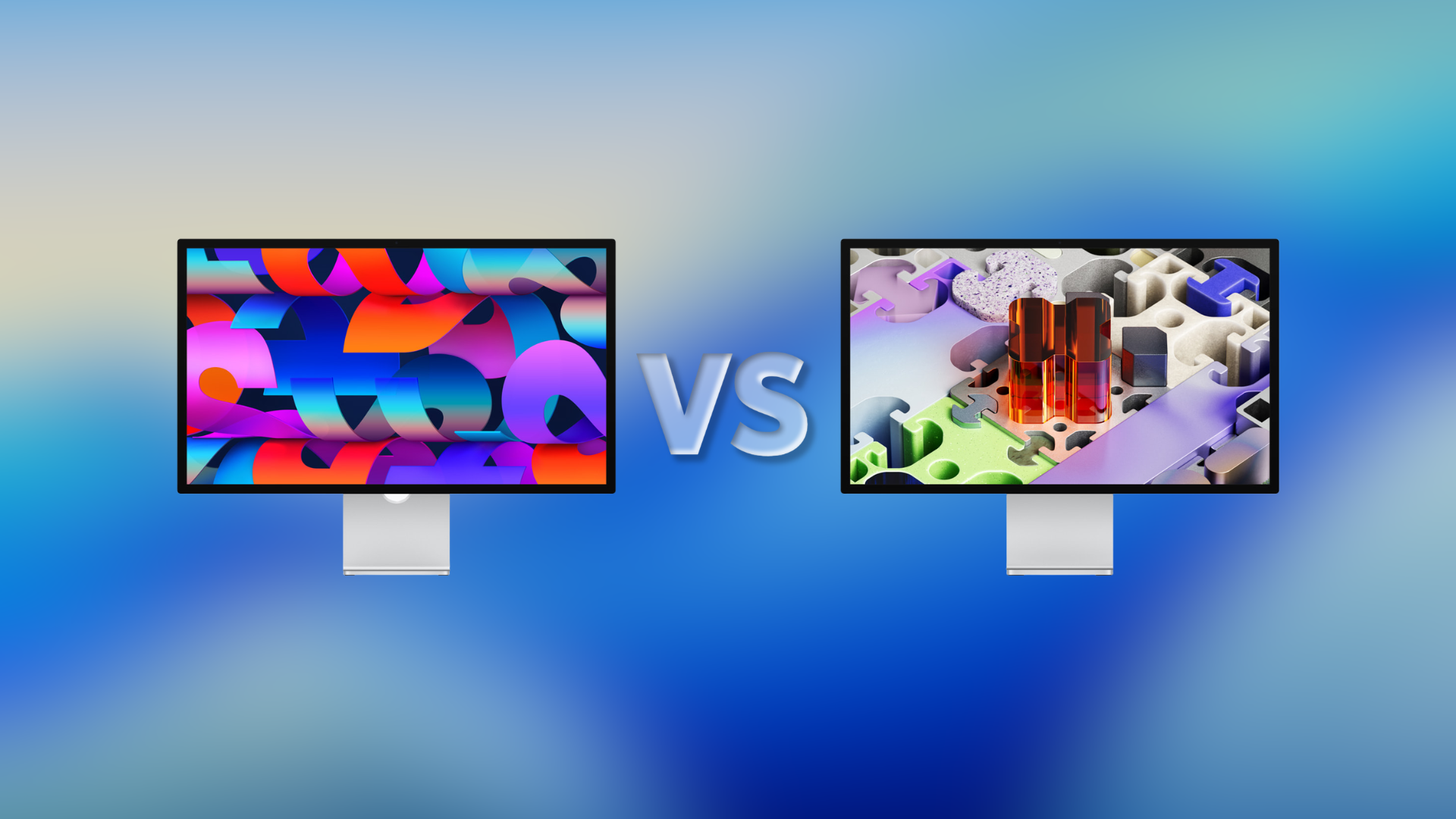
Apple’s recent unveiling of the Studio Display and the Studio Display XDR has sparked considerable interest among professionals and creatives. While both monitors share a sleek design and a 27-inch 5K Retina display, the $1,700 price gap raises questions about their distinct features and intended user bases.
Shared Features:
Both displays boast a 27-inch 5K Retina screen with a resolution of 5120 by 2880 pixels, delivering sharp and vibrant visuals. They are equipped with a 12MP Center Stage camera featuring Desk View, a studio-quality three-microphone array, and a six-speaker system with Spatial Audio, enhancing both video conferencing and media consumption experiences. Connectivity is robust, with two Thunderbolt 5 ports and two USB-C ports on each model. Additionally, both offer an optional nano-texture glass to reduce glare.
Key Differences:
The primary distinctions between the two models lie in display technology, brightness, refresh rate, and color support.
Display Technology:
– Backlighting: The Studio Display utilizes standard LED backlighting, whereas the Studio Display XDR employs advanced mini-LED technology with 2,304 local dimming zones. This results in deeper blacks and more precise contrast control.
– Brightness and Contrast: The Studio Display offers a brightness of 600 nits, suitable for most professional tasks. In contrast, the Studio Display XDR delivers up to 1,000 nits of sustained SDR brightness and peaks at 2,000 nits for HDR content, coupled with a 1,000,000:1 contrast ratio. This makes the XDR model ideal for HDR video editing and tasks requiring high dynamic range.
Refresh Rate:
– The Studio Display operates at a standard 60Hz refresh rate. The Studio Display XDR, however, features a 120Hz refresh rate with Adaptive Sync, allowing for variable refresh rates between 47Hz and 120Hz. This ensures smoother motion rendering, beneficial for video editing, gaming, and animation.
Color Support:
– Both displays support the P3 wide color gamut. The Studio Display XDR extends its capabilities by also supporting the Adobe RGB color space, catering to professionals in print and design who require precise color accuracy.
Additional Features:
– Charging Capabilities: The Studio Display provides up to 96W of power delivery, sufficient for fast-charging a 14-inch MacBook Pro. The Studio Display XDR offers up to 140W, accommodating the power needs of a 16-inch MacBook Pro.
– Stand Options: The Studio Display comes with a tilt-adjustable stand, with an option to upgrade to a tilt- and height-adjustable stand for an additional $400. The Studio Display XDR includes a tilt- and height-adjustable stand as standard, offering greater flexibility out of the box.
Pricing and Availability:
– Studio Display: Priced at $1,599, the Studio Display is tailored for general professional use, including tasks like photo editing, coding, and music production.
– Studio Display XDR: Starting at $3,299, the Studio Display XDR is designed for high-end creative and technical work, such as HDR video editing, advanced 3D rendering, and medical imaging.
Both models are available for pre-order starting March 4, with shipments beginning on March 11.
Conclusion:
The choice between the Studio Display and the Studio Display XDR hinges on specific professional requirements and budget considerations. For general professional tasks, the Studio Display offers a compelling package at a more accessible price point. For specialized workflows demanding superior brightness, contrast, refresh rates, and color accuracy, the Studio Display XDR justifies its higher cost.