Rivian, the innovative electric vehicle manufacturer, has unveiled a dedicated Apple Watch application for its R1S and R1T models, enhancing the way drivers interact with their vehicles. This new app offers seamless access to essential vehicle controls directly from the wrist, emphasizing convenience and real-time management of vehicle functions.
Enhanced Vehicle Interaction
The introduction of the Apple Watch app signifies Rivian’s commitment to expanding its connected ecosystem. Drivers can now monitor and adjust their vehicle settings effortlessly, without the need to access their smartphones. This development aligns with the growing trend of integrating wearable technology into daily routines, providing users with immediate access to critical information and controls.
Key Features of the Apple Watch App
The Rivian Apple Watch app is designed with user customization in mind, allowing drivers to set up to four one-tap controls for swift access. These controls include:
– Locking or unlocking doors
– Opening or closing windows
– Accessing the front trunk
– Accessing the rear trunk
– Activating the vehicle alarm
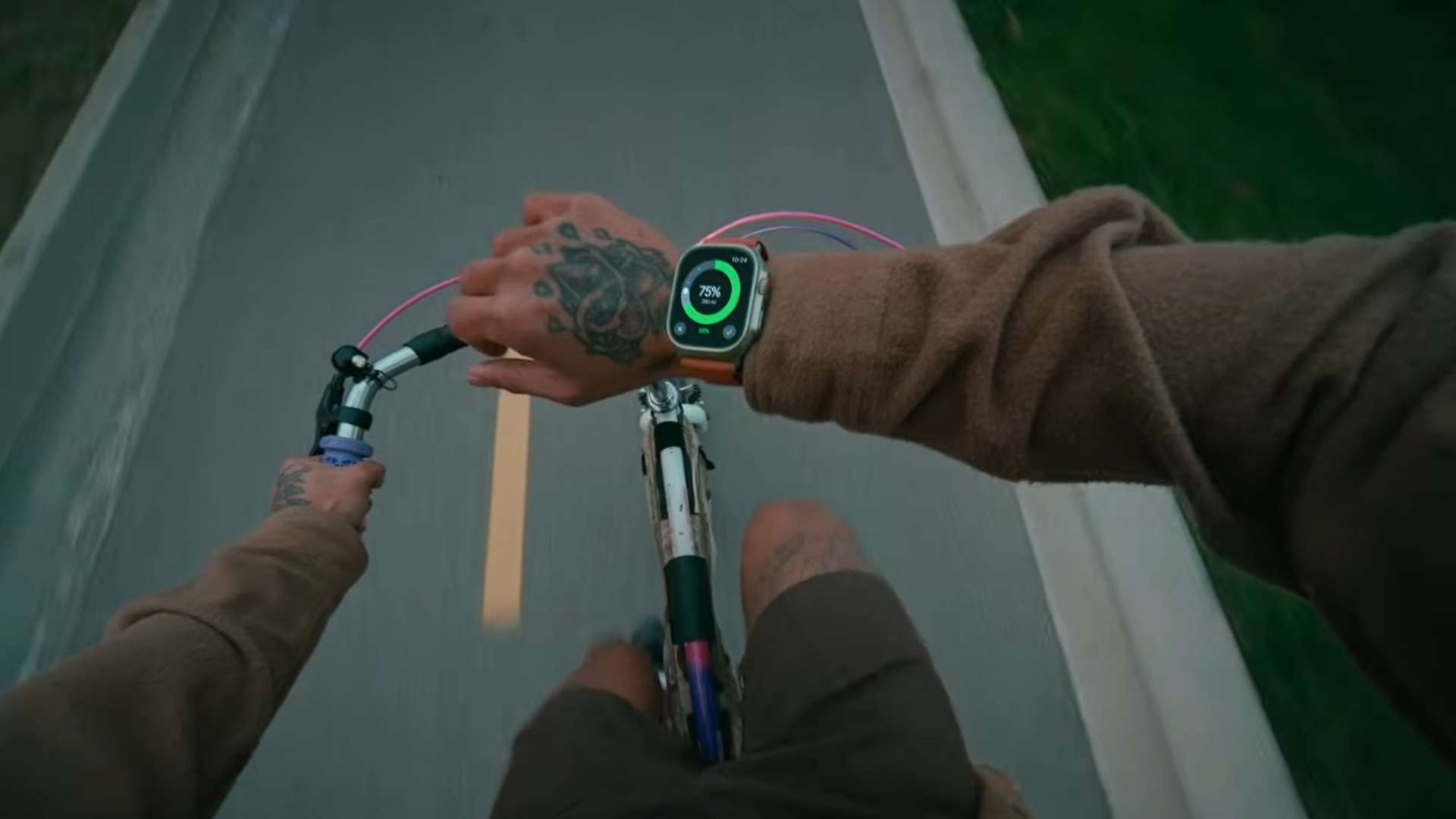
Additionally, the app utilizes the Apple Watch’s Digital Crown to adjust the cabin temperature and set battery charging targets, enabling users to manage climate and charging preferences remotely. An added complication feature displays the vehicle’s battery charge level directly on the watch face, ensuring that drivers are always informed of their vehicle’s status.
Integration with Apple Wallet Car Key
In a move to further enhance user convenience, Rivian has integrated Apple Wallet car key support for its second-generation R1S and R1T models. This feature leverages Ultra Wideband technology to facilitate passive entry, allowing drivers to unlock and start their vehicles with their iPhone or Apple Watch without any physical interaction.
To utilize this feature, drivers need:
– An iPhone 11 or newer (excluding iPhone SE and iPhone 16e)
– An Apple Watch Series 6 or newer
For owners of first-generation R1S and R1T models, digital key functionality remains limited. However, they can still lock or unlock their vehicles using the lock button within the app, ensuring that all Rivian drivers have access to essential remote functions.
Getting Started with the Rivian Apple Watch App
To begin using the Rivian Apple Watch app, users should install the latest version of the Rivian app on their iPhone from the App Store. Once installed, the Apple Watch app will automatically sync, providing immediate access to the new features.
The Future of Vehicle Connectivity
Rivian’s launch of the Apple Watch app is a testament to the evolving landscape of vehicle connectivity. By integrating wearable technology, Rivian is not only enhancing the driving experience but also setting a precedent for the future of automotive innovation. As technology continues to advance, the fusion of vehicles with smart devices is expected to become more prevalent, offering drivers unprecedented levels of control and convenience.
User Experience and Feedback
Early adopters of the Rivian Apple Watch app have praised its intuitive interface and the convenience it brings to vehicle management. The ability to control various aspects of the vehicle without needing to access a smartphone has been highlighted as a significant advantage, particularly in situations where quick adjustments are necessary.
Security Measures and Privacy
Rivian has emphasized the importance of security in the development of the Apple Watch app. All communications between the app and the vehicle are encrypted, ensuring that user data and vehicle controls remain secure. Additionally, the app requires authentication, such as a passcode or biometric verification, to prevent unauthorized access.
Compatibility and System Requirements
The Rivian Apple Watch app is compatible with:
– Apple Watch Series 6 and newer models
– iPhone 11 and newer models (excluding iPhone SE and iPhone 16e)
Users are advised to keep their devices updated to the latest operating systems to ensure optimal performance and access to all features.
Conclusion
Rivian’s introduction of the Apple Watch app marks a significant step forward in the integration of wearable technology with electric vehicles. By providing drivers with seamless access to essential controls and real-time information, Rivian is enhancing the driving experience and setting new standards for convenience and connectivity in the automotive industry.