YouTube TV’s Live Guide Glitch Disrupts Viewing Experience for Roku Users
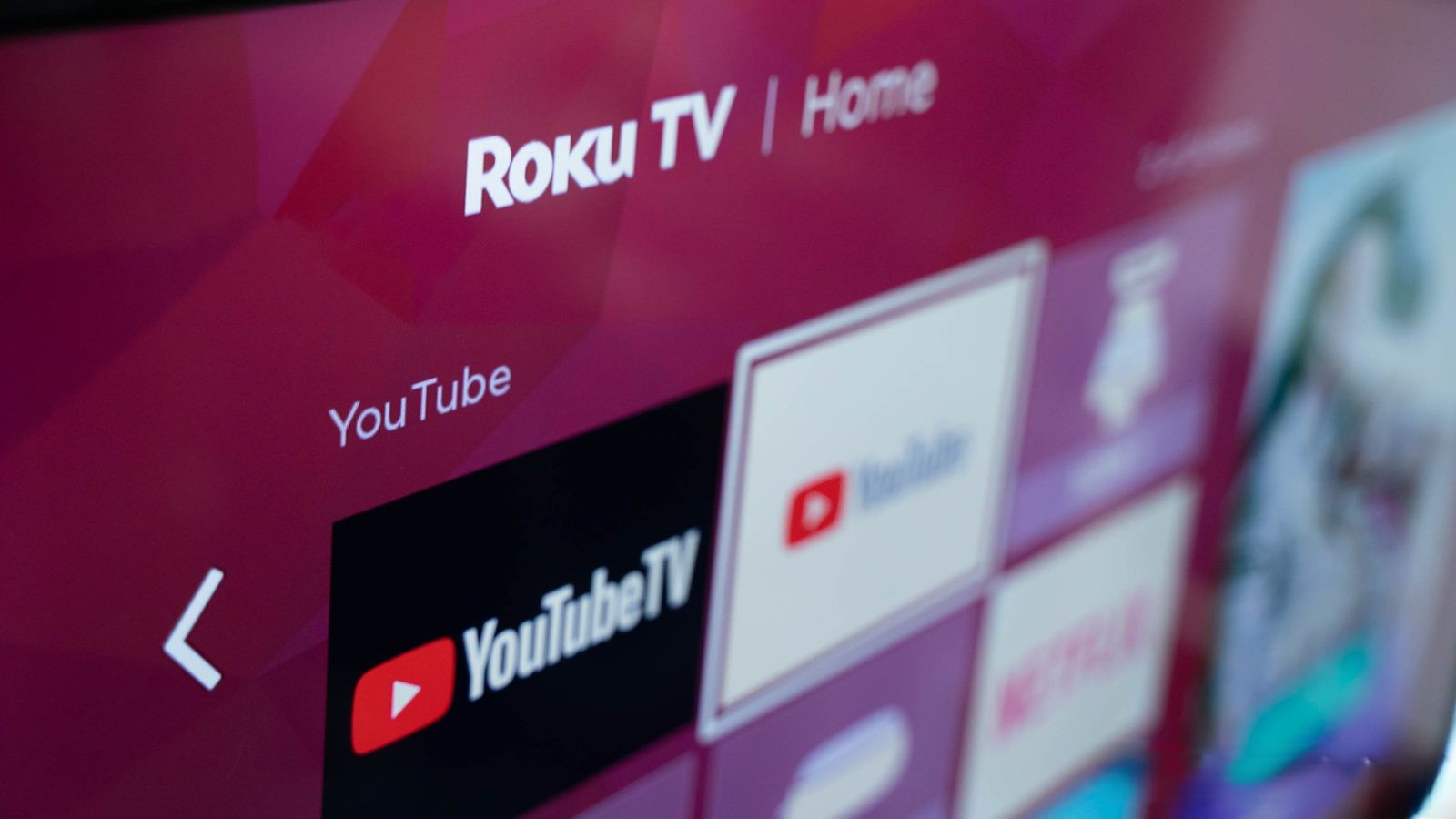
A recent technical issue has emerged within YouTube TV, affecting the Live Guide functionality for a subset of users, particularly those utilizing Roku devices. This glitch disrupts the seamless viewing experience that subscribers have come to expect from the platform.
Understanding the Issue
Under normal circumstances, YouTube TV allows users to browse the Live Guide while their current stream continues playing in the background. This feature facilitates effortless channel surfing, reminiscent of traditional cable television. However, the current bug interrupts this process. When users access the Live Guide, the ongoing stream halts, replaced by a gray screen. Selecting a new channel also experiences a delay, taking an additional second or two to load, deviating from the usual swift transition between streams.
User Reports and Affected Devices
The problem appears to be concentrated among Roku users, encompassing both standalone Roku streaming devices and Roku-integrated smart TVs. Discussions on platforms like Reddit have highlighted this issue, with users reporting similar experiences across various Roku models, including TCL Roku TVs, Hisense Roku TVs, and devices like the Roku Ultra. Notably, some users have indicated that they’ve been grappling with this problem for approximately a year, suggesting that the issue may not be entirely new but has recently gained more attention.
Potential Causes and Broader Implications
While the exact cause remains unidentified, several factors could be contributing to this malfunction:
– Software Compatibility: Outdated software versions on Roku devices might be incompatible with the latest YouTube TV updates, leading to functional discrepancies.
– Platform-Specific Bugs: The issue’s prevalence among Roku users hints at a potential bug specific to the Roku platform, possibly stemming from recent updates or changes in the YouTube TV application tailored for Roku.
– Streaming Protocol Adjustments: Modifications in streaming protocols or data handling between YouTube TV and Roku devices could be causing these interruptions.
This isn’t the first time YouTube TV has encountered technical challenges. In January 2023, Apple TV users faced a similar disruption where the live channel guide became unresponsive, preventing users from scrolling through channels and, in some cases, causing the app to freeze entirely. Additionally, in June 2024, a bug caused the Live icon to display incorrectly, making it appear as though users were not watching live content even when they were. These recurring issues underscore the complexities involved in maintaining a seamless streaming experience across diverse platforms and devices.
Current Status and User Recommendations
As of now, Google has not officially acknowledged the Live Guide issue affecting Roku users, and no timeline for a resolution has been provided. Users experiencing this problem are advised to:
– Ensure Software is Up-to-Date: Regularly check for and install updates for both the YouTube TV app and Roku device firmware to mitigate potential compatibility issues.
– Report the Issue: Utilize YouTube TV’s feedback channels to report the problem, aiding developers in identifying and addressing the bug more efficiently.
– Explore Alternative Devices: If possible, access YouTube TV through other compatible devices to determine if the issue is isolated to Roku hardware.
Looking Ahead
The recurring nature of such technical glitches highlights the importance of robust quality assurance and prompt response mechanisms within streaming services. As the streaming landscape becomes increasingly competitive, platforms like YouTube TV must prioritize user experience and swiftly address technical issues to maintain subscriber trust and satisfaction.
In the interim, affected users are encouraged to stay informed through official YouTube TV communications and community forums for updates on the resolution of this issue.