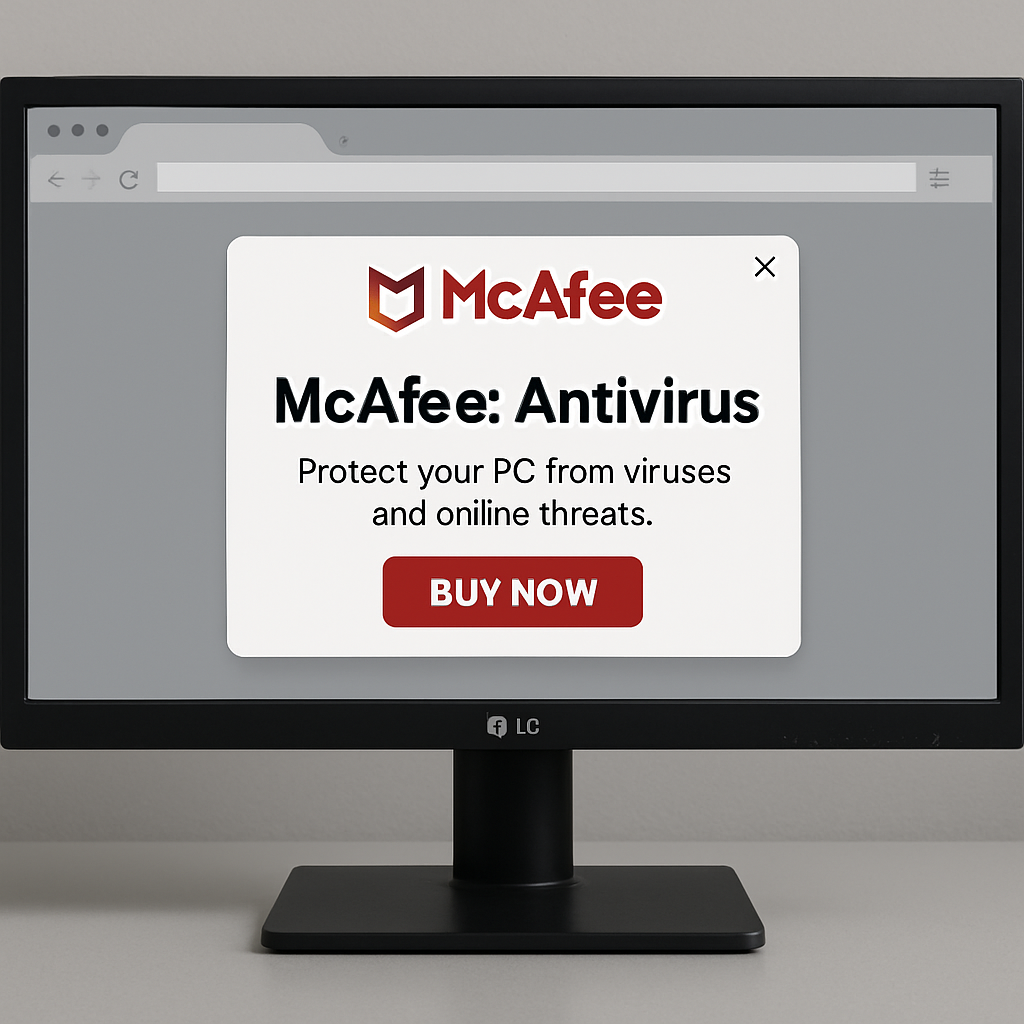
Recent reports have emerged indicating that Windows Update is silently installing third-party applications without user consent. Specifically, an LG monitor-related application has been automatically installed on some systems, subsequently displaying advertisements for McAfee antivirus software.
The issue came to light through a discussion on Reddit’s r/pcmasterrace forum. A user reported that an “LG Monitor App Installer” appeared on their system following a Windows update, despite not having manually downloaded or installed such software. Shortly after its installation, the application generated a pop-up promoting McAfee antivirus, even though McAfee was not present on the device.
Further investigation revealed that the application was installed via the Microsoft Store as part of a background update process. This behavior is linked to Windows’ capability to automatically install device-specific applications associated with hardware metadata, particularly for peripherals like monitors, printers, and GPUs. In this instance, systems connected to LG displays triggered the installation of LG-associated software.
This development has raised concerns within the cybersecurity and privacy communities, particularly regarding transparency and user consent. While Microsoft provides mechanisms for OEMs to distribute companion apps for hardware, the silent installation and inclusion of third-party advertising have been criticized as intrusive.
From a technical standpoint, users can trace the installation event using Windows Reliability Monitor. By executing the command “perfmon /rel,” users can review system events to identify when the application was installed and confirm whether the deployment was tied to a Windows Update or Microsoft Store background process.
The presence of advertisements within such applications introduces potential security and trust concerns. Although no malicious behavior has been reported in this case, unsolicited pop-ups resembling security software promotions may be tactics used by adware or potentially unwanted programs (PUPs). This overlap in behavior increases the risk of user confusion or accidental installation of unwanted software.
To prevent similar incidents, advanced users can modify local Group Policy settings to restrict the automatic installation of device-related applications. Specifically, enabling the policy to “Prevent automatic download of applications associated with device metadata” can stop such software from being installed without explicit approval. Additionally, organizations or privacy-conscious users may choose to disable the Microsoft Store entirely through group policy controls to limit background app deployments.
This incident underscores the importance of user awareness and control over software installations. While automatic updates aim to enhance user experience by providing necessary drivers and applications, the inclusion of unsolicited advertisements without clear consent challenges user trust. Users are encouraged to monitor system changes and adjust settings to maintain control over their devices.