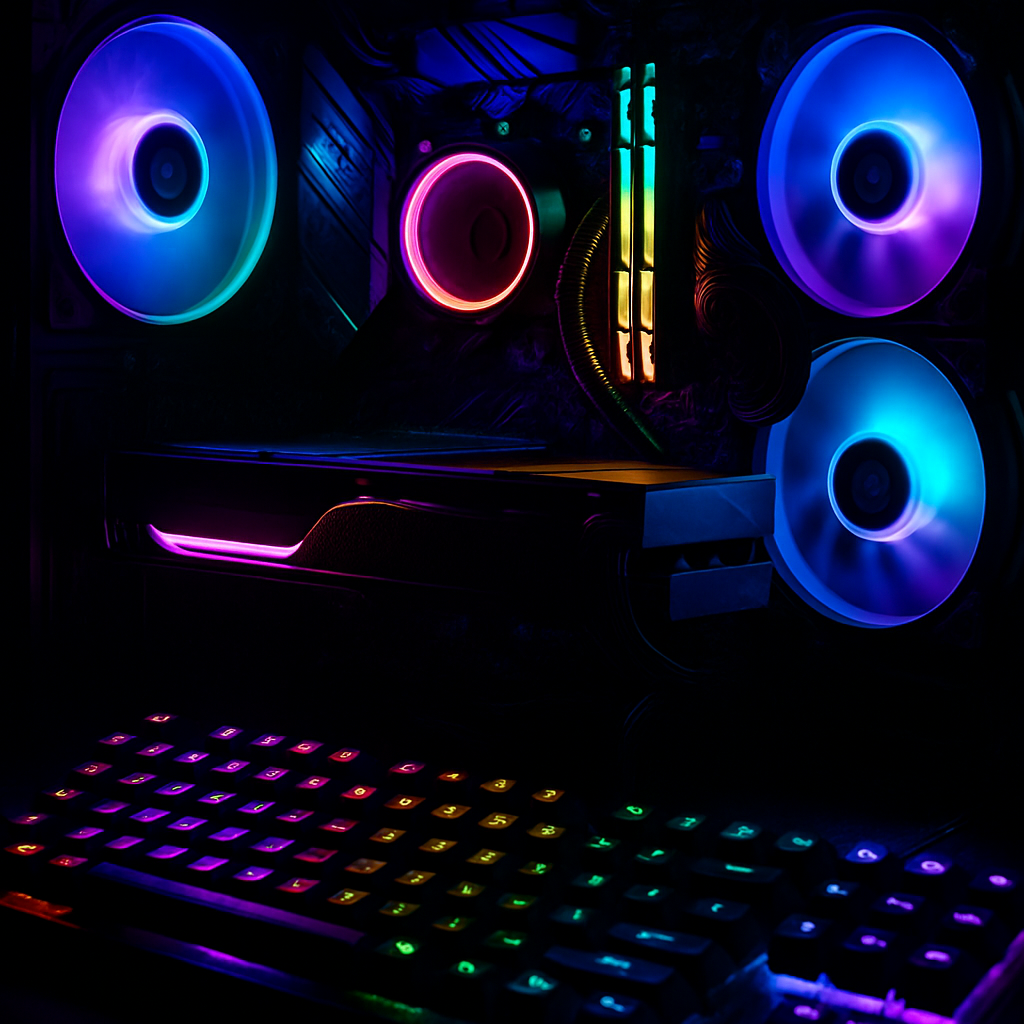
Microsoft’s August 2026 security patches for Windows 11 are triggering crashes, freezes, and other GPU-intensive failures during gaming sessions on PCs with RGB lighting components. These problems seem tied to devices using low-level drivers like inpoutx64, which support lighting controllers, keyboards, fans, or motherboard accessories.
Update Details and Affected Systems
The issue started after the release of the August 11 update—specifically KB5121003—targeting Windows 11 versions 24H2 and 25H2. Microsoft officially flagged the issue on its Windows Release Health dashboard on August 19, confirming investigations were still active as of August 21.
Systems that include RGB-enabled hardware—whether external peripherals or built-in internal components—are at risk. When the inpoutx64 driver is present, launching certain games appears to trigger the instability. Affected titles include ARC Raiders, MARVEL Tōkon: Fighting Souls, and THE FINALS.
Reported Symptoms and What to Do
Gamers report a variety of failures: games freezing mid-play, crashing outright, throwing “EXCEPTION_ACCESS_VIOLATION” errors, or the entire system rebooting without warning. Microsoft has not yet pinpointed whether this stems from a fault within Windows, the RGB driver ecosystem, the individual games, or a combination thereof. Investigations are ongoing.
As a workaround, there is a Registry-based fix. Users can disable the inpoutx64 driver by opening the Registry Editor, locating HKEY_LOCAL_MACHINE\SYSTEM\CurrentControlSet\Services\inpoutx64, changing the “Start” value to 4, and rebooting. Doing so will disable the driver—but also likely disable or interfere with lighting functions. Users can reverse the change to restore RGB behavior. Administrators are advised to test this change carefully, especially if lighting control or vendor-specific management tools are critical.
Windows Server editions are not reported to be affected. Microsoft also reminded users that Windows 11 versions 24H2 Home and Pro will reach end of servicing on October 13, 2026—after that, they will stop receiving monthly security updates, bug fixes, and support.
For users who have not yet upgraded, unmanaged consumer devices should transition to version 25H2 automatically when eligible—though restarts or postponements remain in the user’s control. Those encountering this issue are encouraged to submit diagnostic reports via the Feedback Hub (Win + F).
What this means: This is not just about RGB aesthetics. When system lighting layers interact poorly with critical input drivers, they can trigger serious instability. It underscores how deeply intertwined third-party drivers are with core OS behavior—and how fragile those links can be after a patch. Going forward, Microsoft and hardware vendors will need clearer coordination around how low-level driver components respond to system updates. A full root-cause fix may take time—but monitoring dashboard updates and vendor driver patches will be essential for affected users and admins alike.