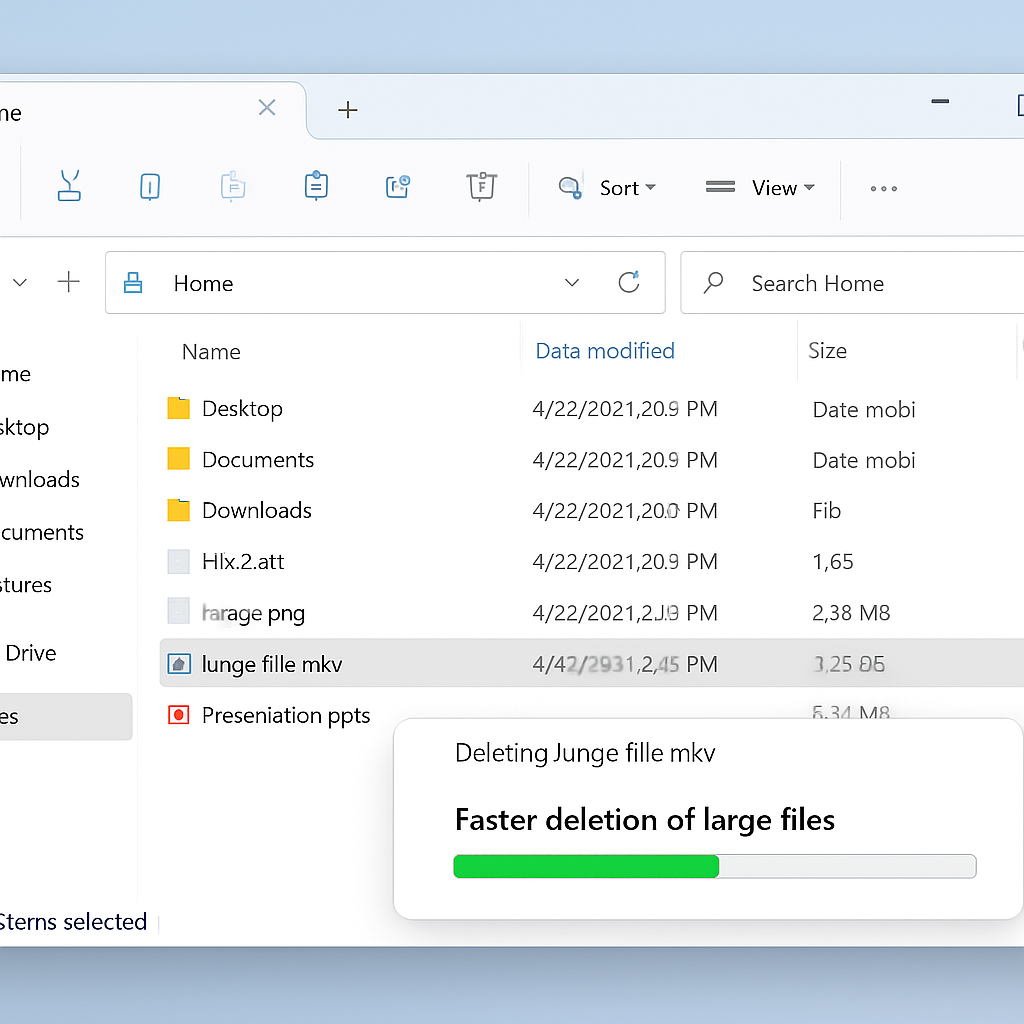
Microsoft has introduced a significant performance enhancement in Windows 11’s File Explorer, specifically targeting the deletion of large, fragmented files. This update addresses a longstanding issue where users experienced delays when attempting to delete sizable files, particularly those that are fragmented across storage media.
In the latest Windows 11 Insider Experimental Preview Build 26300.8935, released on July 20, File Explorer now processes the deletion of large, fragmented files more efficiently. This improvement is especially noticeable on drives nearing full capacity, where file fragmentation is more prevalent. Users handling large video files, virtual disk images, or extensive databases will benefit from faster deletion times, enhancing overall system responsiveness.
Understanding the Performance Bottleneck
File fragmentation occurs when a file is divided into multiple segments scattered across a storage device, rather than being stored in contiguous blocks. This fragmentation can significantly slow down file operations, including deletion. On traditional hard drives, each fragment requires a separate read/write operation, leading to increased mechanical movements and slower performance. Even on solid-state drives (SSDs), which lack moving parts, the system must still process each fragment individually, resulting in delays.
Microsoft’s update optimizes the file system’s handling of these fragmented files, streamlining the deletion process and reducing the time required to remove large files from the system.
Additional Enhancements in File Explorer
Beyond improving file deletion speeds, the latest build introduces several other enhancements to File Explorer:
- Faster Home Launch Times: Users will experience reduced latency when opening the File Explorer Home tab, leading to a more responsive interface.
- Touch Scrolling Support: The ‘Recommended’ section on the Home tab now supports touch scrolling, improving navigation for users with touch-enabled devices.
These updates are part of Microsoft’s ongoing efforts to refine the user experience in Windows 11, addressing both performance and usability concerns.
Implications for Users and IT Administrators
For IT administrators and power users who frequently manage large files, these performance improvements can lead to more efficient workflows and reduced downtime during file operations. The enhancements also contribute to a more seamless user experience, aligning with Microsoft’s broader initiative to optimize Windows 11’s performance and reliability.
Currently, these updates are available to users in the Windows Insider Preview channel. Microsoft is monitoring user feedback and system telemetry to ensure stability before rolling out these improvements to the general public. Mainstream Windows 11 users can anticipate these enhancements in upcoming cumulative updates once validation is complete.
By addressing core performance issues in File Explorer, Microsoft demonstrates its commitment to refining Windows 11, focusing on both functionality and user satisfaction. These developments are a positive step toward resolving longstanding challenges associated with file management in the operating system.