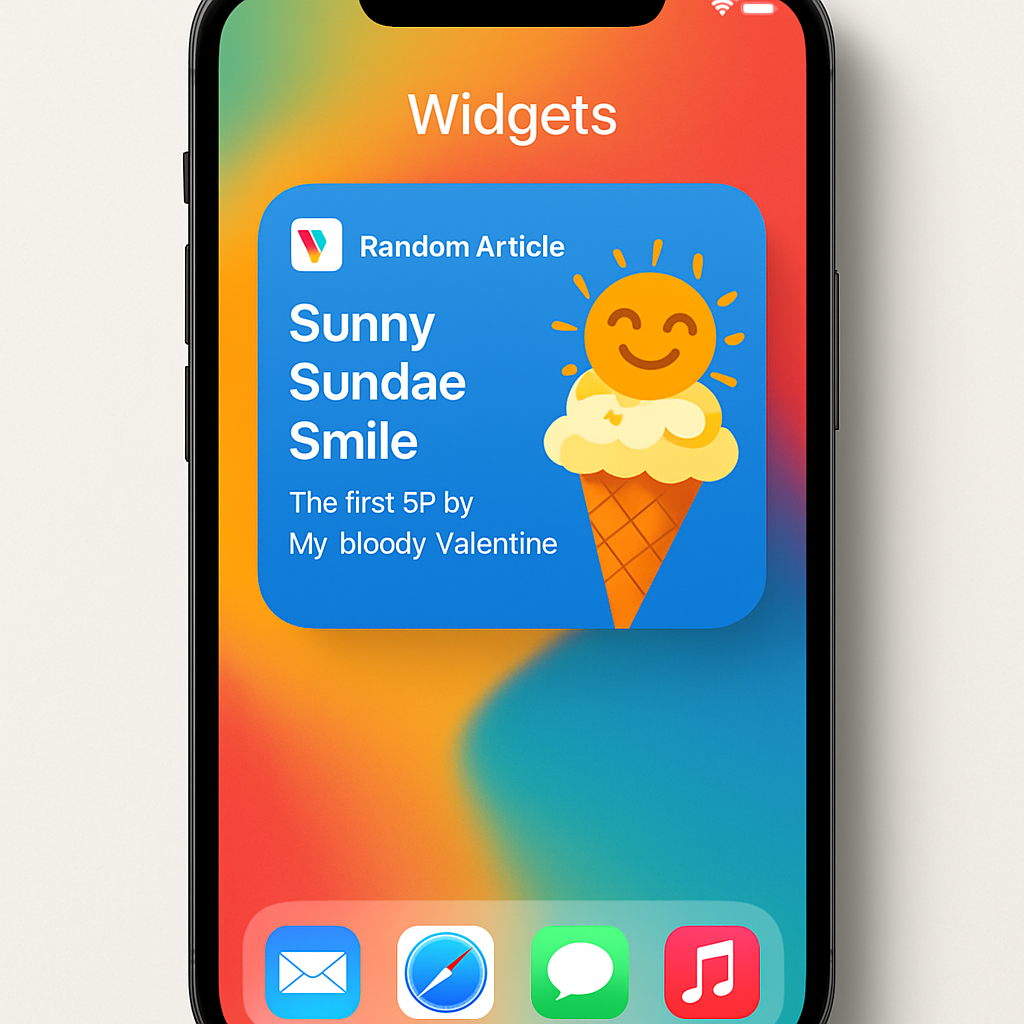
Wikipedia has enhanced its iOS application by introducing a new widget that allows users to access random articles directly from their Home Screen. This feature is available in two sizes—small and medium—and includes a distinctive mascot icon.
Upon tapping the widget, users are taken to a randomly selected Wikipedia article and enter ‘randomizer mode.’ Within this mode, a virtual dice button enables continuous exploration of random articles without needing to return to the Home Screen.
To add this widget, users should ensure their Wikipedia app is updated to the latest version. Then, by long-pressing on the Home Screen and selecting the ‘+’ icon, they can search for ‘Wikipedia’ in the widget gallery and choose the desired size for the random article widget.
This addition complements Wikipedia’s existing suite of widgets, which include ‘Picture of the Day,’ ‘On This Day,’ ‘Top Read,’ and ‘Featured Article.’ These widgets provide users with diverse content directly on their Home Screen, enhancing the browsing experience.
Since the introduction of Home Screen widgets in iOS 14, developers have been leveraging this feature to offer users more interactive and personalized experiences. Wikipedia’s new random article widget exemplifies this trend, providing an engaging way to discover content. As widgets continue to evolve, users can anticipate more innovative features that integrate seamlessly into their daily routines.