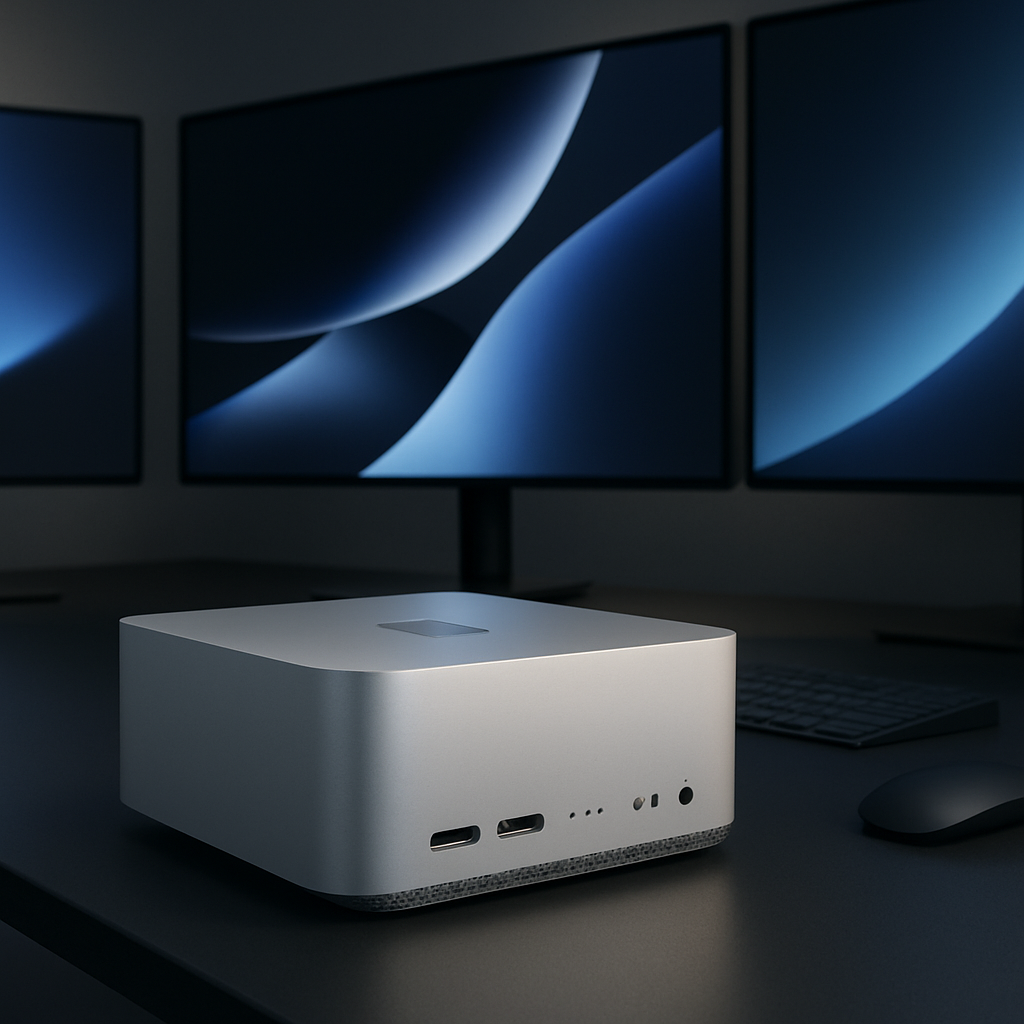
Apple’s 2026 Mac Studio lineup lands with two chip options: M5 Max and the powerful but price-heavy M5 Ultra. While the Ultra grabs headlines, for nearly all desk setups the M5 Max delivers outstanding value—with nearly all the performance most professionals need, just without breaking the budget.
Specification upgrades, inside and out
The M5 Max Mac Studio reviewed starts with 36 GB of unified memory, an 18-core CPU (6 “super” high-performance cores and 12 performance cores), and a 32-core GPU. There are options to upgrade: a 40-core GPU in the Max, or going all the way up to Ultra for even more power. Memory bandwidth rises from 460 GB/s in base setups up to 614 GB/s in higher-end configurations. Storage uses a PCIe Gen 6 SSD—1 TB in the review unit, with options ranging from 512 GB to 8 TB under Max, and up to 16 TB with Ultra. External connectivity includes four Thunderbolt 5 ports, USB-A, HDMI 2.1, 10-Gb Ethernet, Wi-Fi 7, Bluetooth 6, and Thread support. Display support stretches to five external panels, with combinations like four 6K or 4K displays plus a fifth 5K, or even two 8K panels in certain setups. Physical design remains unchanged: a solid aluminum cube, 7.7 inches square by 3.7 inches tall, weighing six pounds, with the same aggressive rear venting and forward-facing front ports.
Performance that gets real work done
Benchmarking reveals where the M5 Max Mac Studio shines: single-core CPU performance is significantly ahead of prior models, matching or beating older Ultra versions in several tests. Multi-core CPU scores are also strong, though higher-core Ultra variants still pull ahead by core count. GPU benchmarks (Metal) show similar trends: the Max beats previous base Ultra GPU counts, though the very top Ultra model still carries that crown.
In real-world workflows—scientific simulations, complex fluid dynamics, chemical reaction modeling, image processing—M5 Max posts large gains over earlier Max and Ultra Macs. Some tasks take half the time of M3 Ultra or M4 Max equivalents. Compile times in Xcode drop below one minute. These aren’t just numbers—they translate into saved hours, especially for developers and creators who rely on consistent high throughput.
Where the Ultra may still matter
If your work demands extreme memory (for instance, massive data sets or neural network training), or require pushing five or more ultra-high-resolution displays, the Ultra might still be justified. But for many creative professionals—photographers, editors, designers—and general power users, the M5 Max offers >90% of the usable performance for a significantly lower cost.
Pros, cons, and the buying threshold
Pros:
- Excellent pro-level computational and GPU performance in a compact form
- Very fast PCIe Gen 6 storage (especially with 1 TB and up)
- Advanced connectivity with Thunderbolt 5, 10-Gb Ethernet, Wi-Fi 7
- Retains display versatility and port layout of prior Mac Studio models
- Remarkably quiet under load
Cons:
- Front USB-C ports are capped at 10 Gbps, not Thunderbolt in Max models
- Starting price is $2,499 before upgrades
- Exterior design hasn’t changed since 2022—same box, same layout
Final take
The M5 Max Mac Studio, available now, delivers what professionals have been asking for: high-end Mac power without the Ultra-level premium. Starting at $2,499 for a 512 GB build, the review unit (1 TB, 36 GB RAM) positions itself firmly in the sweet spot of price vs performance. Ultra starts at $5,499—more than double—and won’t ship until 2027.
For users with demanding workflows but without excessive memory needs or monstrous display setups, the M5 Max Mac Studio is the smart, future-proof pick. Only the most specialized use cases truly justify going Ultra.
Why this matters: As Apple pushes deeper into AI and machine learning, its chip innovations show up most effectively in the M5 Max—especially with Neural Accelerators built into each GPU core. This design shift means Max brings a new efficiency to AI and graphics tasks, representing a turning point for what “standard-pro” Macs can do. What to watch: how the Ultra model performs once available, and whether the Max’s enhancements trickle down into smaller, more portable Macs.