Apple has recently emphasized the importance of keeping older hardware up to date by rolling out security-focused updates and backports aimed at devices that can no longer run the newest operating systems. In a recent discussion with Jamf, Apple’s most recent security work highlights both the risks facing legacy hardware and the tools available to maintain safety without upgrading OS versions.
Updates That Don’t Require OS Upgrades
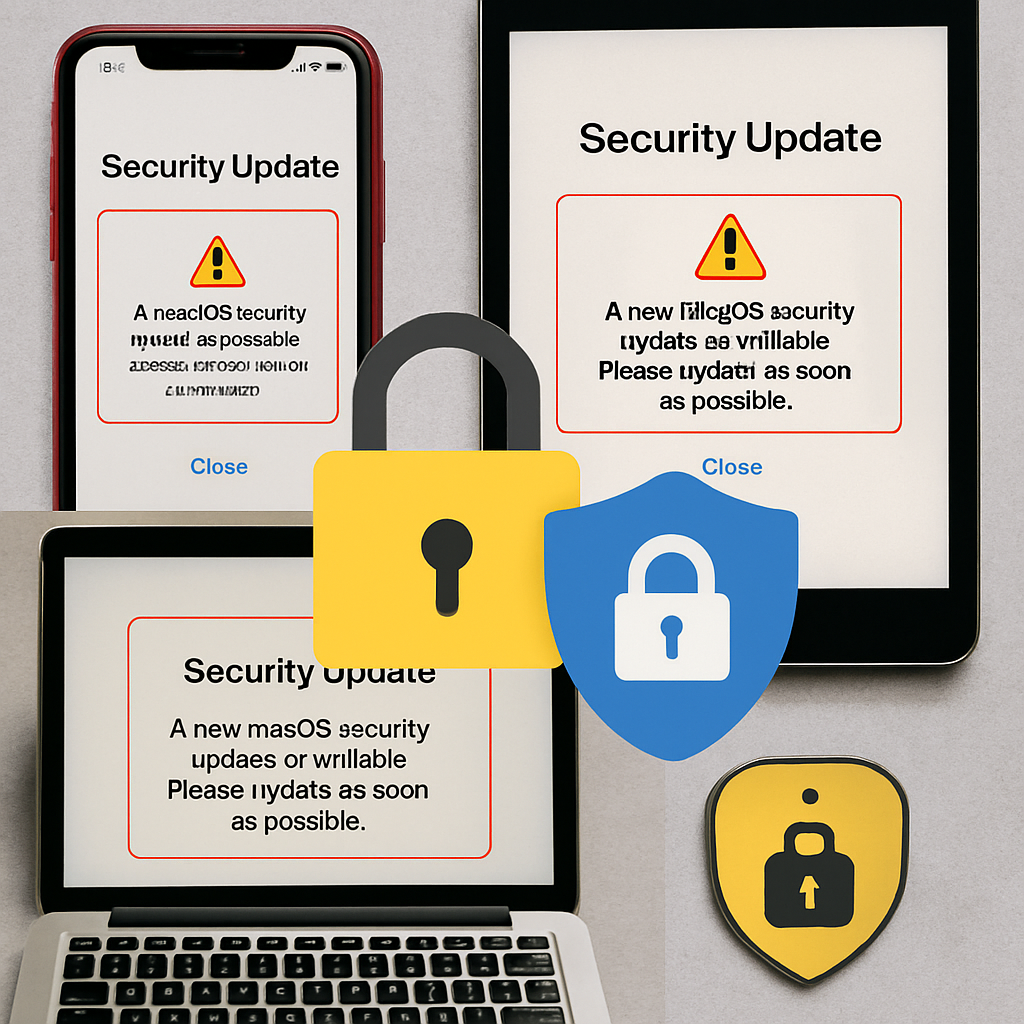
Many Apple devices running older versions of iOS, iPadOS, or macOS are now receiving what Apple calls Background Security Improvements (BSI). These silent patches apply without changing the OS version, as long as the device is already on an eligible point release. They address vulnerabilities tied to WebKit, Wi-Fi, kernel, and sandbox exploits—issues that could allow attackers remote access or privilege escalation on unpatched devices.
For end users and organizations alike, these updates are a critical safety net. Devices that can’t upgrade to the latest major OS can still receive essential fixes to stay defensible against newly discovered threats.
Enterprise Tools for Enforcing Security
Jamf is encouraging enterprise IT teams to proactively manage these updates using tools like Declarative Device Management (DDM) and Blueprints. IT admins can create policies—or “Smart Groups”—tailored to devices running specific eligible OS versions to ensure BSIs are delivered automatically and promptly. These tools are especially relevant for large fleets, where manually tracking which devices need what patch is impractical.
Risks of Delay and the Value of Support
Older branches of Apple software often lag behind not by choice, but by design: when only critical or high-impact vulnerabilities are backported. Not all flaws discovered in current OS versions make it back into legacy branches, meaning delays or skipped updates can leave serious gaps. Researchers analyzing past mobile device vulnerabilities found that unpatched zero-day bugs can expose legacy devices to severe threats like remote code execution or arbitrary memory access.
Which Devices Are Still Covered?
Apple continues support across several legacy device lines. For example, devices that can’t move to iOS 27 or macOS Golden Gate may still receive BSIs if they are running an eligible version such as iOS 26.7.1 or macOS Tahoe 26.7.1. This means devices like certain older iPhones, iPads, and Macs still have potential to be protected—even if latest OS upgrades are out of reach. Users of seriously old hardware (for instance, devices stuck on iOS 15 or earlier) are already getting minimal updates, often limited to keeping services like iMessage, FaceTime, or Apple ID operational.
For enterprise users, using Jamf’s management solutions helps: leveraging DDM makes it easier to schedule, deploy, and enforce BSIs, while also helping ensure devices are running minimum safe OS versions. Enterprises that lag here risk having gaps that attackers can exploit rapidly.
Why this matters: many users and organizations treat major OS upgrades as optional—but security is seldom optional. These latest updates reinforce that Apple’s security model depends not only on upgrading devices to the newest OS, but on patching old ones too. What to watch for: whether Apple expands BSI eligibility to even older versions, and how support for aging hardware evolves. For anybody managing Apple gear—consumer or enterprise—keeping tabs on both OS versions and available background security patches is now essential.