Apple’s entry into touchscreen Macs marks a major shift in design philosophy. In 2010, Steve Jobs dismissed vertical touch interfaces for Macs as “ergonomically terrible,” insisting trackpads and keyboards were the future. Now, with a touchscreen Mac on the horizon, Apple seems to have landed on an approach that balances innovation with its longstanding design principles. This change of course suggests Apple isn’t throwing out its past — it’s building on it.
A Thought-out Evolution, Not a Rush
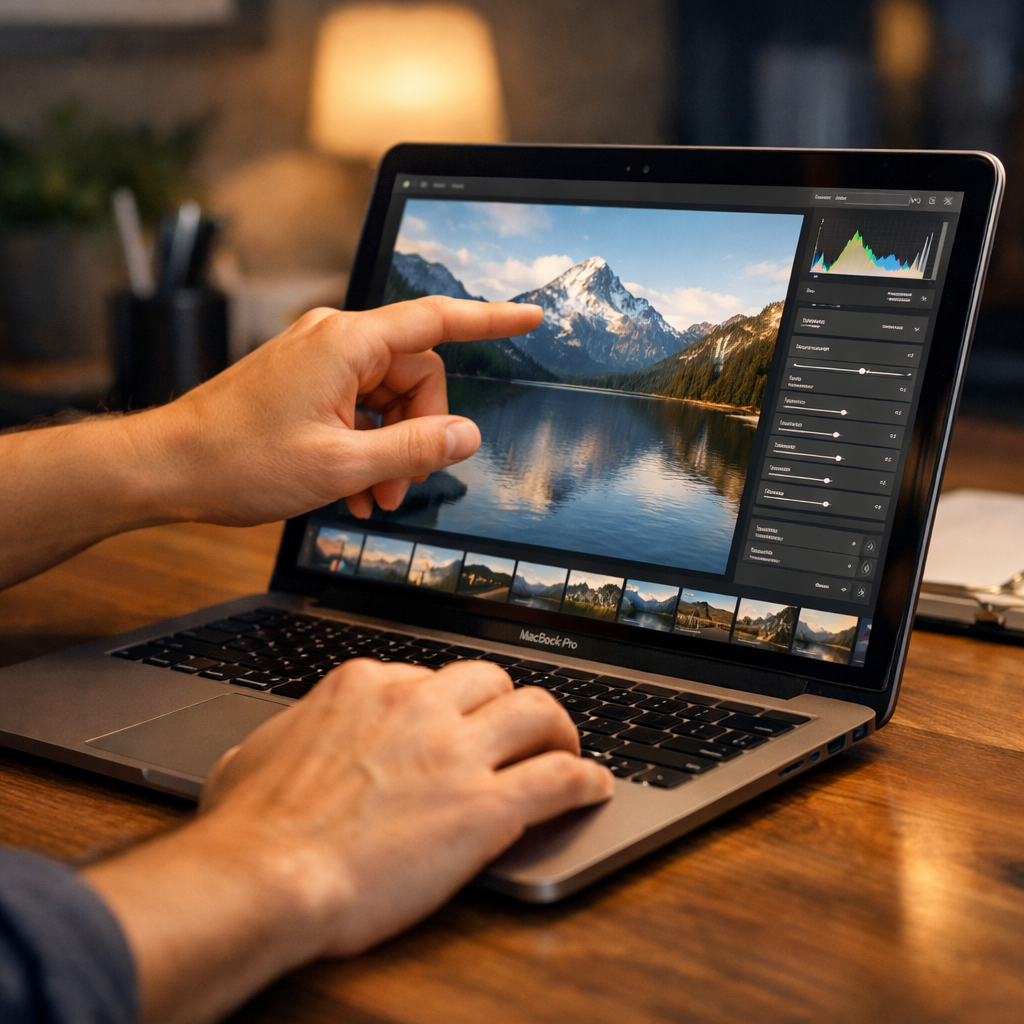
Apple’s current leadership acknowledges the misgivings about touchscreens on Macs decades ago, but argues today’s tech and user behaviors have evolved. The new touchscreen is meant to be a secondary input — useful for specific tasks but not replacing the trackpad and keyboard. In keeping with that, the interface hasn’t been redesigned with oversized, cartoonish elements; precision and control remain intact. Apple isn’t positioning touch as the headline feature, even as it integrates touch responsiveness into desktop workflows.
User Experience Matches Apple’s History
Longtime Mac users are unlikely to be immediately converted to touch control. In hands-on tests combinations like Magic Keyboard plus trackpad continue to dominate usage for clicking, dragging, and precise control. Touch comes in only during less frequent, broader gestures like long scrolling or occasional taps. Meanwhile, users who once preferred touch-heavy setups (such as iPads with keyboards) find trackpads still deliver what they need most. The bottom line: the workflow rooted in decades of experience still holds its ground.
This isn’t just about preference. Apple is responding to generational expectations. For people who grew up using touchscreens on phones, tablets, and even hybrid laptops, a device without touch can feel incomplete. But so far, Apple’s answer is a hybrid: offer touch for natural interaction without upsetting the precise, layered aesthetics and workflows Mac users expect.
Despite this shift, some users remain unconvinced. For a few, touch feels like a convenience, not a necessity — handy for quick navigation but not for daily work. Even early users who spent time with touchscreen-capable setups usually default back to trackpads. That suggests Apple’s decision to treat touch as optional, supplemental, and supportive — rather than foundational — is the right move.
Ultimately, Apple appears to have found balance. It’s embracing touch to meet modern expectations while respecting the legacy of its devices — precision, trackpad dominance, visuals built for non-touch control. Whether this becomes a defining trait of future Macs depends on how users adopt it, and whether Apple will continue refining where touch fits into the Mac ecosystem.
What this means: Apple is clearly leaning into a future where touch is part of the Mac’s toolkit — but not its identity. For developers, designers, and power users, this signals a time of incremental change. Watch how Apple handles accessibility, app adaptation, and long-term workflows — those will indicate whether touch becomes a feature people care about, not just notice.